0

How do I solve this?

preview

So my iPad needs approximately 30GB for system internal data in order to work. At the same time the native photos app remains over 10GB of data on the device, despite having a 2TB apple plus plan (where at the moment only 1/3 is used).

Is this some sort of bug on 26.7.2? How do I free space?

So my iPad needs approximately 30GB for system internal data in order to work. At the same time the native photos app remains over 10GB of data on the device, despite having a 2TB apple plus plan (where at the moment only 1/3 is used).

Is this some sort of bug on 26.7.2? How do I free space?

0

Charging will resume when iPhone returns to normal temperature

preview

Yes, iPadOS 26 dev beta 2. But I suspect this was here in previous versions.

(I’m working on our back porch today and yes it’s fairly warm out with a feels-like temp of 99. But in the shade it’s decent)

Yes, iPadOS 26 dev beta 2. But I suspect this was here in previous versions.

(I’m working on our back porch today and yes it’s fairly warm out with a feels-like temp of 99. But in the shade it’s decent)

0

Razer Kishi V3 Pro XL: finally a cinch controller that fits a tablet

The Verge Razer’s new mobile controller can stretch wide enough to fit an iPad Pro www.theverge.com
preview

I was waiting for something like this - but will probably wait longer still because of the atrocious price!

I was waiting for something like this - but will probably wait longer still because of the atrocious price!

0

Ars Technica - Apple’s Craig Federighi on the long road to the iPad’s Mac-like multitasking

Ars Technica Apple’s Craig Federighi on the long road to the iPad’s Mac-like multitasking arstechnica.com
preview

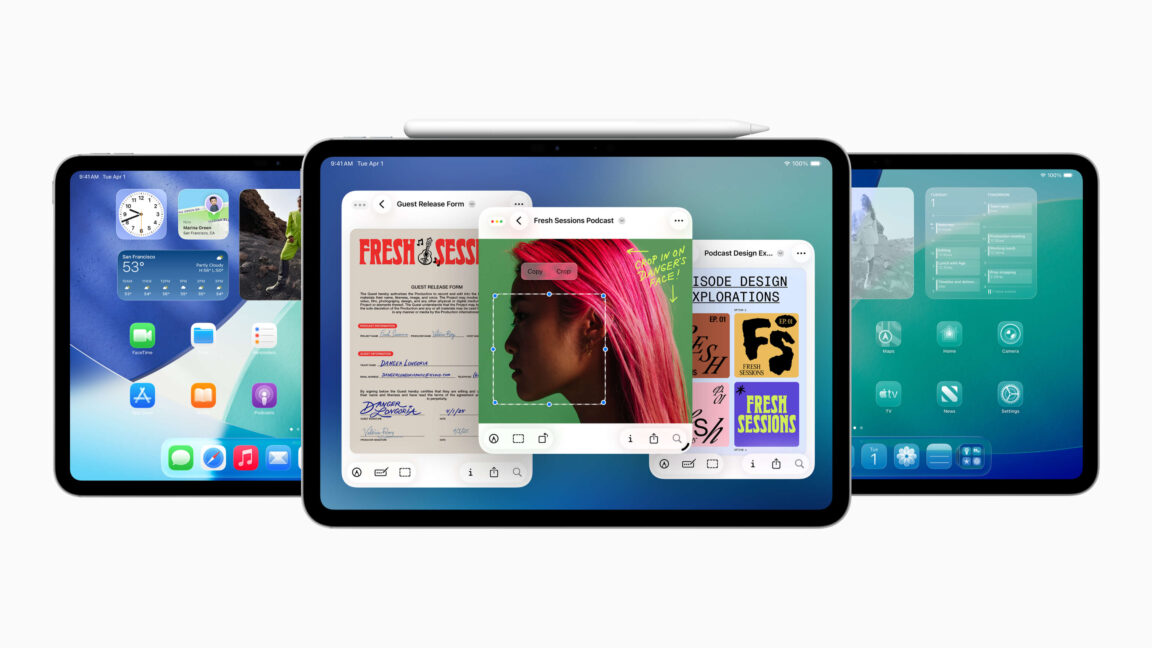
Nice interview. As an iPad main, I remain cautiously optimistic about the new multitasking and windowing features in general, although it looks like Slide Over is functionally gone. This does not spark joy.

I don’t have the beta yet, but I’ve checked with a bunch of people who do. It seems that, because the windowing UI works much more like a Mac, there is no functionality to keep an app off to the side and easily swipe it back and away. If this is true, I am really going to miss Slide Over.

Split View is functionally there, which I also use extensively so that makes me happy. I get the iPad has limitations for some people who want to work on it the way they do on a Mac. But part of what I like about the iPad is its simplicity—I don’t have to fiddle with dragging window corners around all day. Open an app, drop a second app next to it. Done. It’s beautiful.

Sure, I’ll submit feedback to Apple to bring back Slide Over. But if it is truly dead, I’m gonna learn how to become a witch so I can place a curse on all the houses of the “just make the iPad a Mac” people.

0

What keeps you from going ipadOS only?

preview

So I am sitting here in front of an MacBook Pro and an iPad Pro and I was wondering what keeps me from going iPadOS only.

I have my thoughts but I’d like to hear yours at first ;-)

So I am sitting here in front of an MacBook Pro and an iPad Pro and I was wondering what keeps me from going iPadOS only.

I have my thoughts but I’d like to hear yours at first ;-)

0

Newbie looking to become power user

preview

I’m an iPadOS newbie looking to become a power user. Any recommendations for getting a terminal up and running? I main Fedora on my Thinkpad so ssh and such are on the table.

I’m an iPadOS newbie looking to become a power user. Any recommendations for getting a terminal up and running? I main Fedora on my Thinkpad so ssh and such are on the table.

0

iPad photo editing apps without subscription

preview

Hullo together! I finally got to order my first iPad (Pro 11")! I’m a long time MacBook and iPhone user and do a little photography now and then. On the Mac, I use Olympus OM Workspace to import and decode the RAW files. They go as TIFF files in Affinity Photo for the actual editing - I find the ORF engine in Affinity much worse than the “official” Olympus one.

Affinity Photo for iPad is a thing, but:

  • importing directly could mean use an inferior RAW engine (I don’t think Olympus has native iPad software for that - can the iPad even handle ORF files?)
  • The V2 release was really lukewarm and I still use the V1 on my Mac. I am a bit skeptical of the software house in the long run, but I’d love to be proven wrong!

Now, do you have suggestions on how to handle an editing routine on iPad and which software to use, ideally without subscription costs?

The edited and finished photos are usually saved in Files and imported in Apple Photos for iCloud storage.

Thanks in advance!

0

Inherited a locked ipad

preview

A couple years ago my mom passed away, and as we were going through her things I ended up with her iPad. I have never used it since I have my own, but today I saw it sitting there and figured I’d see what’s on it. But it’s pass coded. My sibling are trying to help me figure out the code, but so far no luck. Any ideas?

A couple years ago my mom passed away, and as we were going through her things I ended up with her iPad. I have never used it since I have my own, but today I saw it sitting there and figured I’d see what’s on it. But it’s pass coded. My sibling are trying to help me figure out the code, but so far no luck. Any ideas?

0

[Release] Netflix Game Controller App

App Store Netflix Game Controller‑App – App Store apps.apple.com
preview

cross-posted from: lemmy.world/post/2854117

Netflix Releases Game Controller App for Upcoming “Netflix Games on TV” Feature

toucharcade.com/…/netflix-releases-game-controlle…

cross-posted from: lemmy.world/post/2854117

Netflix Releases Game Controller App for Upcoming “Netflix Games on TV” Feature

toucharcade.com/…/netflix-releases-game-controlle…

0

Hand writing app with text recognition and To Do List generator

preview

Dear iPad community,

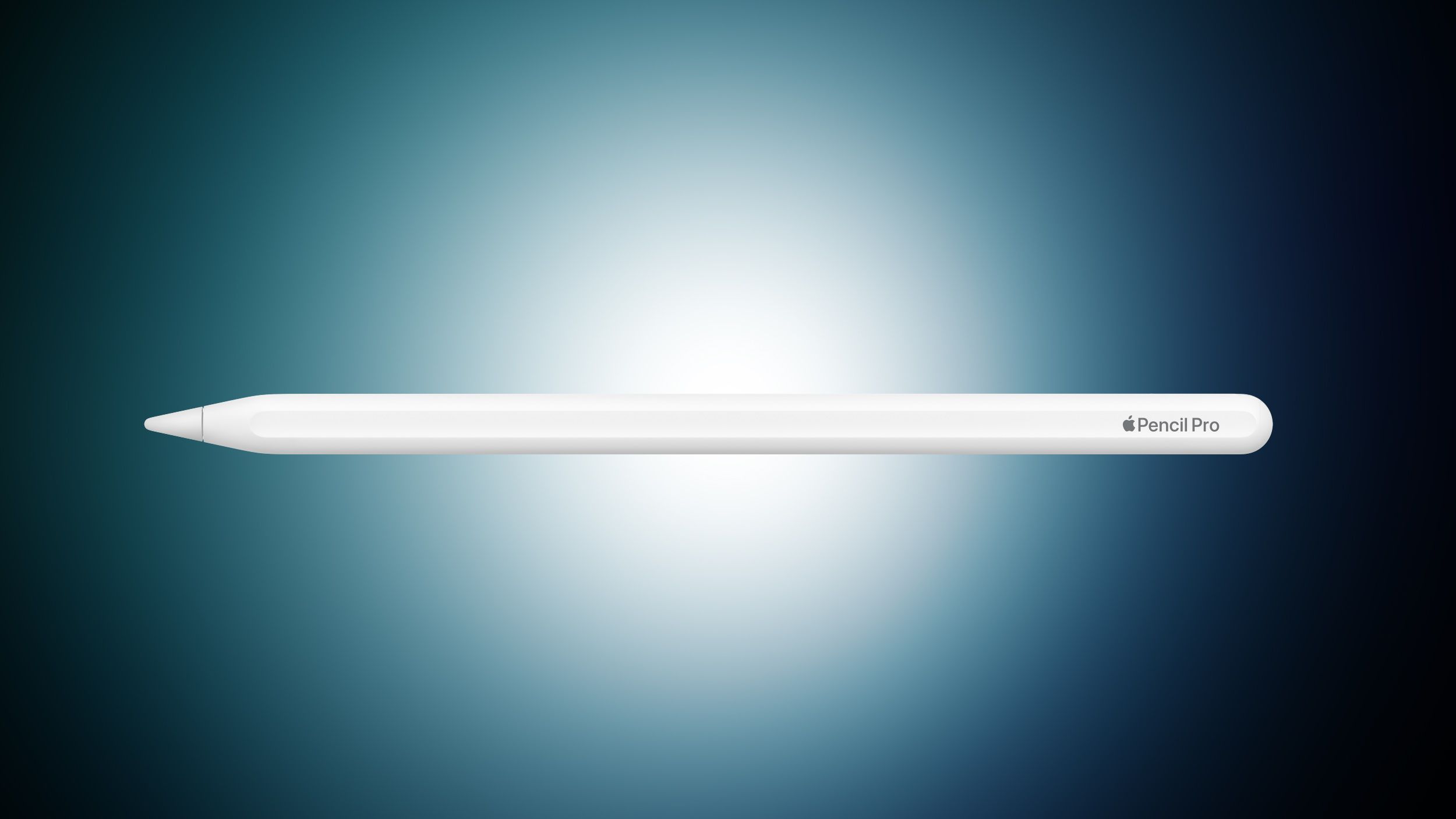
I recently got an iPad and an apple Pencil to digitalize and better organize my handwritten notes. For the moment I am using OneNote, but I miss there the option to recognize my handwritten notes, it does have a “Text Stylus” but this converts then my handwritten notes in to a computer font, I am looking for an app which leaves the text as is and does the recognition in the background. On my search I found Obsidian with the excalidraw Plugin, but also this has this kind of behaviour and is less straight forward to start with (but offers great Taks List support). Which leads me then to my second requirement, I’d like to mark in any note some text as a ToDo and get a Summary Page somewhere with all my ToDo’s sorted either by tag or by Notebook where they are stored. Greatest thing would be if I simply could draw a box, and this is then the hint (as “- [ ]” is in Obsidian with the Task plugin) to generate a task.

Do you guys know of any app which can do this? For the ToDo List thing, it would also work for me to export such notes to the Reminder app for example. Thanks for any input.

0

Help me decide on iPad Mini storage size

preview

I’m looking to get an iPad Mini that will primarily be used for reading ebooks through Libby, comics through Comixology and Panels, recipes through Mela, and articles through Goodlinks. I would also probably do a bit of light gaming here and there when a good game is released through Netflix.

Is my use-case light enough for the 64gb storage option? The difference is $200 in Canada, which is not nothing for me. I know the general wisdom is to go for more but I feel like I could swing 64gb since I tend delete things (books, comics, games) when I’m done.

Any thoughts? Anyone happy with 64gb on any iPad?

0

Screen Protector Type Recommendations

preview

TL;DR: Should I continue with glass or go for matte? (And if matte, any suggestions?)

I’m thinking of using my iPad more regularly for note-taking. Currently it’s equipped with a glass screen protector, but when it wears out I’m thinking of experimenting with matte as I’ve heard the added fricition helps a bit with control over the Pencil.

I’ve definitely seen the Paperlike ads before, but so many of the YouTube reviews are sponsored, so I don’t trust them. I’m slightly worried that the matte protectors will wear out my tips faster, but this isn’t too much of an issue for me. Any suggestions?

0

Welcome to the iPad community on LW!

preview

Let’s make this the place for all news and questions related to Apple’s prized tablet, the iPad.

Please, let’s be considerate of all devices and people’s choices, and do not belittle anyone in discussions here. Let’s just have fun and share information that could help everyone.

Let’s make this the place for all news and questions related to Apple’s prized tablet, the iPad.

Please, let’s be considerate of all devices and people’s choices, and do not belittle anyone in discussions here. Let’s just have fun and share information that could help everyone.