preview
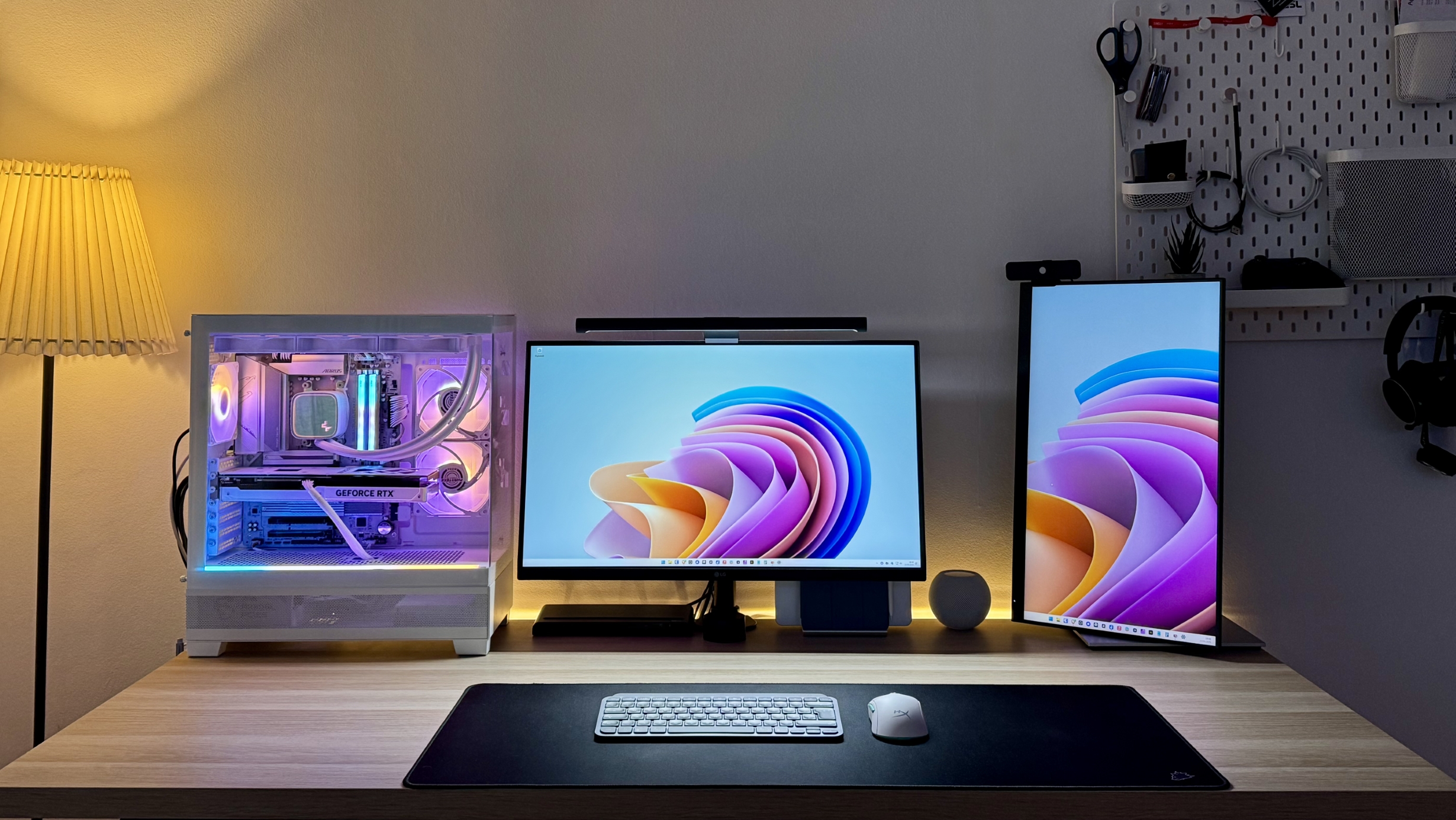
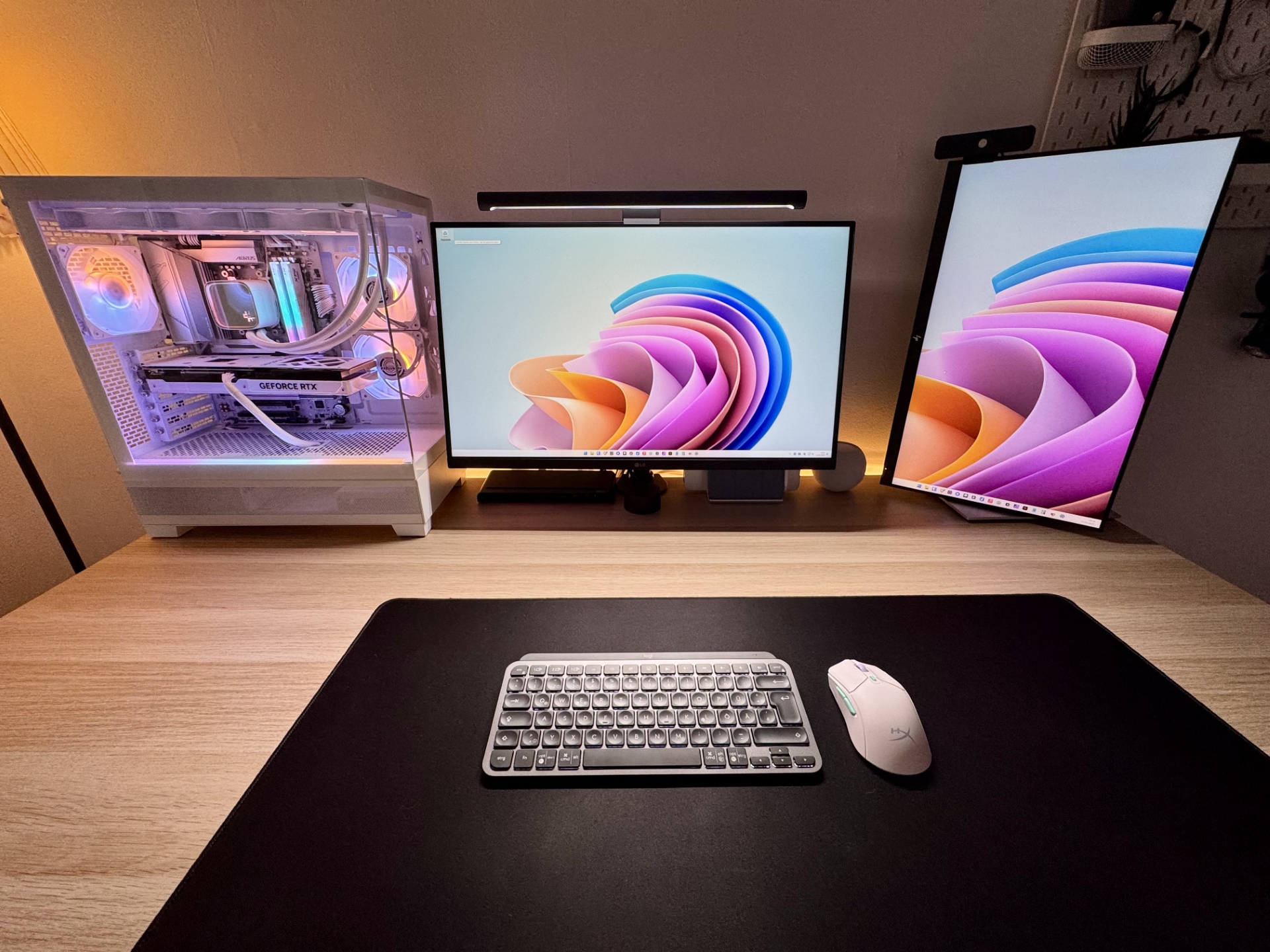
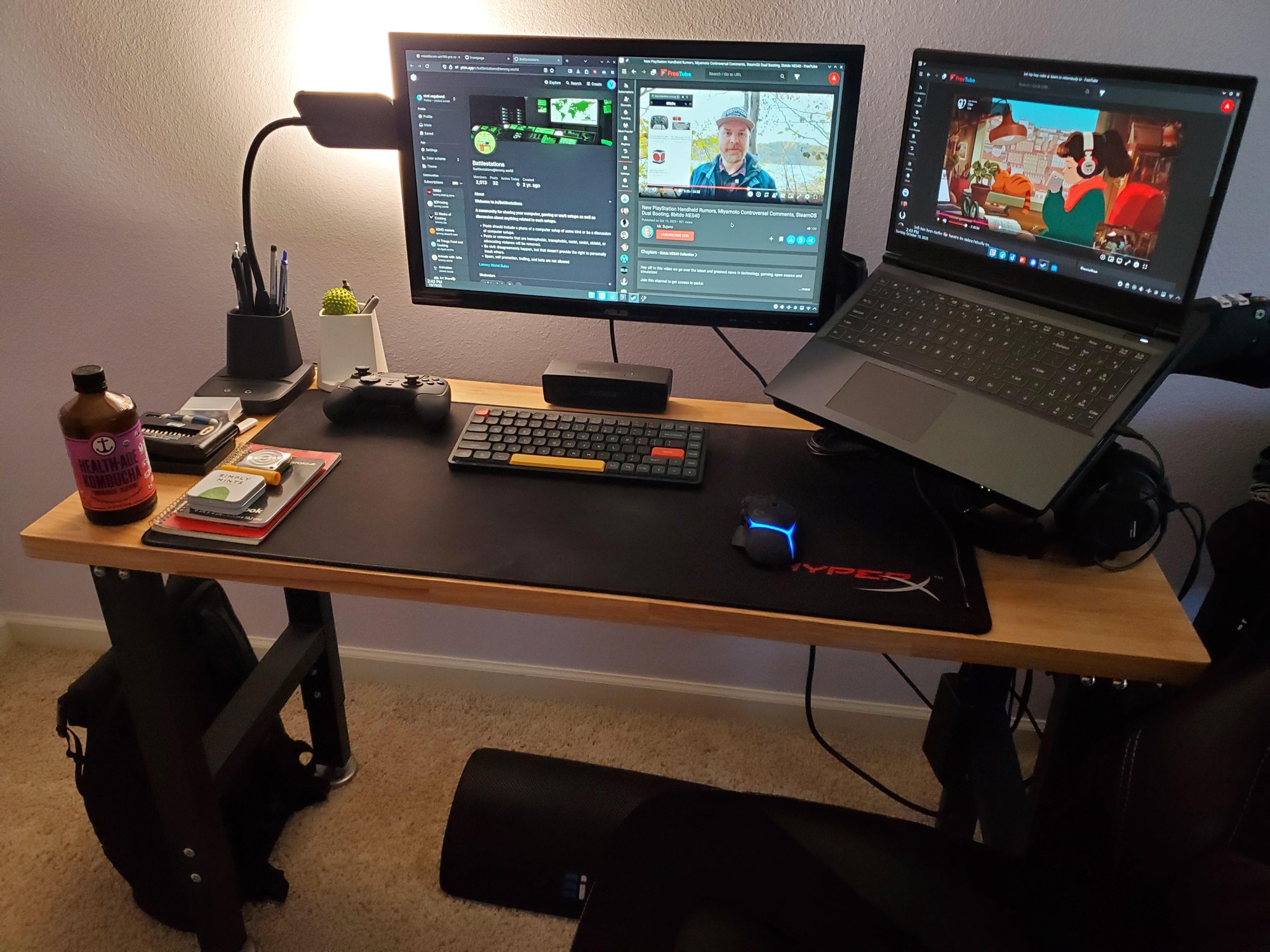
Here is my current setup. My laptop is an incredible gaming device but I’m kind of hung up on the fact that I don’t much enjoy gaming at my desk. I much prefer to game in a lounging position where I can put my feet up. Because of this, I’m considering splitting my priorities for gaming and browsing into separate devices.
I’m thinking that a mini pc might be a good option for my desk setup. I would use it mostly for browsing, some light server needs, and (possibly?) some light modeling/design work using freecad (for 3d printing shenanigans). I’ve been eyeballing the minisforum um790 pro or something similar.
My gaming needs would likely be outsourced to a handheld pc. I’m pretty set on getting a onexfly and loading it up with bazzite. I know they’re expensive, but the form factor and hardware capability really has me sold on this one. I know it would handle everything I wanted to play on it, and more. I’ve even been wondering if it would be a good daily driver with a dock or something and just omit the mini pc idea altogether.
preview
it’s a portable monitor and can’t be mount on generic stand


it’s a portable monitor and can’t be mount on generic stand
preview


Nearly all my furniture I got for free off the street on garbage day or from family. The computer parts however
Nearly all my furniture I got for free off the street on garbage day or from family. The computer parts however
preview
Hopefully this doesnt double-post, I accidentally uploaded the wrong picture before.
Hopefully this doesnt double-post, I accidentally uploaded the wrong picture before.
preview
I’ve got a lot of devices that need to plug into an outlet at my desk. Right now, I have 2 surge protectors completely full.
I wanted to get a smart surge protector to auto turn off/on devices I don’t want left on all the time (ex: speakers, monitor, DAC/AMP, printer). But the smart surge protectors have fewer outlets than my current one.
My question is, how do you manage your outlets when you have a lot of devices that need to be plugged in? I don’t want to have 3 surge protectors plugged into the wall. I’m already drawing a lot of power in my home office with my mini fridge also plugged in (on the opposite side of the room).
I’ve also heard of something called UPS. Would that be better than plugging it into a surge protector?
For those curios, the devices I have are:
- Two monitors
- Speakers
- DAC/AMP
- Router
- Modem
- Printer
- Ethernet Switch
- PiHole
- Solar panel monitor
- NAS
- Landline phone
- Backup external hard drive
preview
I finally upgraded my desk and I want to have appropriately clean cable management. I would need probably 4 of the option shown here, and that’s unnecessarily expensive, so I’m hoping yall have some ideas.
Also, ideally they wouldn’t be out in the open, since I’ve got a nibbly cat.
I finally upgraded my desk and I want to have appropriately clean cable management. I would need probably 4 of the option shown here, and that’s unnecessarily expensive, so I’m hoping yall have some ideas.
Also, ideally they wouldn’t be out in the open, since I’ve got a nibbly cat.
preview
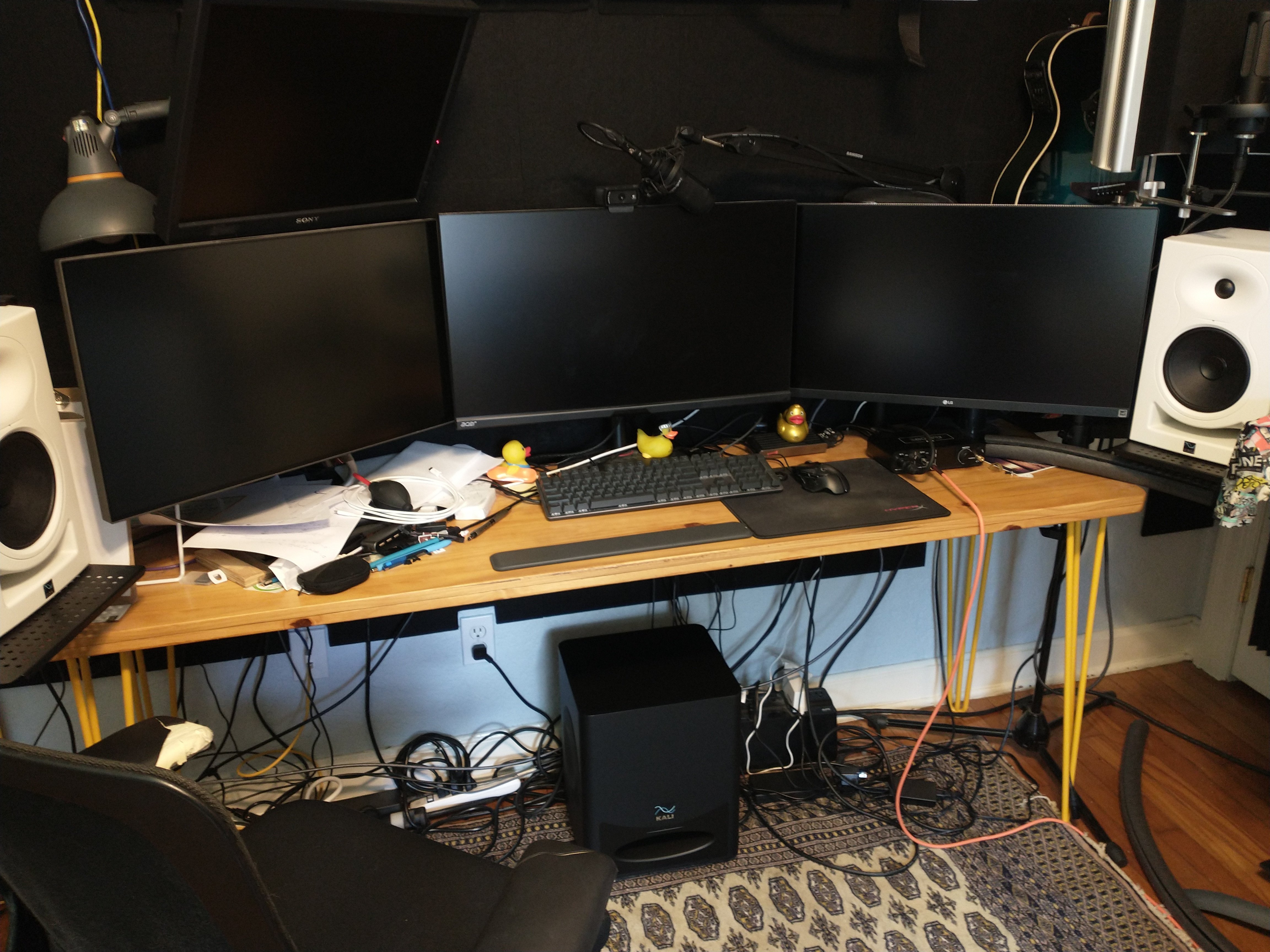
PC: 5900x + 32GB memory + 6800XT + Pop!_OS
Monitors:
- Top left: 1600x1200 from 2006
- Left, right: 4k 60hz
- Middle: 4k 144hz
Desk: Made this myself during COVID :)
Bottom of desk: Not shown for your safety
PC: 5900x + 32GB memory + 6800XT + Pop!_OS
Monitors:
- Top left: 1600x1200 from 2006
- Left, right: 4k 60hz
- Middle: 4k 144hz
Desk: Made this myself during COVID :)
Bottom of desk: Not shown for your safety
preview
I’d like to get a Kvm or hub so I can connect two monitors with displayport, then switch them back and forth between a desktop and a laptop. The desktop only has 1 display port and 2 HDMI ports whereas the laptop only has 2 display ports.
I’d also like to switch my mouse/keyboard between the two machines too. Are there any recommendations that aren’t crazy expensive but are still reliable?
preview
I have a two monitor set up going right now hooked up to a dual display KVM switch. Sadly, a recent power outage has caused some finicky behavior in either my KVM or my secondary monitor, since it comes in and out. Will get around to debugging my setup once I have some time this holiday season, but I was also debating on switching to a single ultrawide monitor setup. I’m a software engineer by trade, and I get the most use out of the second monitor while working. However, when I’m doing literally anything else, the second monitor just tends to be Spotify, discord, or some background video or podcast.
What’s your preference? Anyone switch from one to the other? How do you use your setup?
preview
Monitor: Gigabyte M34WQ
Keyboard: GMMK Pro
Mice: G Pro X Superlight / MX Master 2S
PC: FormD T1 / i5 12600K / RTX 3080FE
Most proud of the refinished butcher block desk that I got at a liquidation sale for $50.
Monitor: Gigabyte M34WQ
Keyboard: GMMK Pro
Mice: G Pro X Superlight / MX Master 2S
PC: FormD T1 / i5 12600K / RTX 3080FE
Most proud of the refinished butcher block desk that I got at a liquidation sale for $50.
preview
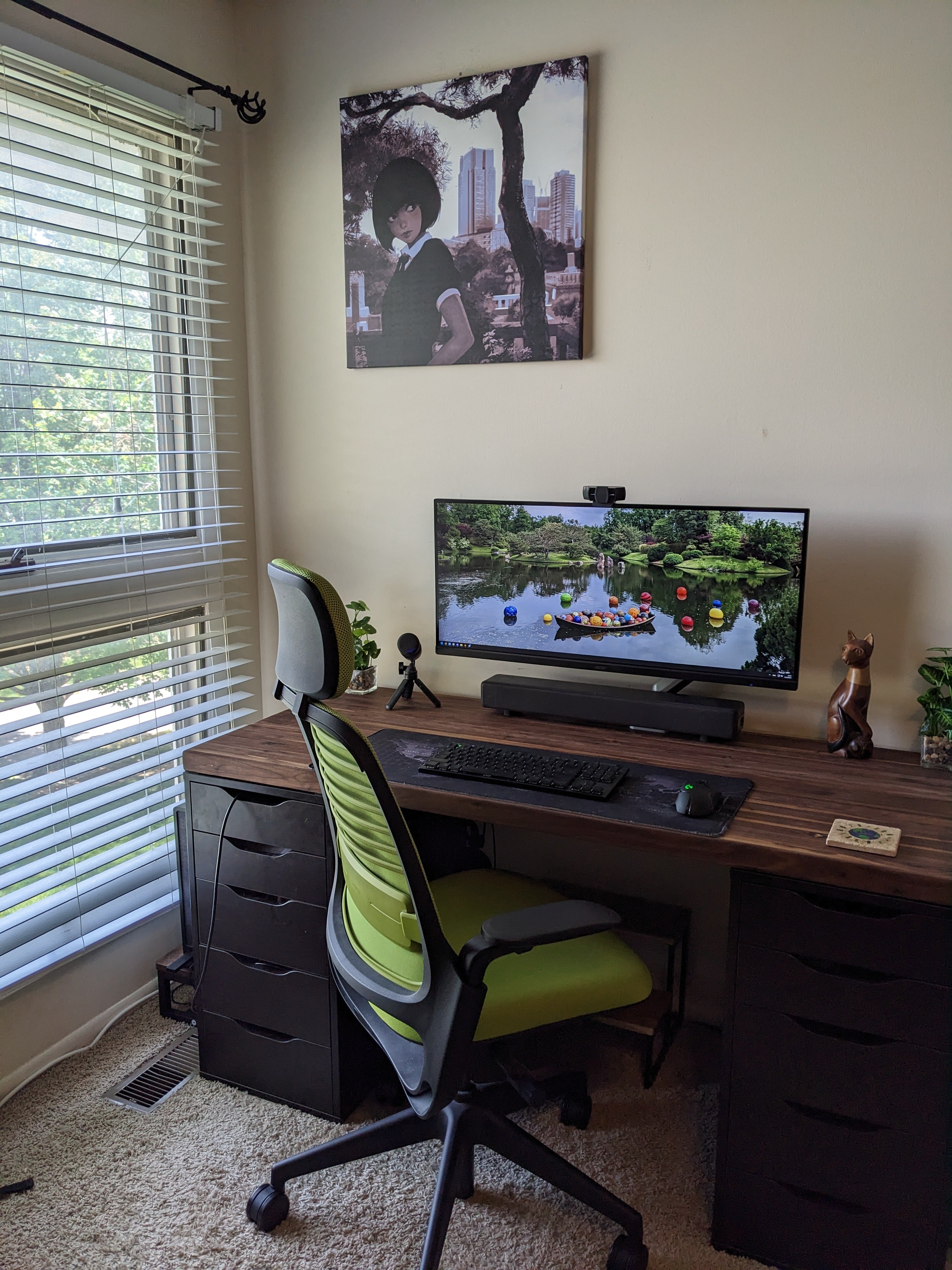
I’m not a huge gamer anymore so I actually reduced my setup from 3 16:9 monitors to a single 21:9 monitor. I find myself more focused on the task I am doing when there isn’t the distraction of so many open windows.
I recently got this new solid walnut tabletop which is much heavier than the old IKEA tabletop I had that could be pushed around.
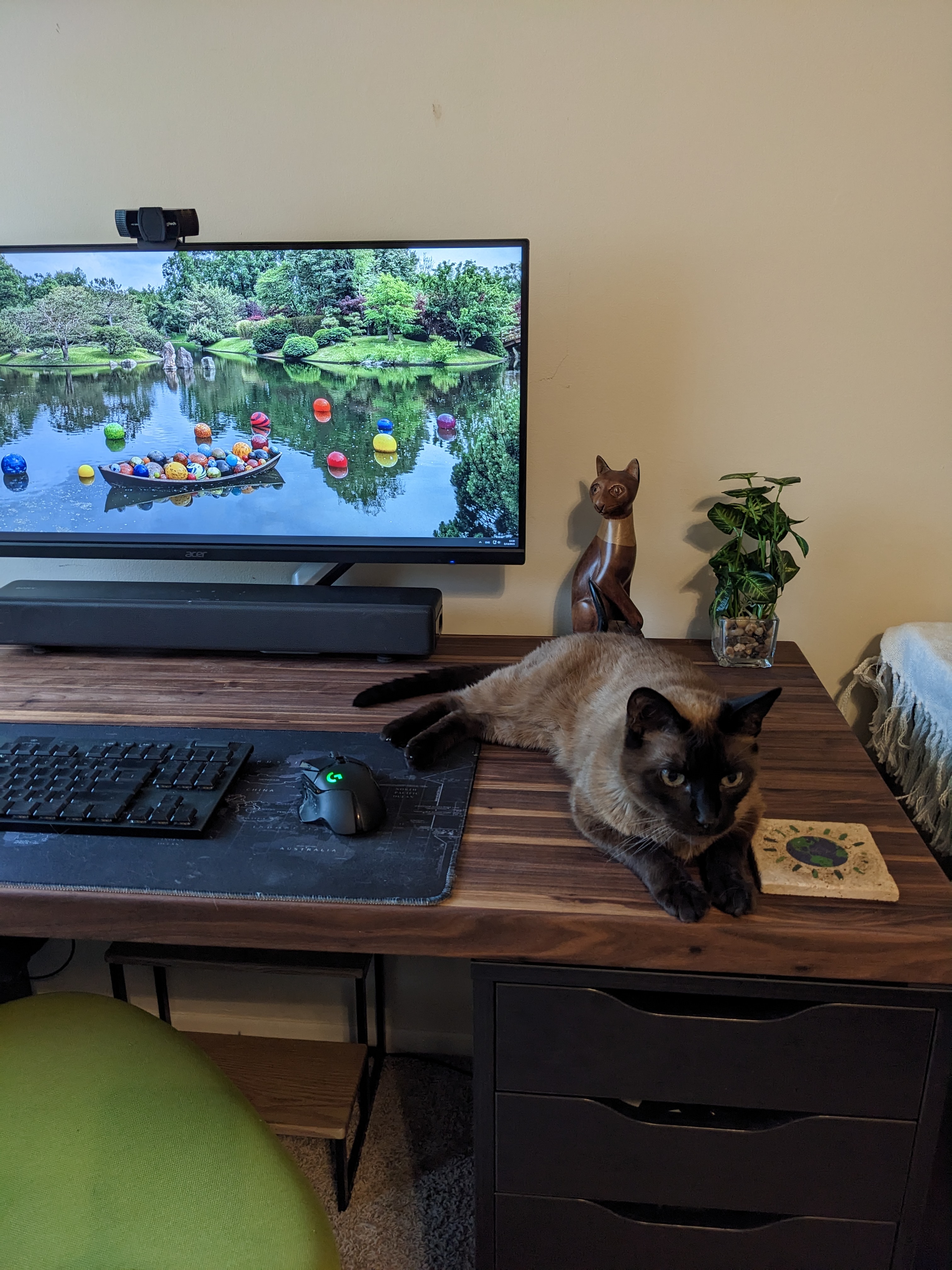
Obligatory cat. 🐈
I’m not a huge gamer anymore so I actually reduced my setup from 3 16:9 monitors to a single 21:9 monitor. I find myself more focused on the task I am doing when there isn’t the distraction of so many open windows.
I recently got this new solid walnut tabletop which is much heavier than the old IKEA tabletop I had that could be pushed around.
Obligatory cat. 🐈