17

Godot 4: Digital rain shader (tutorial)

play · youtube.com
YouTube Godot 4: Digital rain shader (tutorial) www.youtube.com
preview

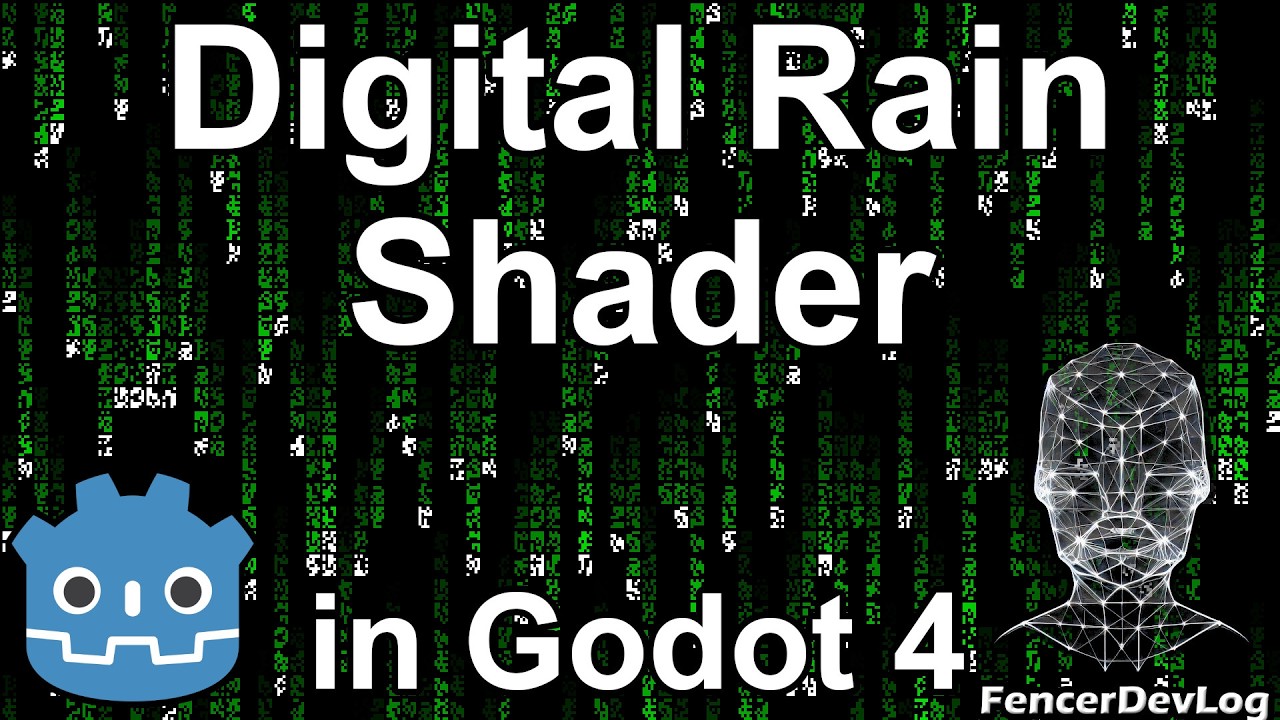
Hello, everyone! The effect we’re going to create as a shader in this video is certainly nothing original. However, I thought it would be nice to have my own implementation in the collection, as such a Matrix-like rain might come in handy for someone. It’s not a particularly difficult algorithm, so let’s put it together.

Hello, everyone! The effect we’re going to create as a shader in this video is certainly nothing original. However, I thought it would be nice to have my own implementation in the collection, as such a Matrix-like rain might come in handy for someone. It’s not a particularly difficult algorithm, so let’s put it together.

15

[Discussion] How do you (unit-)test your shaders?

preview

Hey all! I’ve been thinking about how to best unit-test my shader code, since TDD has been very helpful for me. But I’ve been able to find surprisingly little information. If possible, I’d love to hear from your experiences!

Hey all! I’ve been thinking about how to best unit-test my shader code, since TDD has been very helpful for me. But I’ve been able to find surprisingly little information. If possible, I’d love to hear from your experiences!

13

How to expand a Control object to fill its H/Vbox container in Godot 4

preview

Been struggling with this for too long before discovering this, made this video so you don’t have to.

Tested with Godot 4.8, but this feature has probably been around since 4.0.

My links: https://linktr.ee/mousepotatodoesstuff

Been struggling with this for too long before discovering this, made this video so you don’t have to.

Tested with Godot 4.8, but this feature has probably been around since 4.0.

My links: https://linktr.ee/mousepotatodoesstuff

16

Day/night cycle in Godot 4 (tutorial, part 3)

play · youtube.com
YouTube Day/night cycle in Godot 4 (tutorial, part 3) www.youtube.com
preview

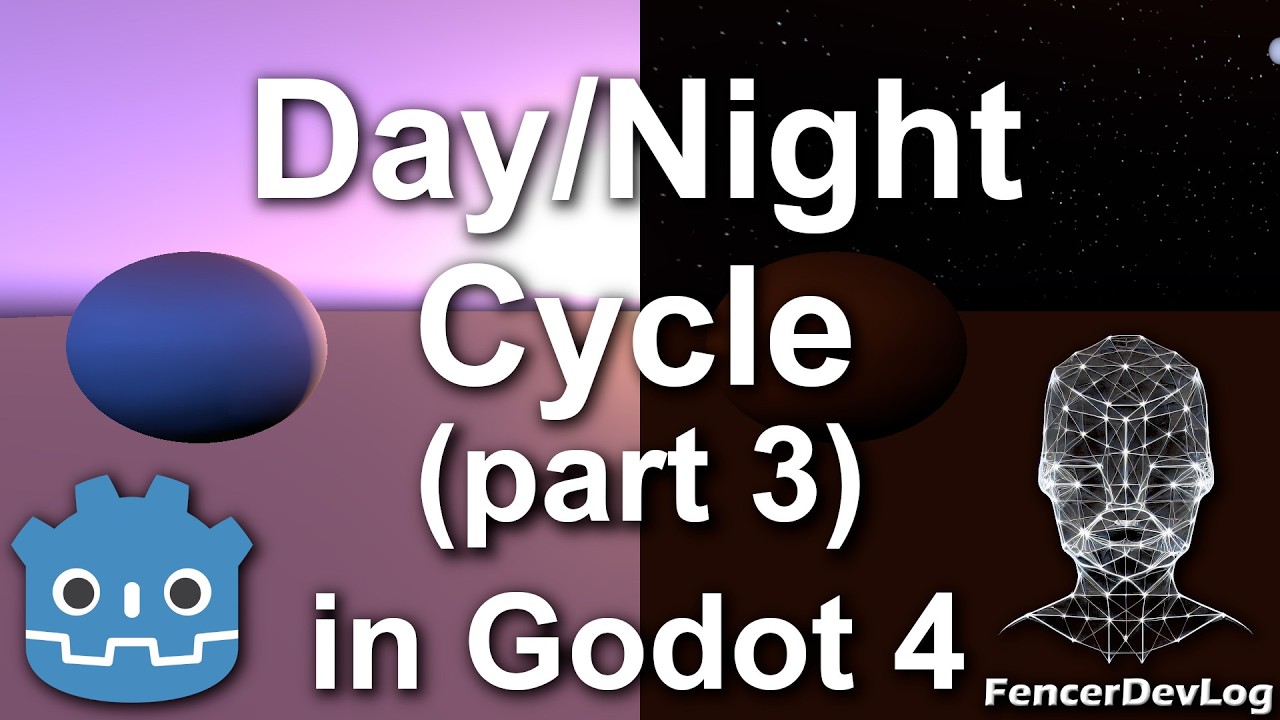
Hello, everyone! This is the third part of our mini-series dedicated to creating a sky shader to simulate day and night in Godot Engine. In the previous two parts, we finished programming the shader, and this time, we’ll look at how we can combine this effect with a real light source to make our scene look more realistic.

Hello, everyone! This is the third part of our mini-series dedicated to creating a sky shader to simulate day and night in Godot Engine. In the previous two parts, we finished programming the shader, and this time, we’ll look at how we can combine this effect with a real light source to make our scene look more realistic.

19

Showcase: Diablo (1996) remade in first person in Godot 4, with its original level generator ported to GDScript

YouTube Diablo3D Trailer www.youtube.com
preview

Hi Godot folks, Danny here from the Diablo 3D team. We’ve rebuilt Tristram and the first Cathedral level of the original Diablo as a first-person game in Godot 4, and the free demo is out.

A few Godot notes:

  • The original level generator is ported to GDScript and outputs a 2D tile grid; a builder turns it into 3D walls, arches and vaulted ceilings at 1 tile = 2 m, so every seed is a new walkable dungeon.
  • All game rules live in JSON tables generated from the original data by a Python pipeline; GDScript only implements the formulas.
  • The UI is laid out in the original 640x480 coordinates and scaled by one factor, which made ultrawide and 4K support almost free.
  • Strict typing (Variant-inference warnings treated as errors) caught a lot of bugs early.

What’s in the demo:

  • Tristram rebuilt in 3D tile for tile from the original town map, with all the townsfolk and their original lines and voices
  • Cathedral level 1, laid out by a port of the original level generator (a new layout every descent)
  • The original combat, monster and item rules (to-hit, crits, block, durability, affixes)
  • Warrior, Rogue and Sorcerer: sword and shield, hold-to-draw bow, Firebolt, Charged Bolt, Inferno
  • The 1996 interface layout (plus an optional Modern skin), ultrawide up to 5120x1440

It’s free for Windows (1.83 GB, Vulkan GPU with 6 GB+ VRAM). Download and screenshots: diablo3d.com

Happy to answer questions about any of it. Feedback on performance is especially welcome.

Hi Godot folks, Danny here from the Diablo 3D team. We’ve rebuilt Tristram and the first Cathedral level of the original Diablo as a first-person game in Godot 4, and the free demo is out.

A few Godot notes:

  • The original level generator is ported to GDScript and outputs a 2D tile grid; a builder turns it into 3D walls, arches and vaulted ceilings at 1 tile = 2 m, so every seed is a new walkable dungeon.
  • All game rules live in JSON tables generated from the original data by a Python pipeline; GDScript only implements the formulas.
  • The UI is laid out in the original 640x480 coordinates and scaled by one factor, which made ultrawide and 4K support almost free.
  • Strict typing (Variant-inference warnings treated as errors) caught a lot of bugs early.

What’s in the demo:

  • Tristram rebuilt in 3D tile for tile from the original town map, with all the townsfolk and their original lines and voices
  • Cathedral level 1, laid out by a port of the original level generator (a new layout every descent)
  • The original combat, monster and item rules (to-hit, crits, block, durability, affixes)
  • Warrior, Rogue and Sorcerer: sword and shield, hold-to-draw bow, Firebolt, Charged Bolt, Inferno
  • The 1996 interface layout (plus an optional Modern skin), ultrawide up to 5120x1440

It’s free for Windows (1.83 GB, Vulkan GPU with 6 GB+ VRAM). Download and screenshots: diablo3d.com

Happy to answer questions about any of it. Feedback on performance is especially welcome.

27

Day/night cycle in Godot 4 (tutorial, part 2)

YouTube Day/night cycle in Godot 4 (tutorial, part 2) www.youtube.com
preview

Hello, everyone! This is the second part of our tutorial on creating a sky shader in Godot 4. So far, we’ve created the daytime half of the effect, and in this episode, we’ll tackle the nighttime version.

Hello, everyone! This is the second part of our tutorial on creating a sky shader in Godot 4. So far, we’ve created the daytime half of the effect, and in this episode, we’ll tackle the nighttime version.

9

Which one (if either) of these functions would you choose for a class inheriting the ConfigFile class?

preview

Option 1:

func set_default_value(section:String,key:String,value:Variant)->Variant:  
    if !self.has_section_key(section,key):  
        self.set_value(section,key,value)  
    return self.get_value(section,key)  

Option 2:

func set_default_value(section:String,key:String,value:Variant)->Variant:  
    value=self.get_value(section,key,value)  
    self.set_value(section,key,value)  
    return value  

Option 1:

func set_default_value(section:String,key:String,value:Variant)->Variant:  
    if !self.has_section_key(section,key):  
        self.set_value(section,key,value)  
    return self.get_value(section,key)  

Option 2:

func set_default_value(section:String,key:String,value:Variant)->Variant:  
    value=self.get_value(section,key,value)  
    self.set_value(section,key,value)  
    return value  
20

Day/night cycle in Godot 4 (tutorial, part 1)

YouTube Day/night cycle in Godot 4 (tutorial, part 1) www.youtube.com
preview

Hello, everyone! Are you working on a 3D game in the Godot engine and would like to simulate day and night based on the current time? This sky shader might be just what you need for your project. Let’s take a look at how it works and how to program it.

Hello, everyone! Are you working on a 3D game in the Godot engine and would like to simulate day and night based on the current time? This sky shader might be just what you need for your project. Let’s take a look at how it works and how to program it.

0

Godot model corruption

PeerTube.wtf Corruptor Test peertube.wtf
preview

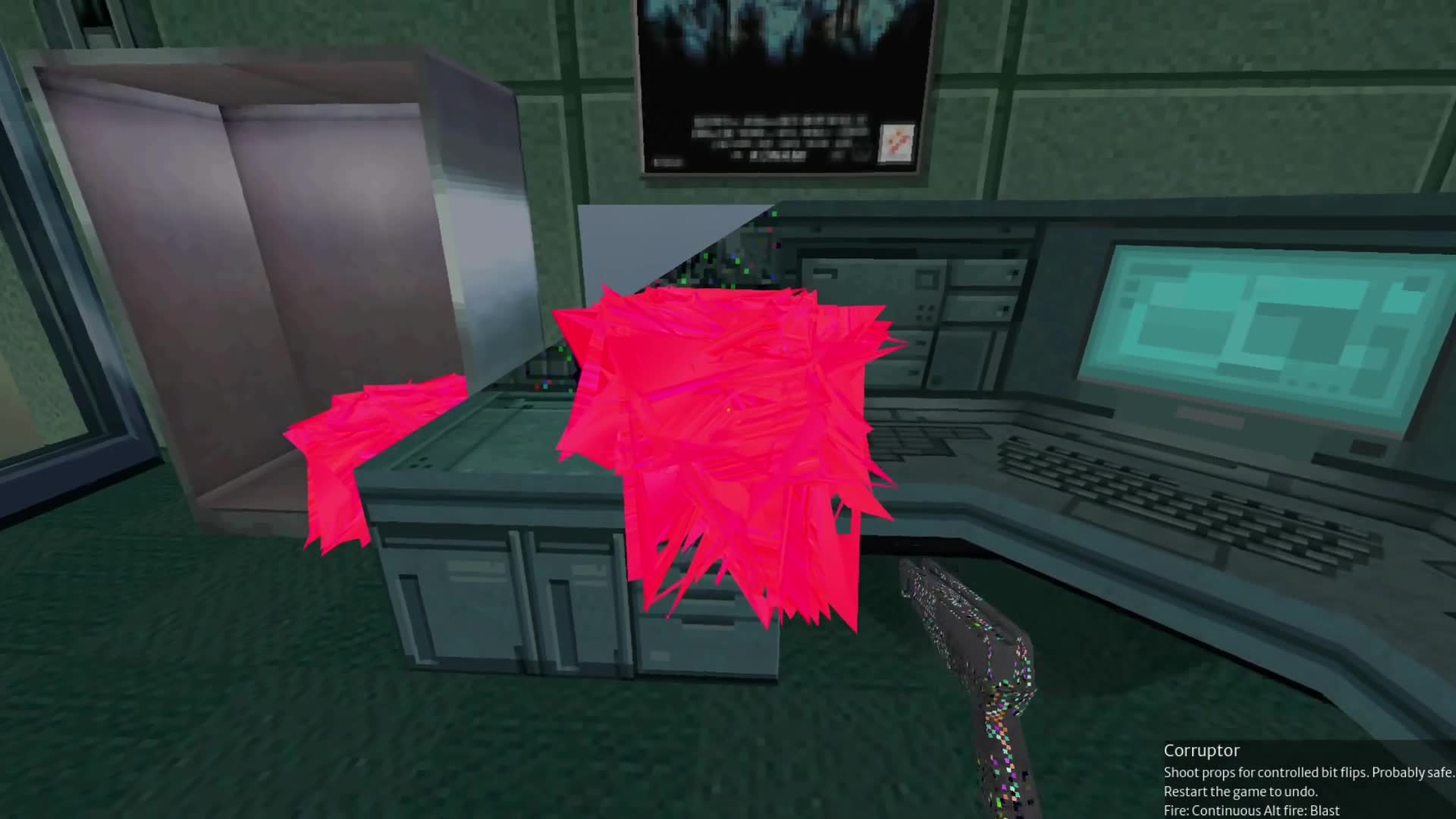
I got the idea for this some time last week, I think. Pretty good, but it doesn’t yet work on everything, such as ShaderMaterials.

I got the idea for this some time last week, I think. Pretty good, but it doesn’t yet work on everything, such as ShaderMaterials.

1

Showing off the upgraded visuals and audio in my procedural strategy game!

The Gamers' Tavern [Godot] Map game visual and audio upgrade video.gamerstavern.online
preview

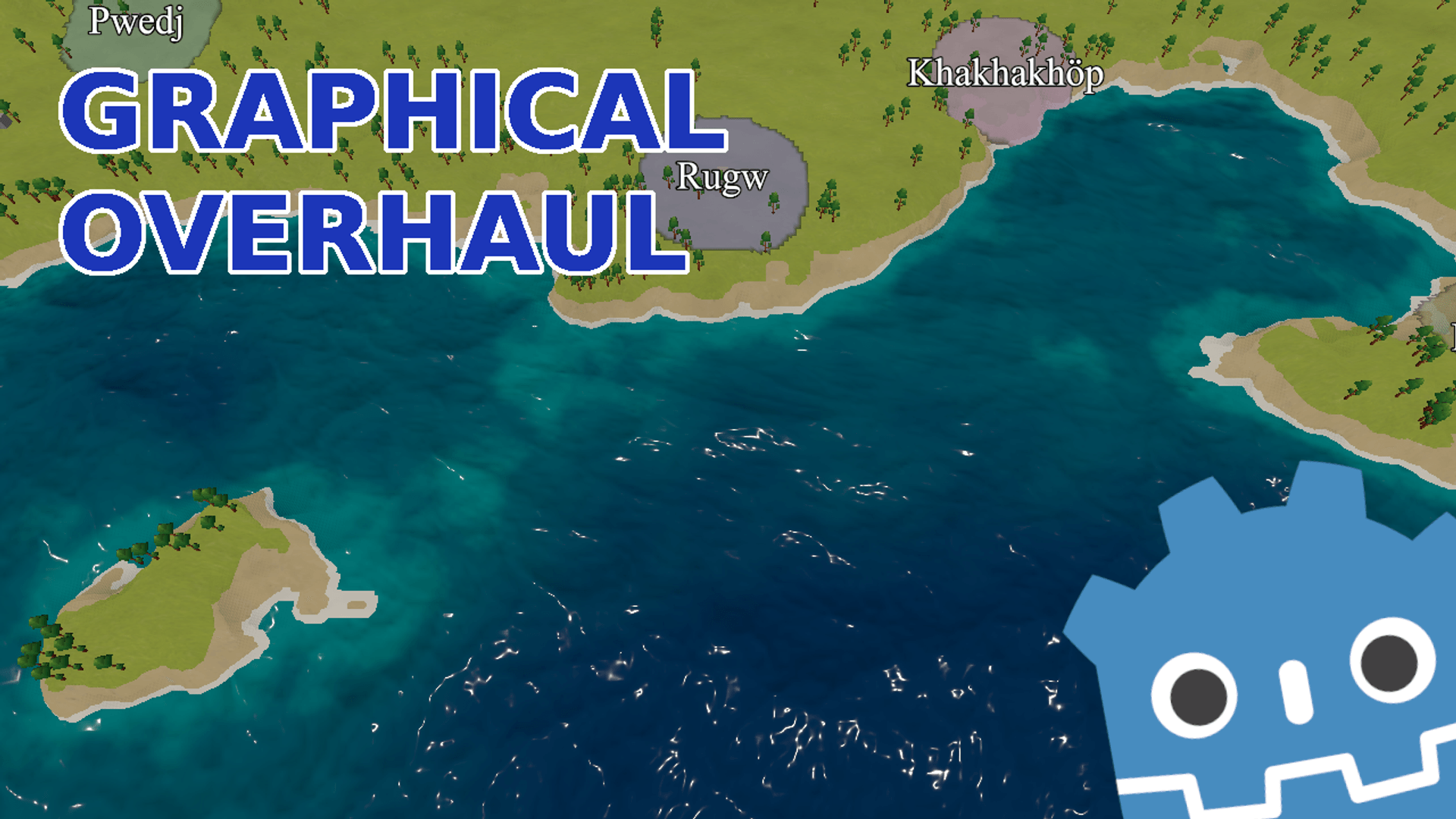
I’ve been working on this project on and off since I last shared an update (in March I think?), all done with the help of documentation, random forum threads and tutorials, without a line of code written by an LLM, just as the Pope intended. I’m very happy with how it looks now, although of course there’s still work to do. I’ve also worked on a lot of the game systems but there’s still a way to go before there’s any real gameplay to speak of.

I’ve been working on this project on and off since I last shared an update (in March I think?), all done with the help of documentation, random forum threads and tutorials, without a line of code written by an LLM, just as the Pope intended. I’m very happy with how it looks now, although of course there’s still work to do. I’ve also worked on a lot of the game systems but there’s still a way to go before there’s any real gameplay to speak of.

2

Godot 4: Cracked glass shader (tutorial)

YouTube Godot 4: Cracked glass shader (tutorial) www.youtube.com
preview

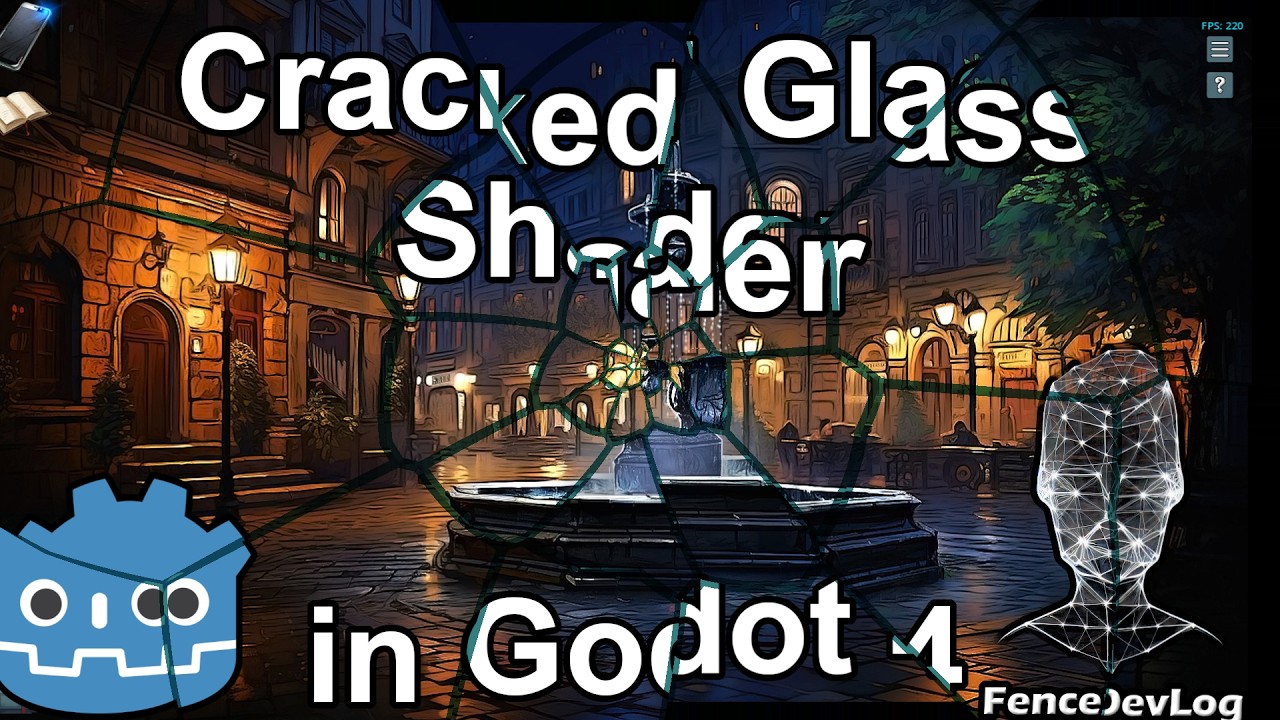
Hello, everyone! In this video, we’ll create a cracked screen or shattered glass effect through which we can observe the game scene. We’ll combine several programming techniques we’ve used in previous tutorials, and the result will definitely be worth it.

Hello, everyone! In this video, we’ll create a cracked screen or shattered glass effect through which we can observe the game scene. We’ll combine several programming techniques we’ve used in previous tutorials, and the result will definitely be worth it.

17

Godot Template

My Godot Template jeferson.me
preview

I’m working on this template for some time. This is what I use to quickly start a game prototype and explore an idea. After this is ready I can polish this better and make it the next step in this. Right now I’m discussing the Logger class that I use across my prototypes.

Keep in mind, all code is AGPL, so if you copy this code your codebase will be AGPL.

All feedback is welcomed.

I’m working on this template for some time. This is what I use to quickly start a game prototype and explore an idea. After this is ready I can polish this better and make it the next step in this. Right now I’m discussing the Logger class that I use across my prototypes.

Keep in mind, all code is AGPL, so if you copy this code your codebase will be AGPL.

All feedback is welcomed.