#debian

posts tagged #debian

0

Gtk2-NG, next generation of Gtk 2, comes back to life

theregister Gtk2-NG, next generation of Gtk 2, comes back to life www.theregister.com
preview

An effort to revive and reinvigorate the 2002 Gtk2 GUI programming toolkit is growing and gaining interest… as we predicted would happen a few months ago.

An effort to revive and reinvigorate the 2002 Gtk2 GUI programming toolkit is growing and gaining interest… as we predicted would happen a few months ago.

0

Debian Release Team: Debian Must Now Ship Reproducible Packages

Debian Release Team: Debian Must Now Ship Reproducible Packages www.phoronix.com
preview

With half-way through the Debian 14 “Forky” development cycle, the Debian release team is out with an update this weekend and some big news.

With half-way through the Debian 14 “Forky” development cycle, the Debian release team is out with an update this weekend and some big news.

0

Still fighting with network names in newer Debian releases

preview

I am running Poweredge R620 servers. With Debian 10 I had no trouble, I could reliably set my network names using udev and they came up consistently even when moving from older hardware years ago. Knowing full well that upgrading to Debian 11 would break everything, I have resisted for years, but I finally gave up and started moving forward.

After fighting for the past day with a machine, I think the answer here is going to be that beginning with Debian 11 there is simply no way to reliably name the network interfaces now.

Starting with bullseye, udev is officially dead. There are still some remaining files buried on the system but /etc/udev/rules.d/70-persistent-net.rules no longer has any effect on the network interfaces.

/etc/default/grub – “net.ifnames=0 biosdevname=0” have been removed and update-grub run

/etc/systemd/network/ – I created the link files such as 10-eth0.link with the appropriate MAC addresses, but because the ethX names already exist, renaming is not possible:

[Match]
MACAddress=74:86:7a:ed:f6:a3

[Link]
NamePolicy=
Name=eth0

systemctl status systemd-networkd.service – confirmed that this service is indeed active and running

Very early in dmesg I continue to see this:

[    2.193760] tg3 0000:01:00.0 eth0: attached PHY is 5720C (10/100/1000Base-T Ethernet) (WireSpeed[1], EEE[1])
[    2.227087] tg3 0000:01:00.1 eth1: attached PHY is 5720C (10/100/1000Base-T Ethernet) (WireSpeed[1], EEE[1])
[    2.247850] tg3 0000:02:00.0 eth2: attached PHY is 5720C (10/100/1000Base-T Ethernet) (WireSpeed[1], EEE[1])
[    2.263753] tg3 0000:02:00.1 eth3: attached PHY is 5720C (10/100/1000Base-T Ethernet) (WireSpeed[1], EEE[1])

The problem here is that the ethX names are being assigned backwards. The physical plugs have other brackets in the way so what I previously used as eth0 and eth1 is now being assigned to eth3 and eth2. And despite all of the above, debian and systemd refuse to ever assign “predictable” names to any of the interfaces (nothing shows up in dmesg). I ran across some info about a “BIOSdevname” setting in the actual BIOS, but can find no such setting in the last available BIOS rev for these servers. Because the system is assigning the ethX names, I am unable to reassign the correct names using the systemd link files.

The only solution I’ve found to work is to use the link files and assign the interface with names like dmz0, dmz1, etc. What’s the deal here and what ever happened to the concept that I should be able to set up my computer the way I want to? The udev utility was 100% reliable for all the machines I’ve run since it was first introduced, and now we’re stuck with a system that simply can’t be given alternate information? Yeah I’m frustrated and annoyed.

I don’t know if anyone else has run across other possible solutions, I fought with the last box for two weeks trying to name eight interfaces in the proper order and never could find anything that would work.


I am running Poweredge R620 servers. With Debian 10 I had no trouble, I could reliably set my network names using udev and they came up consistently even when moving from older hardware years ago. Knowing full well that upgrading to Debian 11 would break everything, I have resisted for years, but I finally gave up and started moving forward.

After fighting for the past day with a machine, I think the answer here is going to be that beginning with Debian 11 there is simply no way to reliably name the network interfaces now.

Starting with bullseye, udev is officially dead. There are still some remaining files buried on the system but /etc/udev/rules.d/70-persistent-net.rules no longer has any effect on the network interfaces.

/etc/default/grub – “net.ifnames=0 biosdevname=0” have been removed and update-grub run

/etc/systemd/network/ – I created the link files such as 10-eth0.link with the appropriate MAC addresses, but because the ethX names already exist, renaming is not possible:

[Match]
MACAddress=74:86:7a:ed:f6:a3

[Link]
NamePolicy=
Name=eth0

systemctl status systemd-networkd.service – confirmed that this service is indeed active and running

Very early in dmesg I continue to see this:

[    2.193760] tg3 0000:01:00.0 eth0: attached PHY is 5720C (10/100/1000Base-T Ethernet) (WireSpeed[1], EEE[1])
[    2.227087] tg3 0000:01:00.1 eth1: attached PHY is 5720C (10/100/1000Base-T Ethernet) (WireSpeed[1], EEE[1])
[    2.247850] tg3 0000:02:00.0 eth2: attached PHY is 5720C (10/100/1000Base-T Ethernet) (WireSpeed[1], EEE[1])
[    2.263753] tg3 0000:02:00.1 eth3: attached PHY is 5720C (10/100/1000Base-T Ethernet) (WireSpeed[1], EEE[1])

The problem here is that the ethX names are being assigned backwards. The physical plugs have other brackets in the way so what I previously used as eth0 and eth1 is now being assigned to eth3 and eth2. And despite all of the above, debian and systemd refuse to ever assign “predictable” names to any of the interfaces (nothing shows up in dmesg). I ran across some info about a “BIOSdevname” setting in the actual BIOS, but can find no such setting in the last available BIOS rev for these servers. Because the system is assigning the ethX names, I am unable to reassign the correct names using the systemd link files.

The only solution I’ve found to work is to use the link files and assign the interface with names like dmz0, dmz1, etc. What’s the deal here and what ever happened to the concept that I should be able to set up my computer the way I want to? The udev utility was 100% reliable for all the machines I’ve run since it was first introduced, and now we’re stuck with a system that simply can’t be given alternate information? Yeah I’m frustrated and annoyed.

I don’t know if anyone else has run across other possible solutions, I fought with the last box for two weeks trying to name eight interfaces in the proper order and never could find anything that would work.

0

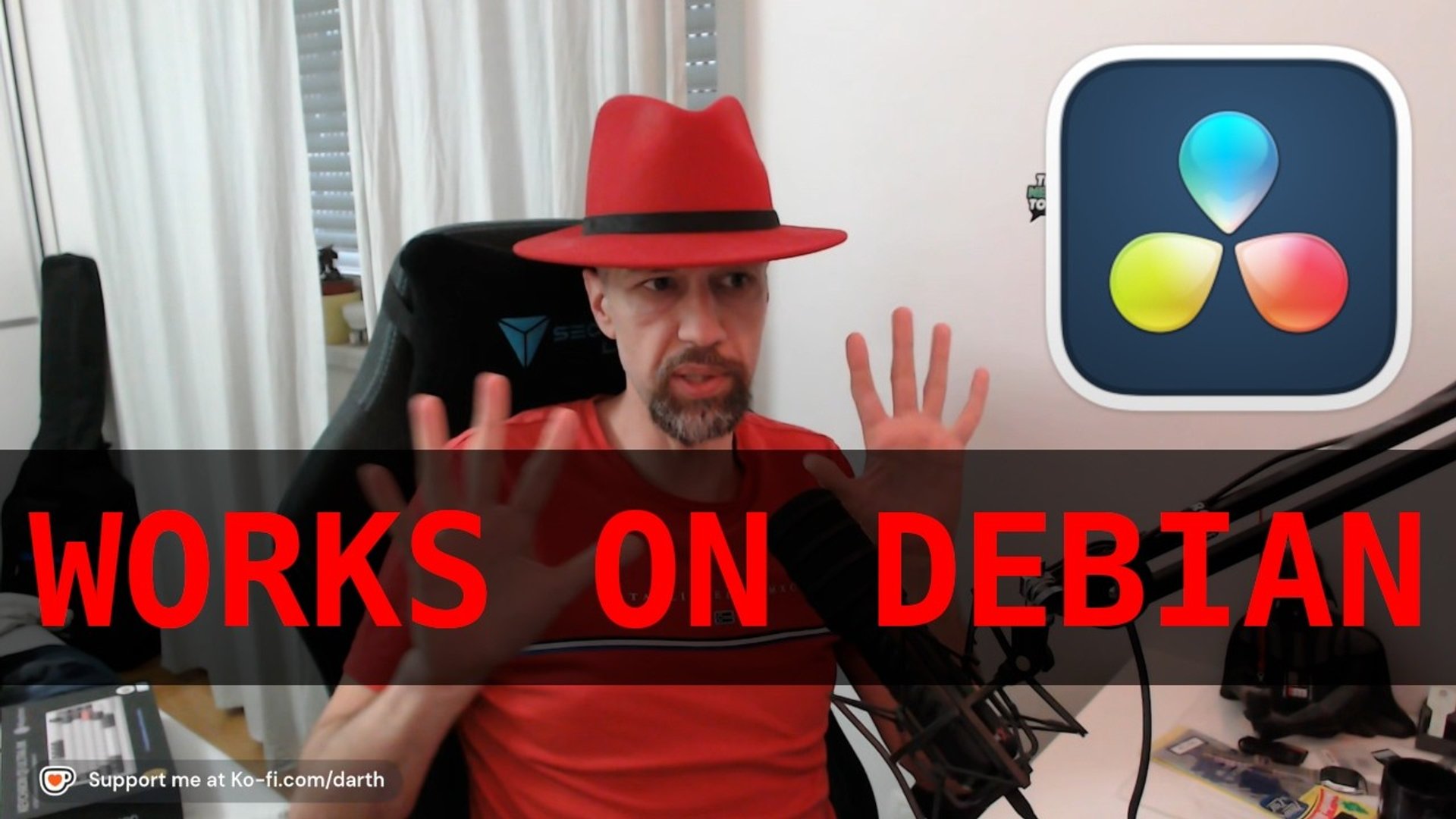
DaVinci Resolve on Debian Linux – Install and Make Your First Video

play · watch.linuxrenaissance.com
LinuxRenaissance DaVinci Resolve on Debian Linux – Install and Make Your First Video watch.linuxrenaissance.com
preview

(Video)

Installing Davinci Resolve on Debian with MakeResolveDeb + basic usage

(Video)

Installing Davinci Resolve on Debian with MakeResolveDeb + basic usage

0

With no end in sight for the global memory crisis, has anyone considered optimizing the kernel for rotational HDDs since SSDs are absurdly overpriced?

preview

With no end in sight for the global memory crisis, has anyone considered optimizing the kernel for rotational HDDs since SSDs are absurdly overpriced?

For instance
* overcommit memory doesn’t make compiling #rustlang any faster. Ideas?
@rustaceans

We wrongly assumed the technology would make like Moore’s Law. Instead, economic realities made the substrate of computation scarce for the long term. If so, the software of the People’s future ought to be tunable to the contingencies of scarcity.

#MemoryCrisis #SSD #HHD #RAM #RAMpocalypse #ChipsAct #rust #AI #DigitalDemocracy #Tech

@jbz @fedora @fedora_fr @debian

0

apt full-upgrade won't update on Debian testing

preview

cross-posted from: pawb.social/post/42178177

We’re on Debian testing(+unstable) and running into update issues. apt upgrade doesn’t touch anything, and apt full-upgrade wants to upgrade 2 libreoffice packages, not touch the 341 other upgrades, and remove the main libreoffice package.

How cursed of an idea is it to just sudo apt install $(apt-mark showmanual)? That looks like it would upgrade everything, while just removing a couple hopefully-inconsequential system libraries.

– Frost

0

Debian with NVIDIA on a laptop that had been sitting in the closet for years

preview

Around 2020, I got the aforementioned laptop. At that time, I was using Windows, and generally, my IT knowledge was quite poor. Then I had a break from using it due to issues with computer overuse, and after returning from treatment (2021), I started using other laptops. This one ended up in a closet. Around 2023 I got a my beloved ThinkPad T470.

After some time, I dug this laptop out of the closet and wanted to install Linux on it. I managed to do it, but I couldn’t install the drivers for the dedicated graphics card. Because of that, I didn’t have HDMI or the dedicated card itself functioning. I was installing proprietary drivers, which generally caused issues with the kernel. So, the laptop just sat there for a long time.

At a certain point, towards the end of 2025, I realized that I actually needed a more powerful machine than the ThinkPad T470. So I dug out this old laptop, and at the urging of the LLM I use daily, I tried to put it together. With its help, I finally managed to set up those drivers because it turned out that my previous failure to install them was simply because I hadn’t enabled the ‘contrib’ repository.

It was a success! What’s more, it’s quite a beast now. I threw in a 1 TB SSD, 16 GB of RAM, bought a 200W power supply, and raised the TDP to 45W in UMAF. I must say I am proud of this computer, and I also tweaked a lot of things within the system itself. This laptop has also taught me a lot; before this, I briefly had a PC with an Athlon, which introduced me to playing around with motherboard settings.

What is the purpose of my post? To give hope to people with Nvidia GPUs or laptops with dedicated cards that it is indeed possible to set them up :)"

See the screenshot for the full specifications; I recommend taking a look

I forgot to mention, I’ve been using Linux since December 2022

0

Seeking feedback from AppArmor users - new profile for MariaDB in Debian

preview

MariaDB’s new AppArmor profile is now enforcing in Debian unstable. If you are a dba/sysadmin familiar with AppArmor and using MariaDB, check your logs and share feedback via the Debian bug tracker.

MariaDB’s new AppArmor profile is now enforcing in Debian unstable. If you are a dba/sysadmin familiar with AppArmor and using MariaDB, check your logs and share feedback via the Debian bug tracker.

0

debian-live-config 5.0.0

preview

I just released v5.0.0 of my preconfigured Debian system for personal computers/workstations.

It’s “just” a plain Debian system trying to stay close to upstream, with saner (in my opinion) config defaults and default packages selection. 10 minute offline installation, provides a ready-to-use system with a lean XFCE-based desktop and applications for common use cases. I’ve used it as a daily driver for years, and also to “fix” machines I don’t really want to support except for the occasional dist-upgrade every few years.

This release is based on Debian 13.

The live system mode also works but is not the primary use case.

The full build tooling is provided for those who want to build their own custom Debian-based system.

0

Debian GSoC 2026 project list

preview

Univeristy student keen to gain open source skills this summer? If you, or someone you know, want to contribute to Debian with Google’s sponsorship, explore the GSoC 2026 project ideas now: wiki.debian.org/SummerOfCode2026/Projects

Applications open until end of March - look into project ideas already this weekend!

0

Cherry pick packages from "testing" or go all the way?

preview

Hello all,

I ran into issues using Godot under Debian Trixie and Sway ( 1.10 )
These issues were fixed in 1.11.

Somebody on here recommended me the Debian Backports which look really cool. Unfortunately sway has no Backport as of right now, so I have used the Testing repository for this with a PinPriority so low it does not Update other packages.

This does work and all problems are resolved, my question now is:
When installing sway from testing it has naturally also installed its required dependencies from testing. Does having those dependencies installed which other packages (from stable) might depend on as well introduce weird behavior incompatible issues? I mean they are not in a special testing sandbox nor have some unique namespace, this sets my alarm off right away.

I have used a rolling release distro before and it was surprisingly stable all things considered so I am considering to go full testing on Debian. Does anybody on here do the same?

0

We gave our Christmas gifts to all Open Hardware enthusiasts and makers, we have published the PCB preview Top View Layout of our #openhardware Desktop board based on PowerPC processor

Desktop PCB layout Top View Powerboard Tyche Open Hardware PowerPC
preview

We gave our Christmas gifts to all Open Hardware enthusiasts and makers, we have published the PCB preview Top View Layout of our #openhardware Desktop board based on PowerPC processor
@osi @oshwassociation @openpowerfoundation @nxp @debian
https://www.powerpc-notebook.org/2025/12/first-pcb-desktop-layout/

0

DEP-18: A proposal for Git-based collaboration in Debian

preview

Git is the industry standard for software development, but I thasn’t been fully adopted in Debian packaging yet. I believe that git-based workflows could enhance collaboration, transparency, and productivity for one of the world’s most vital open source projects.

Git is the industry standard for software development, but I thasn’t been fully adopted in Debian packaging yet. I believe that git-based workflows could enhance collaboration, transparency, and productivity for one of the world’s most vital open source projects.

0

What is your Audio setup?

preview

Hello,

I am fairly new to Debian and only recently have switched from arch to Debian (sway). I really love it so far btw. feels a lot more stable.

Sound is also working. However I do not have a way to control the volume right now. On Arch I had PulseAudio with pactl. I would like to not use PulseAudio and just rely on PipeWire as it seems to be the future (at least for now). What kind of CTL do people on here have setup to control audio? I believe alsa-mixer works also, im just a bit scared of going of the beaten path and wanna do things right.

0

Plasma 6.5 is now in Debian Testing/Forky

preview

A maintainer’s anouncement when it was uploaded to unstable/Sid

Plasma 6.5 uploaded to unstable and building. Most common architectures are already there and more niche ones are coming.

deb.li/plasma

Expect the migration to testing/forky somewhere next week.

I checked the packages and they have all migrated to 6.5, as of today.

0

Could the XZ backdoor have been detected with better Git and Debian packaging practices?

preview

How did the changes in the binary test files tests/files/bad-3-corrupt_lzma2.xz and tests/files/good-large_compressed.lzma, and the makefile change in m4/build-to-host.m4) manifest to the Debian maintainer? Was there a chance of noticing something odd?

How did the changes in the binary test files tests/files/bad-3-corrupt_lzma2.xz and tests/files/good-large_compressed.lzma, and the makefile change in m4/build-to-host.m4) manifest to the Debian maintainer? Was there a chance of noticing something odd?

0

My Recommended Best Practices for Submitting and Reviewing Merge Requests in Debian

preview

Are you contributing to Debian? Check out suggested best practices for submitting and reviewing Merge Request on Salsa, Debian’s GitLab instance.

Are you contributing to Debian? Check out suggested best practices for submitting and reviewing Merge Request on Salsa, Debian’s GitLab instance.

0

DEBIAN 13: I could actually use it as my desktop, now!

play · tilvids.com
TILvids DEBIAN 13: I could actually use it as my desktop, now! tilvids.com
preview

cross-posted from: tilvids.com/…/c7ac82c0-ec97-40fd-b217-68fb45017fe…

Try out Proton Mail, the secure email that protects your privacy: proton.me/mail/TheLinuxEXP

Grab a brand new laptop or desktop running Linux: www.tuxedocomputers.com/en

👏 SUPPORT THE CHANNEL:

Get access to:

  • a Daily Linux News show

  • a weekly patroncast for more thoughts

  • your name in the credits

YouTube: www.youtube.com/@thelinuxexp/join

Patreon: www.patreon.com/thelinuxexperiment

Or, you can donate whatever you want:

paypal.me/thelinuxexp

Liberapay: liberapay.com/TheLinuxExperiment/

👕 GET TLE MERCH

Support the channel AND get cool new gear: the-linux-experiment.creator-spring.com

Timestamps:

00:00 Intro

00:33 Sponsor: Proton mail

01:33 RISC V support

02:19 Under the hood

06:22 HTTP Boot

07:09 32 bit support

08:19 APT 3.0

10:37 Temp is changing

11:50 Other Changes

13:07 Is Debian a good desktop?

18:07 parting Thoughts

19:11 Sponsor: Tuxedo Computers

#debian #debian13 #linuxdesktop #linuxdistro #linux

0

Favorite Debian based OS?

preview

While everyone here is obviously going to be a big fan of Debian itself I wanted to see what flavors of Debian based distros folks also like! Personally mine would be PeppermintOS. The XFCE setup looks great right out the box, runs really well on older devices (running this on a 2013 macbook), and a hassle free setup even when installing to something like a flash drive.

So what are folks favorite Debian based distros?

0

Debian 13 "Trixie" Released, This Is What's New

Linuxiac Debian 13 "Trixie" Released, This Is What's New linuxiac.com
preview

Debian 13 “Trixie” is here with RISC-V support, Linux kernel 6.12 LTS, new security hardening, HTTP Boot, updated desktop environments, and over 14K new packages.

Debian 13 “Trixie” is here with RISC-V support, Linux kernel 6.12 LTS, new security hardening, HTTP Boot, updated desktop environments, and over 14K new packages.