
0

Offline support and real-time sync keep turning out to be the same problem

Marmelab Real-Time and Offline Are the Same Problem marmelab.com
preview

I’ve been building with Verdant and TanStack DB and ended up with the same conclusion from both.

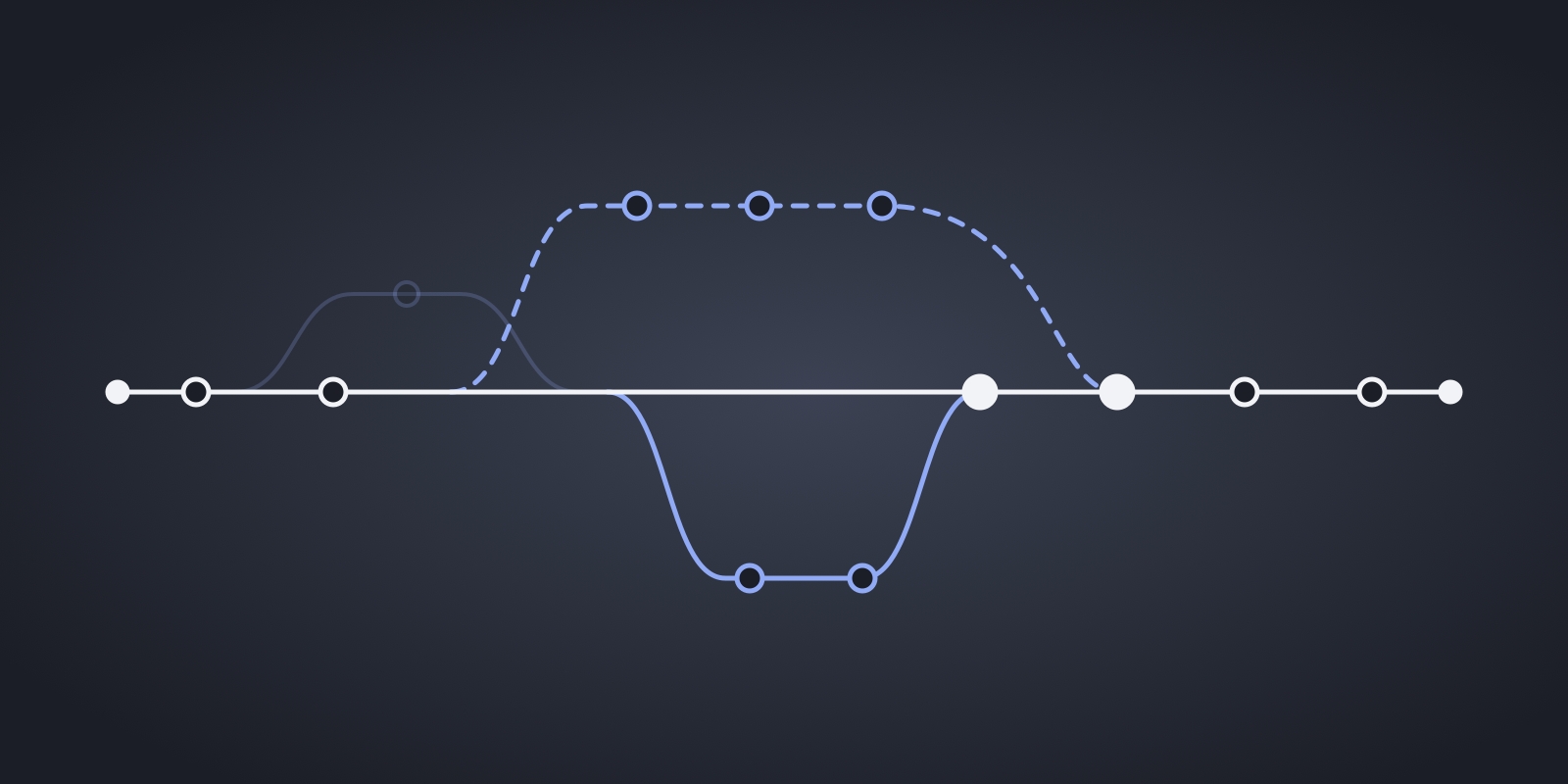
Offline and real-time are basically one problem. Real-time is kinda just being offline for a very short time. Either way you need client-generated IDs, optimistic mutations, some rule for when two clients disagree, and a way to sync it all back. So if a library handles one well, it seems to get the other almost for free.

Tbh the ID part is what actually surprised me. And more generally, a lot of this seems to need planning from day one, because retrofitting it later is a real pain. If your API uses server-generated IDs, supporting offline edits seems to mean a breaking migration. You can remap temporary IDs after sync, sure, but it gets messy really fast once other records and URLs depend on them. Same story with the data layer. If it was designed around one-shot requests there’s nowhere for live updates to go. React Admin’s data provider expects plain async functions that return promises, so when you put TanStack DB behind it the live queries just get lost lol. Offline still works, it’s just the real-time part of TanStack DB that doesn’t make it through in that setup.

There’s a catch though. Neither library really helps when the server rejects a mutation that looked fine locally, you’re kinda on your own for that part. And for conflicts, Verdant basically ends up as last-write-wins while TanStack DB leaves it to whatever sync layer you plug in.

Honestly the bigger point for me is that none of this is really specific to offline apps. A plain request/response app actually has the same conflicts. If two people save the same record, a lot of the time the last save just overwrites the other one and that’s it. It’s last-write-wins there too, just without anyone ever deciding it. So imo it’s worth building pretty much any app as if it could go offline or real-time someday, mostly because it forces you to actually pick what happens in a conflict.

Do you actually know what happens when two saves collide, or has silent last-write-wins been fine most of the time? Ever had it bite you with lost data or users wondering where their changes went?


I’ve been building with Verdant and TanStack DB and ended up with the same conclusion from both.

Offline and real-time are basically one problem. Real-time is kinda just being offline for a very short time. Either way you need client-generated IDs, optimistic mutations, some rule for when two clients disagree, and a way to sync it all back. So if a library handles one well, it seems to get the other almost for free.

Tbh the ID part is what actually surprised me. And more generally, a lot of this seems to need planning from day one, because retrofitting it later is a real pain. If your API uses server-generated IDs, supporting offline edits seems to mean a breaking migration. You can remap temporary IDs after sync, sure, but it gets messy really fast once other records and URLs depend on them. Same story with the data layer. If it was designed around one-shot requests there’s nowhere for live updates to go. React Admin’s data provider expects plain async functions that return promises, so when you put TanStack DB behind it the live queries just get lost lol. Offline still works, it’s just the real-time part of TanStack DB that doesn’t make it through in that setup.

There’s a catch though. Neither library really helps when the server rejects a mutation that looked fine locally, you’re kinda on your own for that part. And for conflicts, Verdant basically ends up as last-write-wins while TanStack DB leaves it to whatever sync layer you plug in.

Honestly the bigger point for me is that none of this is really specific to offline apps. A plain request/response app actually has the same conflicts. If two people save the same record, a lot of the time the last save just overwrites the other one and that’s it. It’s last-write-wins there too, just without anyone ever deciding it. So imo it’s worth building pretty much any app as if it could go offline or real-time someday, mostly because it forces you to actually pick what happens in a conflict.

Do you actually know what happens when two saves collide, or has silent last-write-wins been fine most of the time? Ever had it bite you with lost data or users wondering where their changes went?

0

5 tools that helped me modernize a legacy app

Marmelab From Legacy to Lightning: How To Modernize A Python App marmelab.com
preview

So I recently inherited a legacy application that was a nightmare to maintain (tooling was clearly lacking and the codebase was pretty outdated). I quickly realized that if I ever wanted to actually enjoy working on it, I would have to give it a proper overhaul.

These are the 5 changes that had some of the biggest impact IMO:

  1. uv: Being new to the Python ecosystem, I didn’t want to figure out pip vs poetry vs pyenv vs virtualenv, so I just used uv and let it handle all of that. One Rust-based tool that installs and pins Python versions, manages the venv automatically and locks deps in a uv.lock for reproducible builds. Installs are also a lot faster, which makes CI a lot less painful.

  2. Ruff:

Coming from JS, I really missed eslint --fix for automatically fixing linting issues and format code on save. Ruff brought that experience back. I know that there are plenty of linters and formatters in the Python ecosystem, but this one really stands out for me. Since it’s built in Rust, it’s super fast.

  1. Dependabot:

Instead of remembering to update dependencies every few months, I enabled Dependabot. It automatically opens PRs when updates are available and then CI tells me whether they’re safe to merge. It takes only a couple of minutes to set up but saves a lot of maintenance.

  1. Pylance:

Without it, VS Code gives generic completions and never warns you about passing the wrong type until runtime. Pylance provides proper type-aware autocompletion, jump-to-definition (even in third-party libraries), inline documentation, and real-time type checking. I personally keep it on “basic” mode for legacy codebases, since “strict” surfaced hundreds of errors (thank you, but no thank you lol).

  1. Pydantic:

Pydantic is basically Python’s Zod: you declare a model, pass your data in and get either a validated typed object or a ValidationError naming the exact field at fault. It really helped me keep the codebase clean, with one place defining the shape of the data instead of raw dicts floating around. I use it wherever data comes from outside, like API payloads, forms, and env vars with pydantic-settings, which fails at startup instead of mid-request.

None of these tools changed the application itself. But together they made working on it a lot less frustrating.

0

Foreign Data Wrappers turned my Postgres into a universal query engine, and I kinda love it

Marmelab Foreign Data Wrapper: Postgresify all the things! marmelab.com
preview

A while back I had to integrate data from a third-party REST API into a Postgres-backed app. My solution at the time was a cron job that periodically fetched the API, parsed the response, and shoved it into the database. It worked. It was also annoying to maintain and broke in creative ways. Months later I discovered that Postgres could have queried that API directly (and I felt a bit dumb lol).

The feature is called Foreign Data Wrappers, and it’s been in Postgres for years. The idea: you create a virtual foreign table that maps to an external data source, then you query it with plain SQL. JOINs, WHERE clauses, INSERTs from SELECT, the whole deal.

Here’s what I’ve been using it for:

**CSV files without the import dance **

Postgres ships with file_fdw. You point it at a CSV, define the columns, and it’s a queryable table. You can JOIN it with your real tables or cherry-pick rows to INSERT into a permanent table. No more writing throwaway Python scripts to parse CSVs. One catch: file_fdw is read-only, so no writing back to the file.

Querying a remote Postgres database

postgres_fdw is also built-in. You set up a foreign server, map a user, create the foreign table, and suddenly you can query (and even UPDATE) another Postgres instance from your local one. Handy for migrations or cross-database reporting. Setting up the user mapping with credentials in plain SQL feels a bit rough, but it gets the job done.

**Talking to MongoDB (or any NoSQL store) **

This is where it gets fun. With Multicorn (a Python library) you can write your own FDW for pretty much anything. You define a Python class, implement an execute method that translates SQL qualifiers into queries for your target data source, and Postgres handles the rest. There are also ready-made FDWs for MongoDB, ElasticSearch, Redis, and others if you don’t want to roll your own ;)

REST APIs as tables

Same principle with Multicorn. You write a wrapper class that turns WHERE clauses into API query parameters, hits the endpoint, and yields rows back to Postgres. I used the Magic: The Gathering API as a test case, nothing mission-critical, but the pattern translates to any REST endpoint. For authenticated APIs you just add headers or tokens in the Python code.

That said, it’s not all smooth sailing. JOINs between foreign tables and local ones can get slow, especially with large external datasets. Also, debugging a misbehaving custom FDW is… not fun lol. And writing credentials in plain SQL for user mappings still makes me wince every time.

For those of you already running FDWs in production, how do you handle the performance tradeoff? Curious what strategies people have settled on ;)

0

5 advanced PostgreSQL features I wish I knew sooner

Marmelab 9 Advanced PostgreSQL Features I Wish I Knew Sooner marmelab.com
preview

A few months ago, I struggled with a planning system. I needed to ensure that no 2 plans could overlap for the same period. My first instinct was to write application-level validation, but something felt off. I thought to myself that surely PostgreSQL had a better way.

Turns out, PostgreSQL is packed with a bunch of underrated (and often simply overlooked) features that can save you from writing complex application logic:

  1. EXCLUDE constraints: To avoid overlapping time slots

  2. CHECK constraints: For validating data at the source

  3. GENERATED columns: To let the database do the math

  4. DISTINCT ON: Cleaner than a GROUP BY with subqueries

  5. FILTER: To add a condition directly on the aggregate

Even after years of using it, I still discover features that make me question why I ever wrote complex application logic for things the database could handle natively.

I wrote an even more detailed version with examples (in case anyone thinks this isn’t long enough lol)

Are there any other advanced PostgreSQL features I should know about?