showing posts tagged #haikuos — clear

0

Hello from my ThinkPad T400!

preview

cross-posted from: lemmy.sdf.org/post/61833019

[Haiku] finally decided to install it

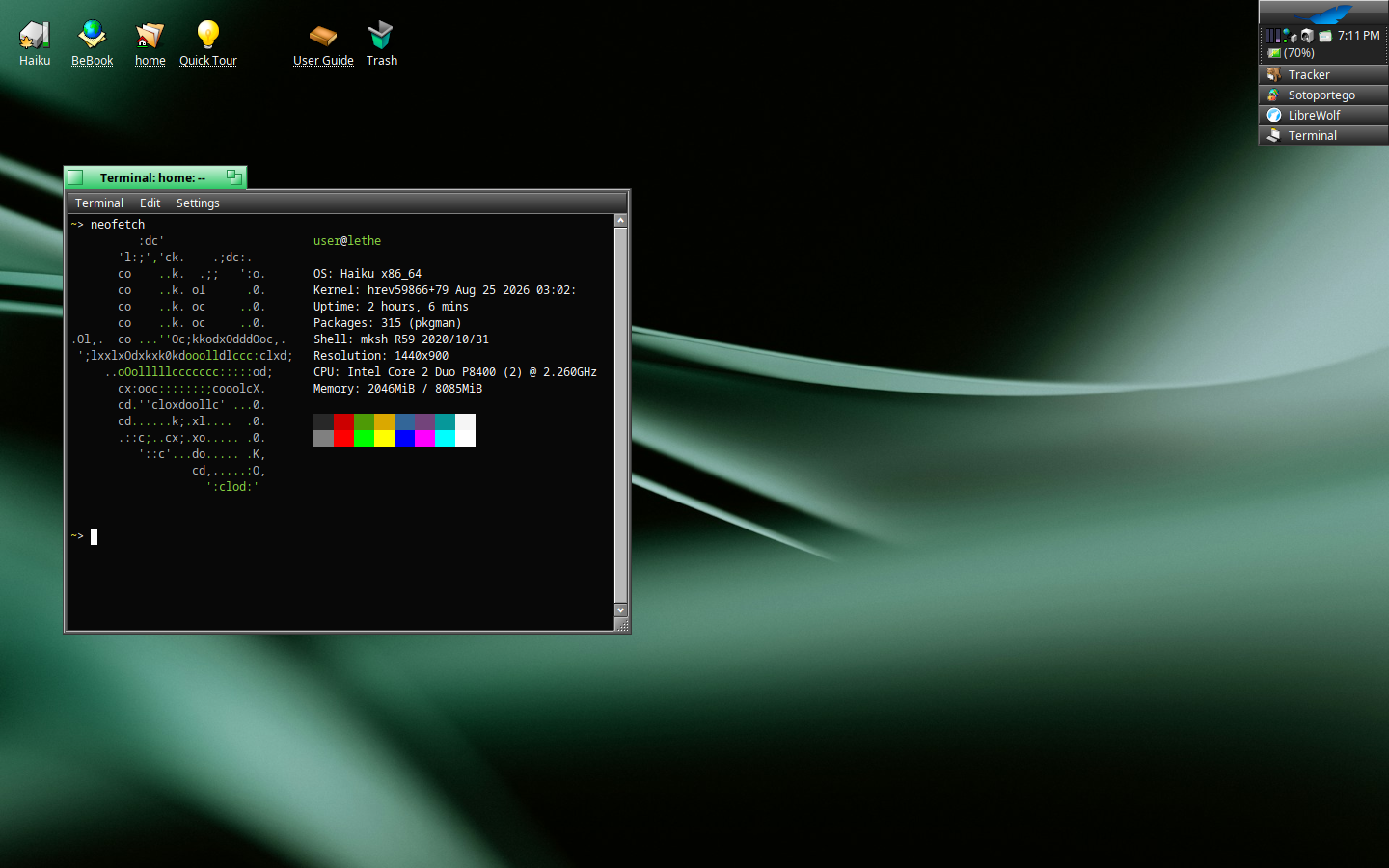
  • Hardware: ThinkPad T400
  • OS: Haiku (amd64)
  • Theme:
    • Panel Background - rgb(39, 39, 39)
    • Progress Bar - rgb(50, 200, 105)
    • Window Tab - rgb(50, 200, 105)
  • Browser: LibreWolf
  • Editors: nano, jdTextEdit
  • Shell: mksh

cross-posted from: lemmy.sdf.org/post/61833019

[Haiku] finally decided to install it

  • Hardware: ThinkPad T400
  • OS: Haiku (amd64)
  • Theme:
    • Panel Background - rgb(39, 39, 39)
    • Progress Bar - rgb(50, 200, 105)
    • Window Tab - rgb(50, 200, 105)
  • Browser: LibreWolf
  • Editors: nano, jdTextEdit
  • Shell: mksh
0

Hello from Sony Vaio

preview

So I was on the lookout for a new hobby project, and as I am currently in my glass / frutiger aero phase I had to get this very frutiger aero-esque Laptop from the early 2010s:

Anyone knows how I can check that the GPU actually is utilised (GLTeapot shows FPS in the mid 400s)? but besides the Webcam not working, HaikuOS is really doing a great job running on this laptop (wlan out of the box woohoo!)

So I was on the lookout for a new hobby project, and as I am currently in my glass / frutiger aero phase I had to get this very frutiger aero-esque Laptop from the early 2010s:

Anyone knows how I can check that the GPU actually is utilised (GLTeapot shows FPS in the mid 400s)? but besides the Webcam not working, HaikuOS is really doing a great job running on this laptop (wlan out of the box woohoo!)

0

VPN options in Haiku

preview

I am looking to switch to Haiku on the desktop because of the anti-LLM policy that Haiku has, as well as it being the best desktop option in that category.

I’d like to host a VPN. This would be less for privacy reasons (though they are a plus!), but rather so that I can have my network available at all times.

I want to know if there are VPN protocol options in Haiku that aren’t OpenVPN. I’d personally prefer IKEv2 or WireGuard, as setting up the former is simple, and I am familiar with how WireGuard works.

I am aware of a WireGuard client, but it seems to be vibecoded, and I don’t want to use that for the reasons why I want to use Haiku as my desktop.


I am looking to switch to Haiku on the desktop because of the anti-LLM policy that Haiku has, as well as it being the best desktop option in that category.

I’d like to host a VPN. This would be less for privacy reasons (though they are a plus!), but rather so that I can have my network available at all times.

I want to know if there are VPN protocol options in Haiku that aren’t OpenVPN. I’d personally prefer IKEv2 or WireGuard, as setting up the former is simple, and I am familiar with how WireGuard works.

I am aware of a WireGuard client, but it seems to be vibecoded, and I don’t want to use that for the reasons why I want to use Haiku as my desktop.

0

Not Every Open Source OS Needs to Be Based on Linux, and These Six Aren’t

It's FOSS Open Source OS That Are Not Linux itsfoss.com
preview

cross-posted from: piefed.social/…/not-every-open-source-os-needs-to…

There are more operating systems than just Linux. Here’s a list of a few that are under active development.

Includes:

  • Vinix OS (for Apple silicon)
  • Asterina NixOS
  • FreeBSD
  • GhostBSD
  • Haiku OS
  • React OS

cross-posted from: piefed.social/…/not-every-open-source-os-needs-to…

There are more operating systems than just Linux. Here’s a list of a few that are under active development.

Includes:

  • Vinix OS (for Apple silicon)
  • Asterina NixOS
  • FreeBSD
  • GhostBSD
  • Haiku OS
  • React OS
0

Mozilla officially gave us permission to use the Firefox name on Haiku

Haiku Community Mozilla officially gave us permission to use the Firefox name on Haiku! discuss.haiku-os.org
preview

Hey everyone, I’ve got some fantastic news that finally resolves the question raised in this older thread about using the Firefox name. As many of you know, we’ve been working on bringing a modern Mozilla browser to Haiku for a while. The initial patches and the heavy lifting were done by @KENZ, who deserves a massive thank you. I just picked up the baton to update the port to modern versions (currently 153.0) and keep it running smoothly on current Haiku. Because of Mozilla’s strict trademar…

Paywall?

Hey everyone, I’ve got some fantastic news that finally resolves the question raised in this older thread about using the Firefox name. As many of you know, we’ve been working on bringing a modern Mozilla browser to Haiku for a while. The initial patches and the heavy lifting were done by @KENZ, who deserves a massive thank you. I just picked up the baton to update the port to modern versions (currently 153.0) and keep it running smoothly on current Haiku. Because of Mozilla’s strict trademar…

Paywall?

0

Haiku Revisited: The Really Alternative OS

preview

Taking a look at Haiku – an alternative operating system based on BeOS, and updated in August 2026 to version R1/beta6. You can learn more about Haiku, and …

Invidious

Taking a look at Haiku – an alternative operating system based on BeOS, and updated in August 2026 to version R1/beta6. You can learn more about Haiku, and …

Invidious

0

Haiku inches closer to next beta release

preview

And when a Redox monthly progress report is here, Haiku’s monthly report is never far behind (or vice versa, depending on the month). Haiku’s February was definitely a busy month, but there’s no major tentpole changes or new features, highlighting just how close Haiku is to a new regular beta release. The OpenBSD drivers have been synchronised wit upstream to draw in some bugfixes, there’s a ton of smaller fixes to various applications like StyledEdit, Mail, and many more, as well a surprisingly long list of various file system fixes, improving the drivers for file systems like NTFS, Btrfs, XFS, and others.

And when a Redox monthly progress report is here, Haiku’s monthly report is never far behind (or vice versa, depending on the month). Haiku’s February was definitely a busy month, but there’s no major tentpole changes or new features, highlighting just how close Haiku is to a new regular beta release. The OpenBSD drivers have been synchronised wit upstream to draw in some bugfixes, there’s a ton of smaller fixes to various applications like StyledEdit, Mail, and many more, as well a surprisingly long list of various file system fixes, improving the drivers for file systems like NTFS, Btrfs, XFS, and others.

0

Error running Netbeans fresh from the Depot

preview

I acquired Netbeans from the HaikuDepot and tried to run it. It first opens for a few seconds, then closes. I ran it again from the terminal to see what output it gives when it closes and this is what I got:

# There is insufficient memory for the Java Runtime Environment to continue.
# Native memory allocation (mmap) failed to map 65536 bytes. Error detail: Failed to commit metaspace.
# An error report file with more information is saved as:
# /tmp/hs_err_pid2874.log

I am not super familiar with the java environment and even less so within the Haiku environment so any direction would be greatly appreciated. As I stated this was the behavior straight from the HaikuDepot so I haven´t messed it with at all prior to the issue happening. The contents of the mentioned log file are here: https://pastebin.com/VwE55EBz . I tried to modify the netbeans.conf but it´s read-only (I think due to it being in a system directory) which I also haven´t figured out how to get around yet either.

Thanks!

I acquired Netbeans from the HaikuDepot and tried to run it. It first opens for a few seconds, then closes. I ran it again from the terminal to see what output it gives when it closes and this is what I got:

# There is insufficient memory for the Java Runtime Environment to continue.
# Native memory allocation (mmap) failed to map 65536 bytes. Error detail: Failed to commit metaspace.
# An error report file with more information is saved as:
# /tmp/hs_err_pid2874.log

I am not super familiar with the java environment and even less so within the Haiku environment so any direction would be greatly appreciated. As I stated this was the behavior straight from the HaikuDepot so I haven´t messed it with at all prior to the issue happening. The contents of the mentioned log file are here: https://pastebin.com/VwE55EBz . I tried to modify the netbeans.conf but it´s read-only (I think due to it being in a system directory) which I also haven´t figured out how to get around yet either.

Thanks!

0

getting the default mail Daemon working

preview

I was able to get the default mail Daemon to work but I had to use a rather questionable email service to do so I also had to set the inbox and outbox directory even though it said in the instructions that it would automatically default to those folders I’m just curious if anyone else has managed to do so

I was able to get the default mail Daemon to work but I had to use a rather questionable email service to do so I also had to set the inbox and outbox directory even though it said in the instructions that it would automatically default to those folders I’m just curious if anyone else has managed to do so

0

Haiku Gets Nvidia GPU Support

preview

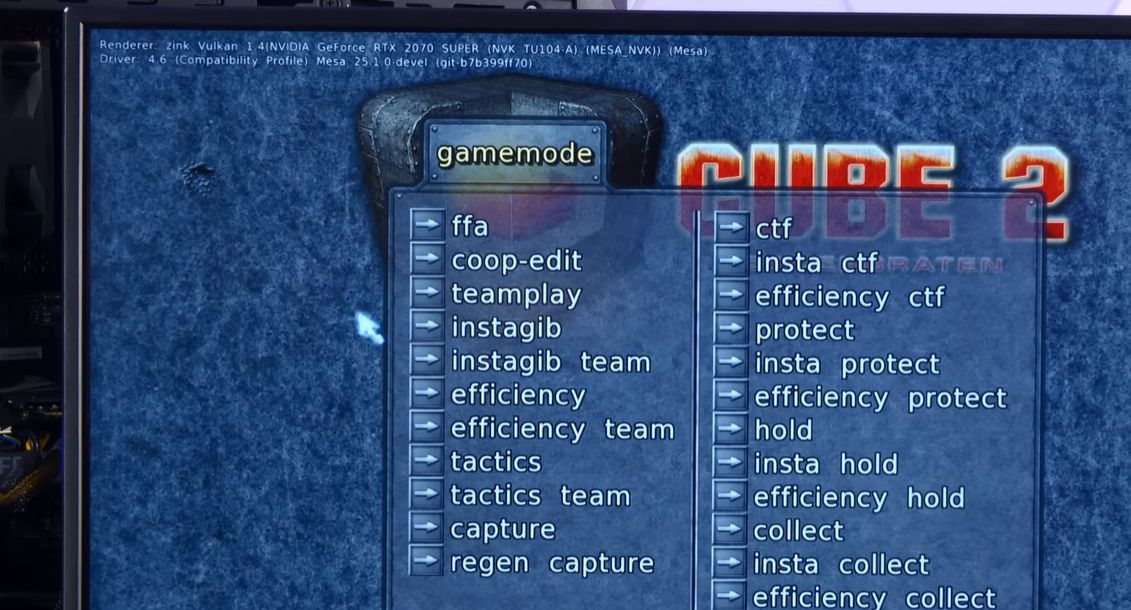
As explained by the developer, Nvidia recently published the source code of its kernel driver under the MIT license (called NVRM). This driver is remarkably portable, and its platform-independent part can be compiled for Haiku with relatively minimal effort, although it requires the implementation of OS-specific binding code to be actually usable.

As explained by the developer, Nvidia recently published the source code of its kernel driver under the MIT license (called NVRM). This driver is remarkably portable, and its platform-independent part can be compiled for Haiku with relatively minimal effort, although it requires the implementation of OS-specific binding code to be actually usable.