0

Review for Retroid Pocket Mini V2

preview

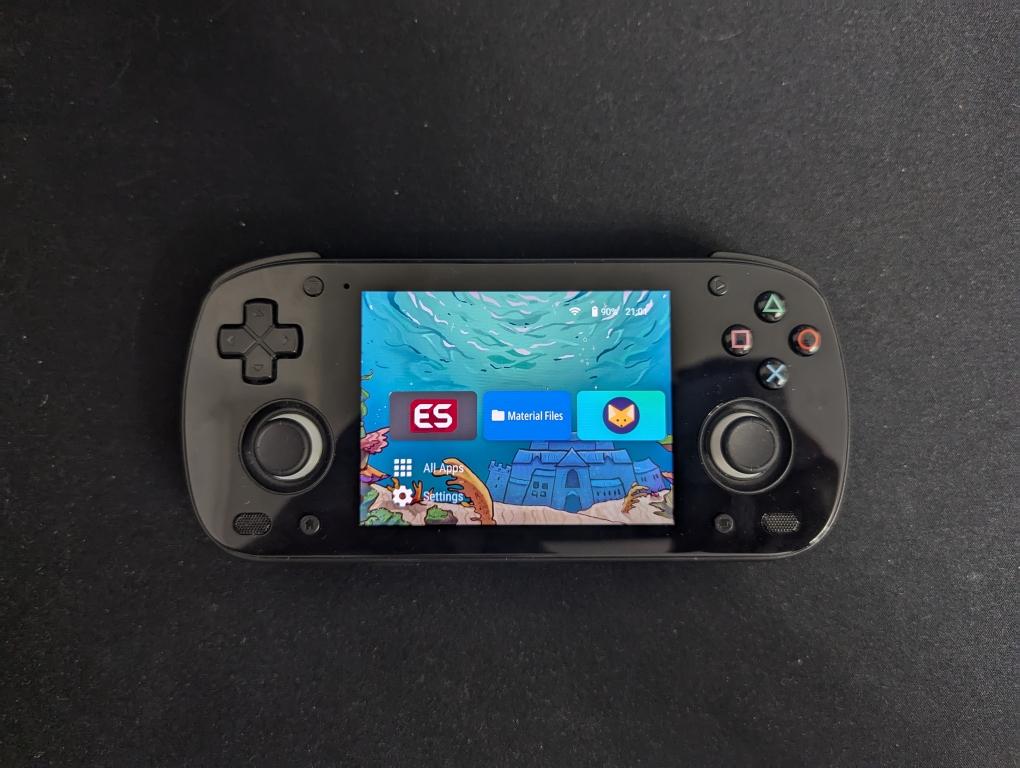
Received the new screen and want to share my impressions about the device.

New screen

For those unaware of the screen drama, I’d suggest to read this article first.

Once Retroid announced they will send free new screen replacements, I immediately filled a request for one. They prioritized US citizens due to upcoming tarifs, so I had to quite some time until they shipped mine.

It arrived in a Retroid Pocket 5 box - looks like they just reused existing packaging. I saw some people on Discord got theirs in a Retroid Pocket Mini box instead. The package includes a full black shell, since that’s the only color they offer. So, owners of other colors now have a black RP Mini with different button colors 😄

But honestly, black is the best color for this device. Combined with the OLED screen, it makes the letterboxing practically invisible, which is perfect for retro gaming.

The replacement process was easy for me. I just followed their official video. It’s not very optimal, though. Sticks and fan disassembly is completely unnecessary, you can skip those. I also occasionally checked this disassembly stream recording.

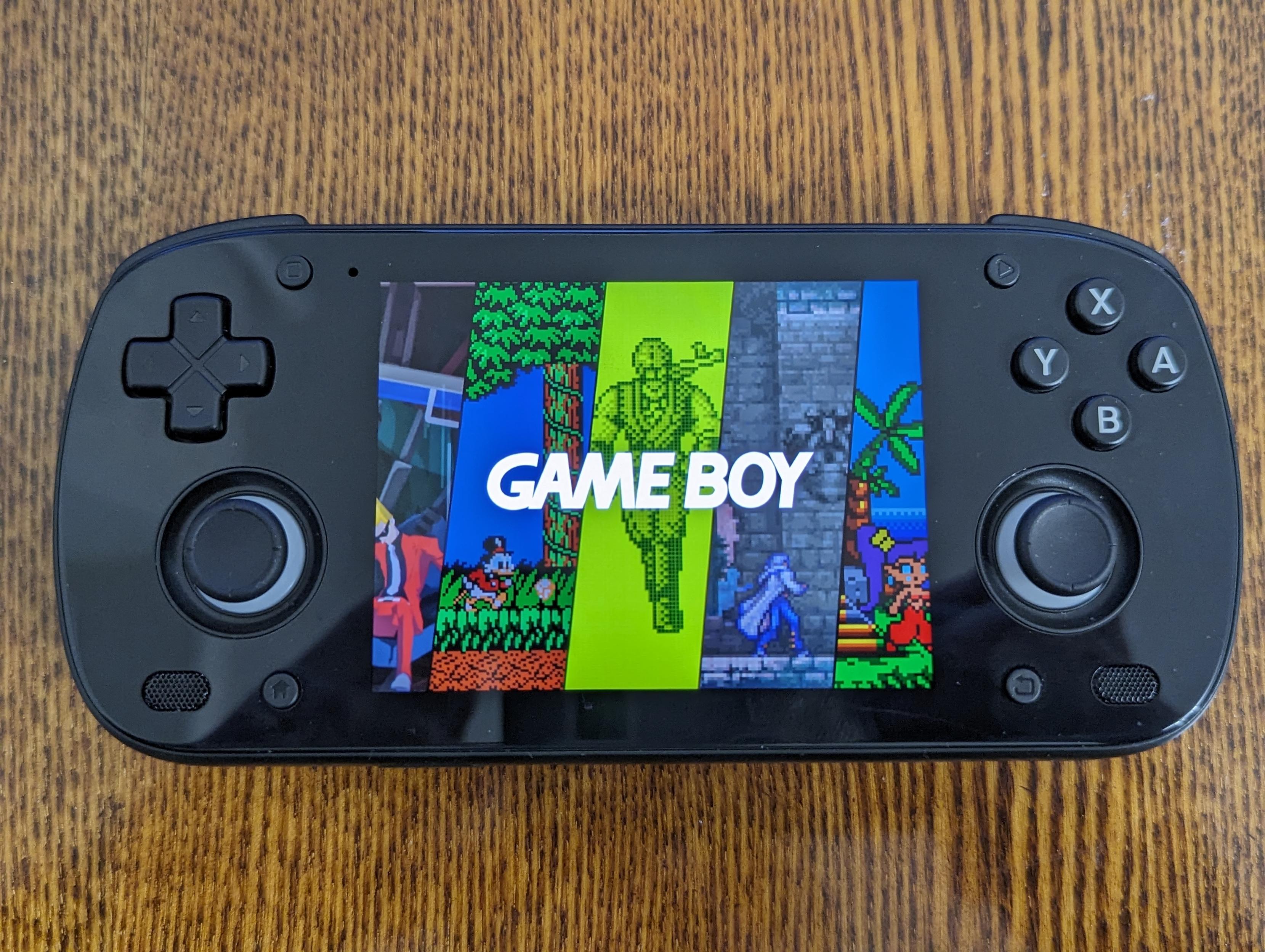
The screen has rounded edges, but I actually like it. The taller screen (31:27) makes Android interface less painful.

But most importantly, it plays nicely with most retro games. In RetroArch I enabled Integer Scale and set Integer Scale Scaling to Smart. This way games will use overscale, but fallbacks to underscale if when the image is cropped too much. Retro games was designed with overscan in mind, so no important content is cut, the image occupies maximum possible space and everything is pixel perfect. I usually don’t enable integer scaling on high resolution screens like this, but it works great for this specific device.

No surprise, GB, GBC and Pico8 looks great. They won’t take fullscreen with integer scaling, but it’s very close.

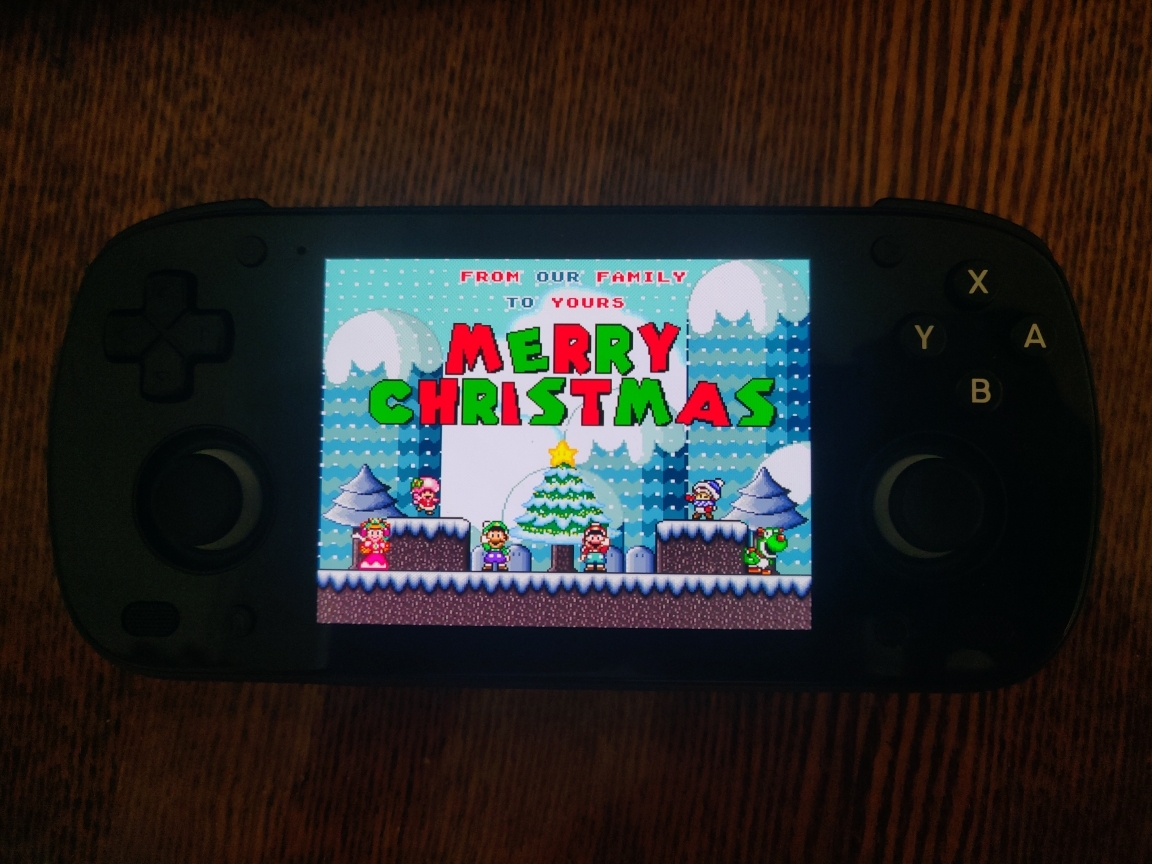
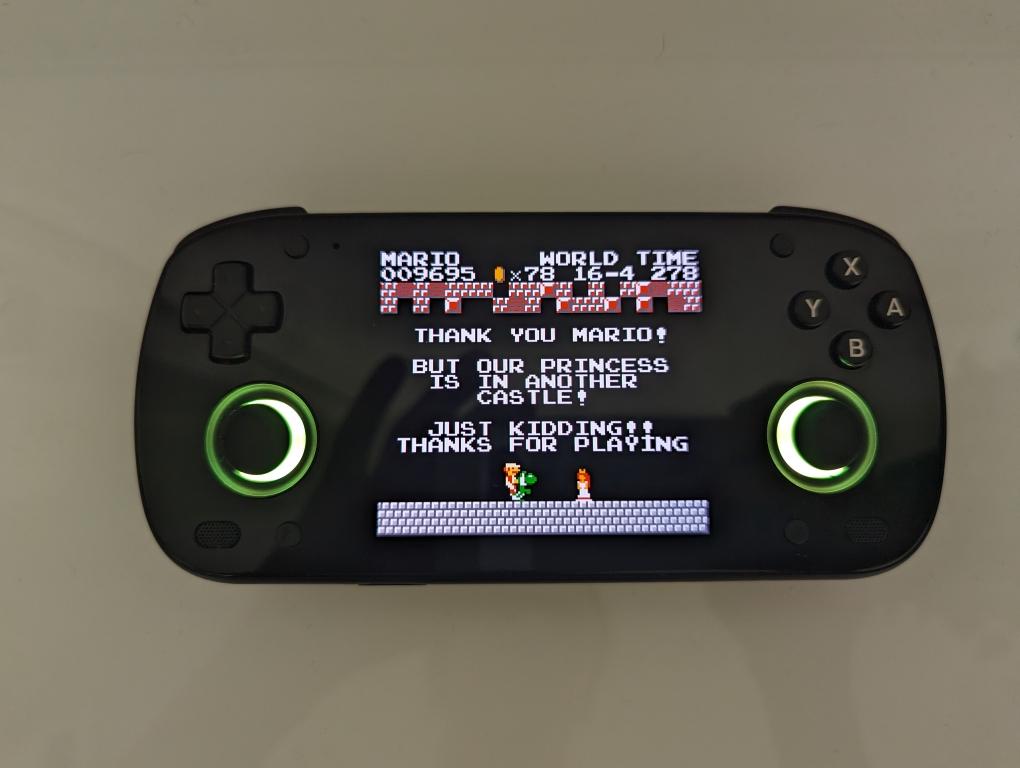
But the best systems to play for me are actually SNES and NES! They were played on 4:3, but their actual aspect ration is close to a square. So for SNES9x core I set the aspect ratio to Uncorrected and for Mesen (NES) I set it to No Stretching. I know they were developed with 4:3 in mind, but this way they occupy the entire screen and look pixel perfect!

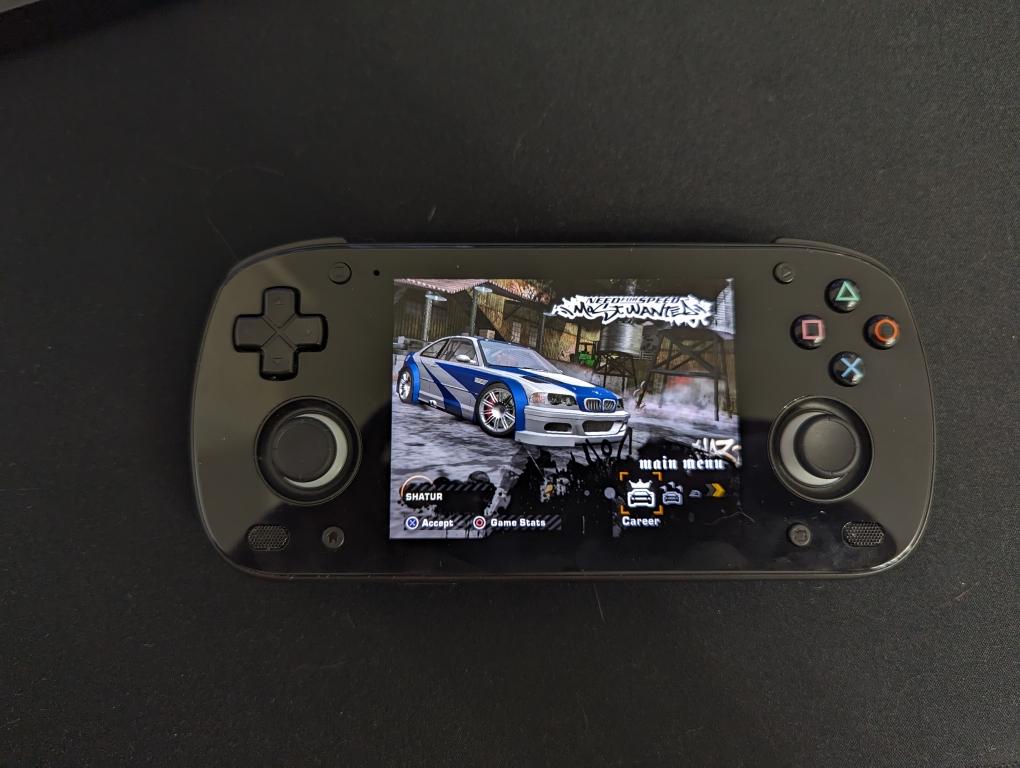
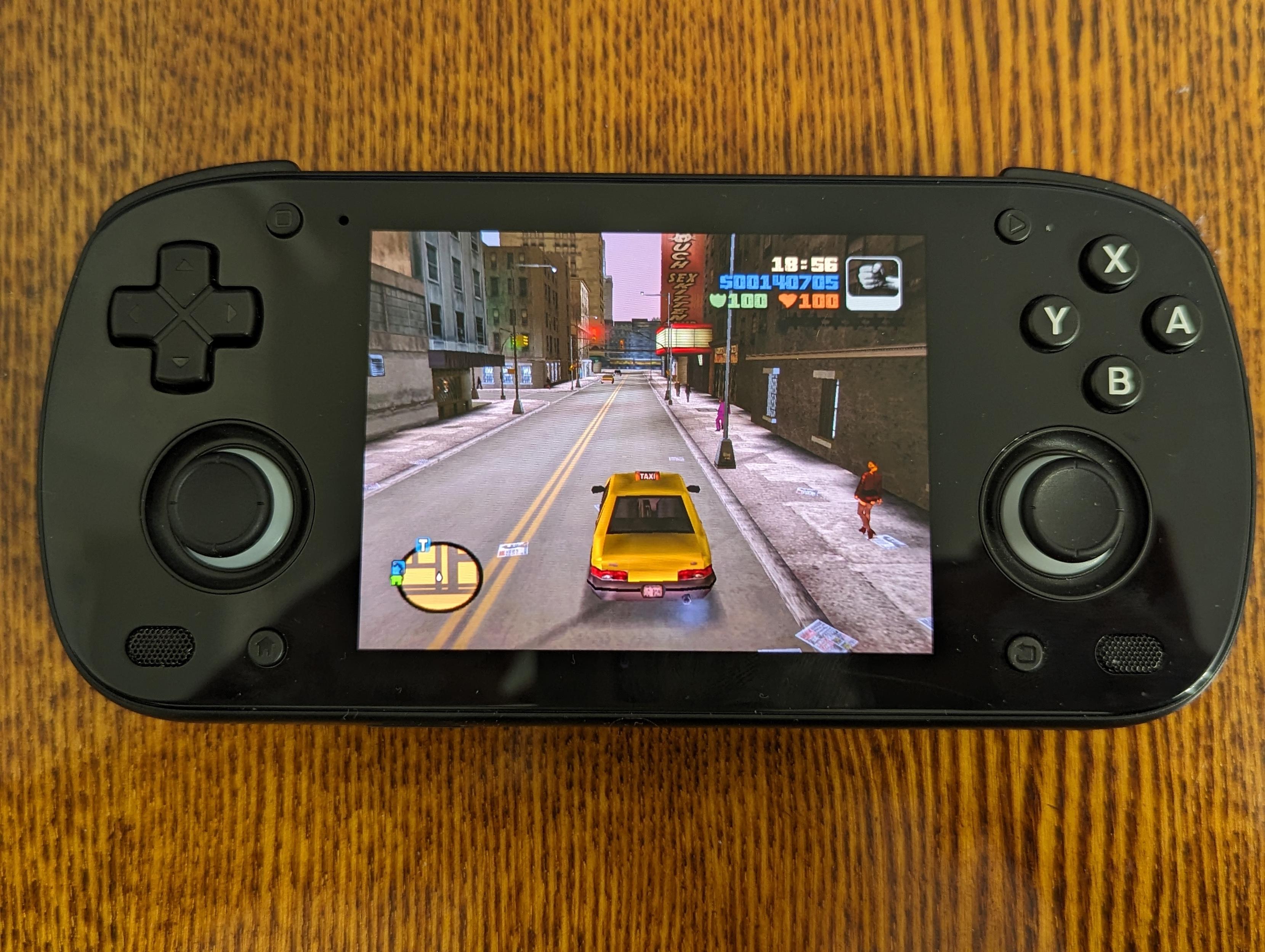
Systems like Dreamcast and PS1 look exactly the same, I don’t have to turn integer scaling off, they take all horizontal space.

In Dolphin, widescreen hacks work well with the taller screen, so you can fill the entire display. However, I usually play Dolphin on my Steam Deck, since the Android version doesn’t support RetroAchievements.

PS2 widescreen hacks don’t work well with this screen, but it still looks fine in 4:3 - identical to how it looked before the screen swap, except with now properly aligned pixels.

PSP isn’t a great fit for this device, but thanks to the OLED and black color, the letterboxing is barely noticeable. I’ve seen some people stretch the image, but I’m not a fan of that.

Device

Here’s what I like about it:

  1. Great battery life when using Android. I usually leave a game running, and it barely drains any battery while idle. This makes it easy to earn RetroAchievements in hardcode mode.
  2. Pocketable. The sticks protrude a bit, but I found it pretty comfortable to carry in my jacket.
  3. The stock OS is fairly clean, though I do wish I could install LineageOS.
  4. It can run mainline Linux.
  5. Powerful enough to handle all my favorite games.
  6. Ergonomic. I can play for hours without my hands hurting.
  7. And now it also has a great screen.

However, I would’t recommend this device. Here is why:

  1. ABXY buttons feel awfull. It’s hard to explain, but I simply don’t like pressing them. Even swapping to more quite PSX-style buttons from Etsy didn’t help. I think it’s because of the membrane and glass front. Controls are very important for me.
  2. Glass front looks nice, but it’s marky. Also dirt easily accumulates on edges on edges and its hard to remove it. I prefer to keep my devices clean.

I ordered the Retroid Pocket Flip 2 after asking for a screen replacement, and somehow they managed to deliver it earlier. But I’m enjoying it much more - it’s more pocketable, has a bigger screen, and avoids the drawbacks of the Mini. And it’s only $20 more.
Received the new screen and want to share my impressions about the device.

New screen

For those unaware of the screen drama, I’d suggest to read this article first.

Once Retroid announced they will send free new screen replacements, I immediately filled a request for one. They prioritized US citizens due to upcoming tarifs, so I had to quite some time until they shipped mine.

It arrived in a Retroid Pocket 5 box - looks like they just reused existing packaging. I saw some people on Discord got theirs in a Retroid Pocket Mini box instead. The package includes a full black shell, since that’s the only color they offer. So, owners of other colors now have a black RP Mini with different button colors 😄

But honestly, black is the best color for this device. Combined with the OLED screen, it makes the letterboxing practically invisible, which is perfect for retro gaming.

The replacement process was easy for me. I just followed their official video. It’s not very optimal, though. Sticks and fan disassembly is completely unnecessary, you can skip those. I also occasionally checked this disassembly stream recording.

The screen has rounded edges, but I actually like it. The taller screen (31:27) makes Android interface less painful.

But most importantly, it plays nicely with most retro games. In RetroArch I enabled Integer Scale and set Integer Scale Scaling to Smart. This way games will use overscale, but fallbacks to underscale if when the image is cropped too much. Retro games was designed with overscan in mind, so no important content is cut, the image occupies maximum possible space and everything is pixel perfect. I usually don’t enable integer scaling on high resolution screens like this, but it works great for this specific device.

No surprise, GB, GBC and Pico8 looks great. They won’t take fullscreen with integer scaling, but it’s very close.

But the best systems to play for me are actually SNES and NES! They were played on 4:3, but their actual aspect ration is close to a square. So for SNES9x core I set the aspect ratio to Uncorrected and for Mesen (NES) I set it to No Stretching. I know they were developed with 4:3 in mind, but this way they occupy the entire screen and look pixel perfect!

Systems like Dreamcast and PS1 look exactly the same, I don’t have to turn integer scaling off, they take all horizontal space.

In Dolphin, widescreen hacks work well with the taller screen, so you can fill the entire display. However, I usually play Dolphin on my Steam Deck, since the Android version doesn’t support RetroAchievements.

PS2 widescreen hacks don’t work well with this screen, but it still looks fine in 4:3 - identical to how it looked before the screen swap, except with now properly aligned pixels.

PSP isn’t a great fit for this device, but thanks to the OLED and black color, the letterboxing is barely noticeable. I’ve seen some people stretch the image, but I’m not a fan of that.

Device

Here’s what I like about it:

  1. Great battery life when using Android. I usually leave a game running, and it barely drains any battery while idle. This makes it easy to earn RetroAchievements in hardcode mode.
  2. Pocketable. The sticks protrude a bit, but I found it pretty comfortable to carry in my jacket.
  3. The stock OS is fairly clean, though I do wish I could install LineageOS.
  4. It can run mainline Linux.
  5. Powerful enough to handle all my favorite games.
  6. Ergonomic. I can play for hours without my hands hurting.
  7. And now it also has a great screen.

However, I would’t recommend this device. Here is why:

  1. ABXY buttons feel awfull. It’s hard to explain, but I simply don’t like pressing them. Even swapping to more quite PSX-style buttons from Etsy didn’t help. I think it’s because of the membrane and glass front. Controls are very important for me.
  2. Glass front looks nice, but it’s marky. Also dirt easily accumulates on edges on edges and its hard to remove it. I prefer to keep my devices clean.

I ordered the Retroid Pocket Flip 2 after asking for a screen replacement, and somehow they managed to deliver it earlier. But I’m enjoying it much more - it’s more pocketable, has a bigger screen, and avoids the drawbacks of the Mini. And it’s only $20 more.

0

Investigating the Retroid Pocket Mini's Display

BitBuilt - Giving Life to Old Consoles Discussion - Investigating the Retroid Pocket Mini's Display bitbuilt.net
preview

Fascinating work done by a community member, which strongly suggests that the Retroid Pocket Mini may in fact just be a 3.92" 1080x1240 AMOLED panel (same as in upcoming RP Classic) but with part of the panel hidden to achieve a 4:3 aspect ratio.

Fascinating work done by a community member, which strongly suggests that the Retroid Pocket Mini may in fact just be a 3.92" 1080x1240 AMOLED panel (same as in upcoming RP Classic) but with part of the panel hidden to achieve a 4:3 aspect ratio.

0

Retroid Pocket Mini received an update for Android 13

preview

ES-DE Molla

I was hoping this update would enable pure black mode (which looks awesome on the borderless display of the black model). But it turns out that feature was added in Android 14 😢

I really wish retro handhelds were supported by FOSS Android distros like LineageOS.

Still, I’m quite happy with the update. This time I decided to try Molla launcher and ES-DE 🙂

0

Modded my RP Mini with PlayStation buttons

preview

I used buttons for the Odin 2 Mini from SakuraRetroModding on Etsy. They fit without any modifications, except that the original buttons are glued to the membrane. Thankfully, it’s easy to unglue them by cutting through the glue with nails.

Here is how the unglue process looks like. The video is for RP5, but the approach is the same for the Mini.

The new buttons are quieter, have a lower profile, and feel similar to an Xbox controller overall. I’m really happy with the mod!

0

Finished SMW - Merry Mountain Christmas Adventure

preview

It’s a very cool hack, highly recommend!

It lets you switch between 4 different characters on the map screen. Each one have unique physics and a special move. Also there is one additional unlockable character.

Bosses also very interesting. Each have unique mechanics. They are way harder then the original, but not super difficult.

What I didn’t like is that many surfaces are slippery. It makes the game feel a bit unfair sometimes.

Retroachievements for this game are fine, but I disliked the speedrun and deathless one.

Here is the link to the patch.

0

Mastered Super Mario Bros Mini!

preview

It’s a port of the original Super Mario Bros from the NES to the Game Boy Color. The physics feel very nice, and I like how the sprites are adapted.

The port also extends the game. After the 8 original worlds, Quest B adds 8 more with new enemies, mechanics, and even bosses! I had so much fun playing it.

Also, the game is FOSS: github.com/Mico27/SuperMarioBrosMini

0

Bought a Retroid Pocket Mini

preview

I just wanted a pocketable device, so I decided to pick Mini over 5.

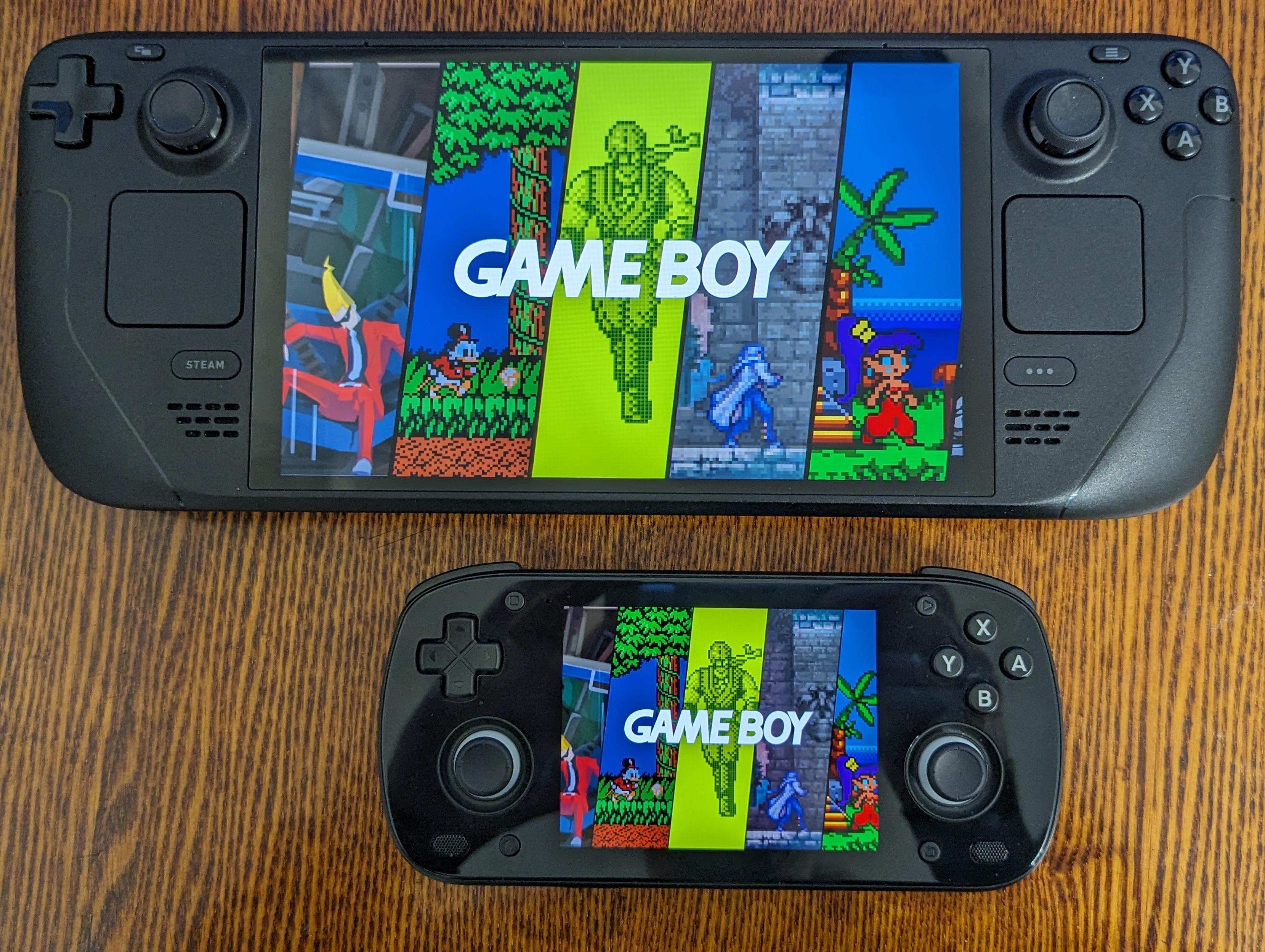
Originally, I wanted to order the white color but ended up choosing the black one because it makes the bezels and pillar boxes blend into the case. It also looks like a small SteamDeck 😅

When I’m not programming, I’m playing GTA III on it and earning RetroAchievements 😃

With SteamDeck

GTA III