
0
0

JavaScript Development Space
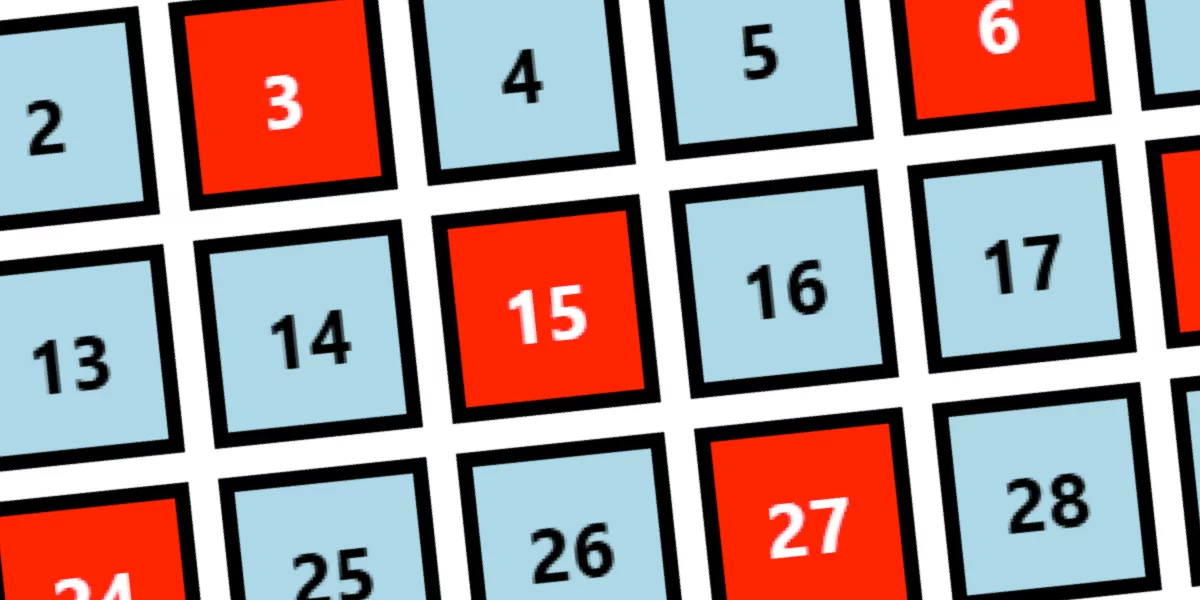
CSS reversed(): A Better Way to Build Countdown Counters
jsdev.space

@codeinabox@programming.dev
London based software development consultant




The AI Act makes compliance with the Web Accessibility Directive and the European Accessibility Act (EAA) a legal requirement for providers of high-risk AI from December 2027. In practice, this means products and services meeting EN 301 549 and the Web Content Accessibility Guidelines (WCAG) 2.2.
The Act also requires that people are told when they’re interacting with AI or AI-generated content, and that this information is accessible. This applies to more than high-risk AI.
The AI Act makes compliance with the Web Accessibility Directive and the European Accessibility Act (EAA) a legal requirement for providers of high-risk AI from December 2027. In practice, this means products and services meeting EN 301 549 and the Web Content Accessibility Guidelines (WCAG) 2.2.
The Act also requires that people are told when they’re interacting with AI or AI-generated content, and that this information is accessible. This applies to more than high-risk AI.




On November 3, WebKit announced Adaptive Dark Mode in Safari 27.3 beta. When a user enables it, Safari can analyse a predominantly light website and transform it into a dark appearance. It adjusts backgrounds, text, gradients and certain graphics while trying to preserve usability and contrast.
On November 3, WebKit announced Adaptive Dark Mode in Safari 27.3 beta. When a user enables it, Safari can analyse a predominantly light website and transform it into a dark appearance. It adjusts backgrounds, text, gradients and certain graphics while trying to preserve usability and contrast.


Oxlint’s JavaScript plugin support hit alpha in March 2026, and the Oxc team’s claim is that roughly 80% of ESLint users can switch and have it “just work.” The interesting part is how they got there: an ESLint-compatible plugin API running beside the native Rust rules, so you keep your rules and only pay JavaScript prices for the rules that actually need JavaScript.
Oxlint’s JavaScript plugin support hit alpha in March 2026, and the Oxc team’s claim is that roughly 80% of ESLint users can switch and have it “just work.” The interesting part is how they got there: an ESLint-compatible plugin API running beside the native Rust rules, so you keep your rules and only pay JavaScript prices for the rules that actually need JavaScript.



I wanted a San Francisco postcard to send home, so I built one. The fog, the water and the reflections are all SVG filters, and this is how.
I wanted a San Francisco postcard to send home, so I built one. The fog, the water and the reflections are all SVG filters, and this is how.

Phrases like “Click here”, “Read more”, “Learn more”, and “More info” are the most common problem. This assumes the surrounding context is enough. However, for people browsing with a screen reader, and for anyone scanning a page visually, generic link text is often not enough.
Instead of “Click here” use "Download our accessibility guide (PDF). Instead of “Learn more” use “Learn more about our accessibility training.”
Phrases like “Click here”, “Read more”, “Learn more”, and “More info” are the most common problem. This assumes the surrounding context is enough. However, for people browsing with a screen reader, and for anyone scanning a page visually, generic link text is often not enough.
Instead of “Click here” use "Download our accessibility guide (PDF). Instead of “Learn more” use “Learn more about our accessibility training.”





CSS has two new positional alignment keywords as part of CSS Box Alignment Level 3: flow-start and flow-end. These are defined as aliases for the existing flex-start and flex-end keywords.
CSS has two new positional alignment keywords as part of CSS Box Alignment Level 3: flow-start and flow-end. These are defined as aliases for the existing flex-start and flex-end keywords.
There are a few scenarios where we might need to change the level of a heading (<h1>–<h6>). As an example, we create a component with a <h1>, but then we use the component in a different context where it needs to be a <h2>. I know, I know, that’s what component props are for, but the headingoffset HTML attribute is another option.
Another example: the heading hierarchy is wrong, but we don’t have full control over the HTML. headingoffset might be able to fix that too, depending on the HTML that we do have access to.
Firefox Nightly 153 shipped headingoffset behind the dom.headingoffset.enabled flag, so we’re a way off, and it isn’t really usable until all web browsers support it, but it’s well worth a look now.
There are a few scenarios where we might need to change the level of a heading (<h1>–<h6>). As an example, we create a component with a <h1>, but then we use the component in a different context where it needs to be a <h2>. I know, I know, that’s what component props are for, but the headingoffset HTML attribute is another option.
Another example: the heading hierarchy is wrong, but we don’t have full control over the HTML. headingoffset might be able to fix that too, depending on the HTML that we do have access to.
Firefox Nightly 153 shipped headingoffset behind the dom.headingoffset.enabled flag, so we’re a way off, and it isn’t really usable until all web browsers support it, but it’s well worth a look now.