0
preview
Just 2 minutes but it’s pretty fun
Just 2 minutes but it’s pretty fun


@god@sh.itjust.works
Stirnerian Egoist looking for self satisfaction. Gimme Chinese xianxia novels and romantic K-dramas please.


“Bedroom Pop, Synth Funk”, don’t have any idea what those are so here you go
“Bedroom Pop, Synth Funk”, don’t have any idea what those are so here you go
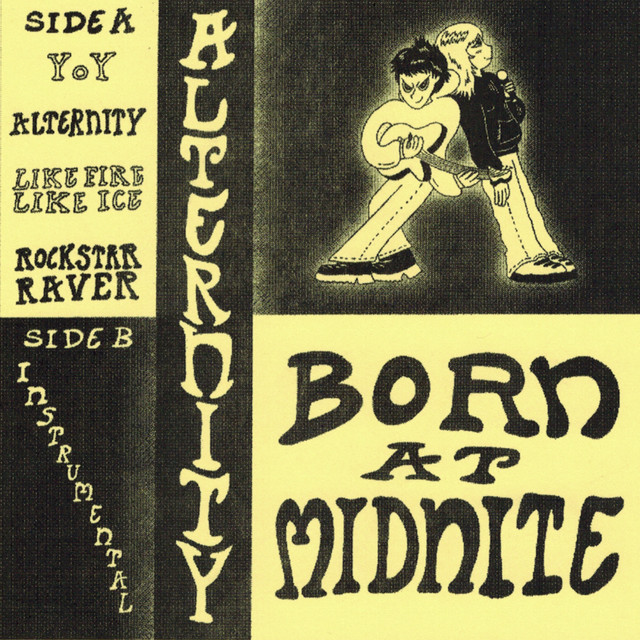
Just 2 minutes but it’s pretty fun
Just 2 minutes but it’s pretty fun


found it here on spotify: open.spotify.com/track/2NMSwEAP0YmeAqYrnFxfYs?si=…
found it here on spotify: open.spotify.com/track/2NMSwEAP0YmeAqYrnFxfYs?si=…


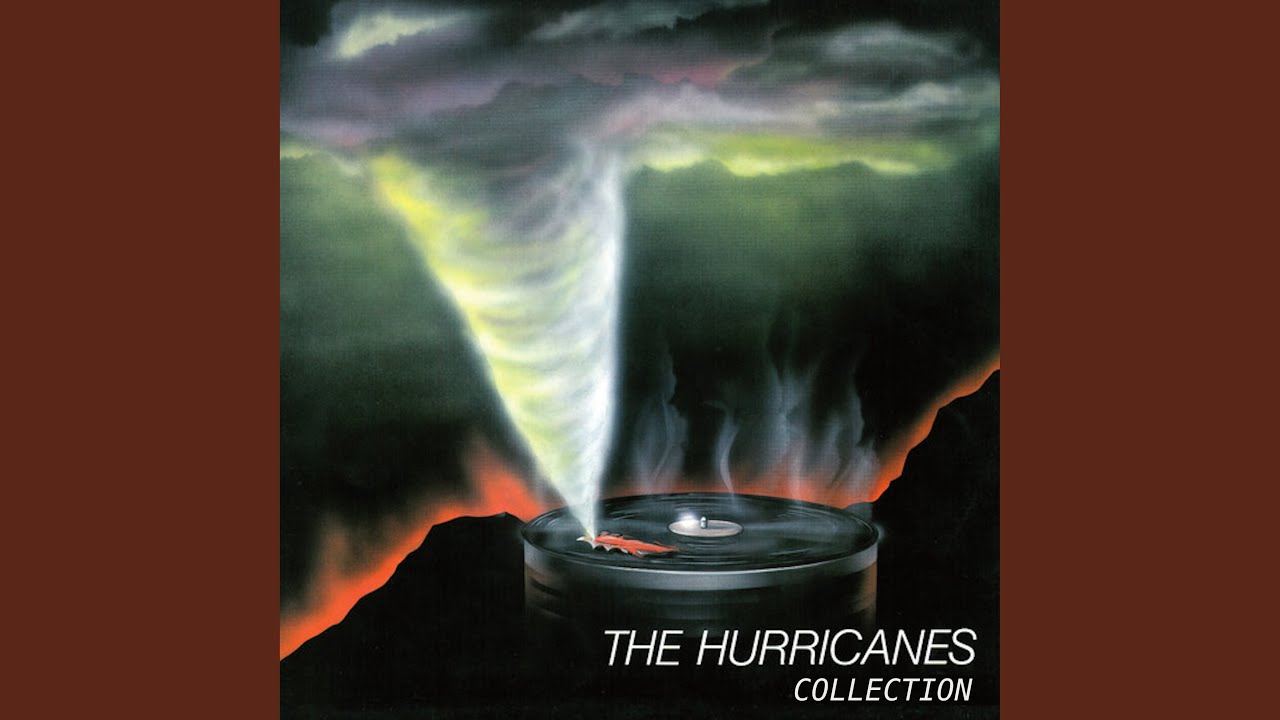
A bit of italo disco
A bit of italo disco

Probably my 2nd favorite by Fishbach, close to tying up with Mortel. It was so mystical when I first heard it. I still absolutely love it.
Probably my 2nd favorite by Fishbach, close to tying up with Mortel. It was so mystical when I first heard it. I still absolutely love it.

Let’s start with one of my favorites
Let’s start with one of my favorites
Table of Contents
UserScripts are an incredible way to enhance and customize your browsing experience. They allow you to alter the functionality and layout of web pages, like Lemmy UI, by executing JavaScript codes on the client side. In this guide, we’ll walk you through the process of installing UserScripts in your Chrome or Firefox browser.
UserScripts are bits of code written in JavaScript that run in your web browser. They can modify the content, layout, and behavior of web pages. The true power of UserScripts lies in their ability to tailor your browsing experience to your needs.
To run UserScripts, you’ll need to install a UserScript manager extension. Two popular ones are Tampermonkey and Greasemonkey.
Now that you have a UserScript manager installed, you can add your own scripts. Here’s how:
That’s it! Your UserScript is now installed and will run on the sites specified in its metadata.
UserScripts offer an incredible way to customize your web browsing experience. Whether you’re using Chrome or Firefox, Tampermonkey, Greasemonkey or Violentmonkey, you can create a browsing environment that’s uniquely suited to your needs. Happy scripting!
Remember, while UserScripts are powerful tools, they should be used responsibly. Don’t install scripts from sources you don’t trust, as they can pose security risks. Always review the code of a UserScript before installing it to ensure it doesn’t contain anything malicious.
Table of Contents
UserScripts are an incredible way to enhance and customize your browsing experience. They allow you to alter the functionality and layout of web pages, like Lemmy UI, by executing JavaScript codes on the client side. In this guide, we’ll walk you through the process of installing UserScripts in your Chrome or Firefox browser.
UserScripts are bits of code written in JavaScript that run in your web browser. They can modify the content, layout, and behavior of web pages. The true power of UserScripts lies in their ability to tailor your browsing experience to your needs.
To run UserScripts, you’ll need to install a UserScript manager extension. Two popular ones are Tampermonkey and Greasemonkey.
Now that you have a UserScript manager installed, you can add your own scripts. Here’s how:
That’s it! Your UserScript is now installed and will run on the sites specified in its metadata.
UserScripts offer an incredible way to customize your web browsing experience. Whether you’re using Chrome or Firefox, Tampermonkey, Greasemonkey or Violentmonkey, you can create a browsing environment that’s uniquely suited to your needs. Happy scripting!
Remember, while UserScripts are powerful tools, they should be used responsibly. Don’t install scripts from sources you don’t trust, as they can pose security risks. Always review the code of a UserScript before installing it to ensure it doesn’t contain anything malicious.