upgrades, people, upgrades


cross-posted from: ani.social/post/37285826
Alt:
Sourced from Pixiv. Absolutely adore how good she looks but upon closer inspection you can see nips so I didn’t think it would fly over on sh.itjust.works/c/rwby (but please come join for more RWBY fanart & discussion <3 )




Hino-san no Baka
I want to petition in favour of EU banking data sovereignty and ask then to overturn FATCA.

Art by zuttomzen


Mikoto to Rei


One day, I’ll get to experience the whole triangle, I hope 😭
I’m slowly but surely getting there ♥️
Artist is 5-ish Art, post taken from here (beware, Facebook 👎)


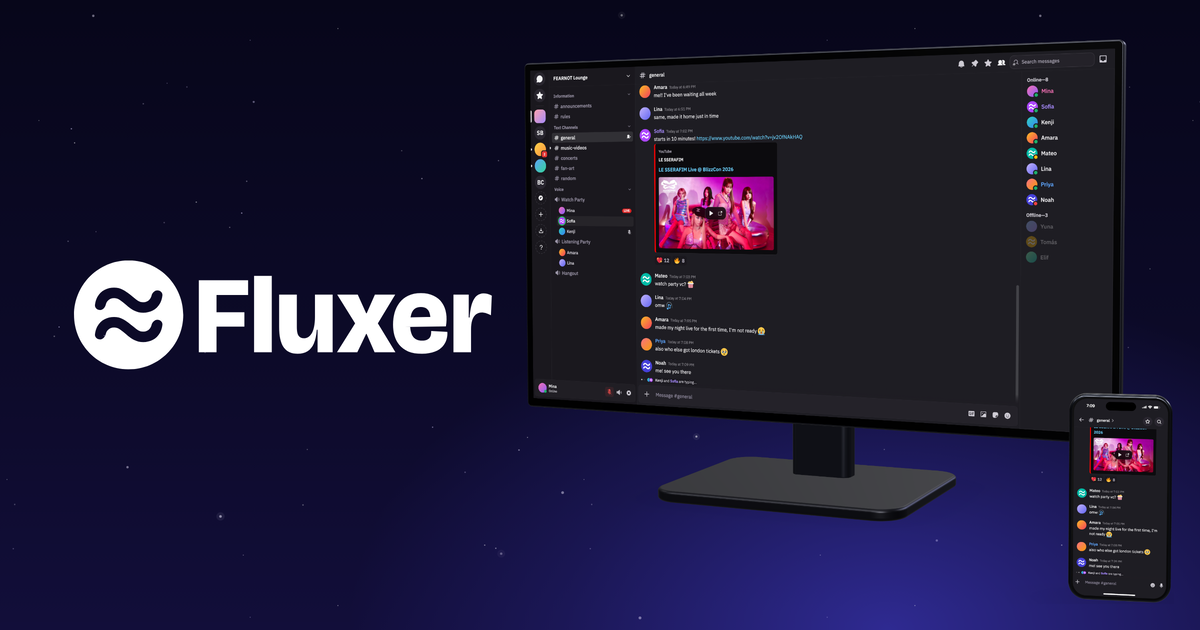
Where Fluxer is headed in 2026 and what we’re working on next.

I just spent the past 2 weekends migrating from Lightroom CC with just under 1TB of photos, mostly RAWs, making up about 50,000 files. I kind of made it up as I went and I spent a lot of time testing and validating. I’m going to do a writeup here to hepefully help ayone else coming acrross this and/or in case someone has ideas.
~/Library/Application Support/Adobe/Lightroom/Because I was discovering this as I went, I tried some version of all of the options above, but going forward, I have a process which should be much easier.
First, I will parse the catalog which is a SQLite db and extract the newest “version” of each picture and the content I care about. I will store it in a CSV for long-term holding.
Once metadata is stored, I’ll go and request the archive through the website. That will take a few hours to possibly days (it took me about 2 hours on a Friday night). Once that’s done, you get an email and a link to a personalized site. You have to parse the (for me) 50+ links and download them sequentially. It took me a few hours to download 1 TB limited by my local bandwidth (for which I’m eternally grateful). With my TrueNAS storage, I have the luxury of landing the data and uploading it to Immich separately.
For XMPs, the edit data, you have to get that from a local source so either export originals or the desktop app “Archive All” option.
You’ll have to decide what you need and maybe you have fewer requirements than me.
The next challenge is grabbing all of that data, pictures and ratings and applyhing them in Immich. Luckily, it has a fantastic API so I can script the whole thing. Most of the mapping happened by picture name and there were a few times where I had to dig into exif to identify a picture. Overall, i think I had 40 or so files out of 50k+ which couldn’t be mapped.


cross-posted from: lemmy.blahaj.zone/post/48313374
Promotional
Im not affiliated to Fermi/Harmony chat in any way, im just a user who liked it and want to share my experience of the app i find worthy of sharing
so i wanted to share a promising project that I have been using for a few months.
made this post to promote and share this platform since it needs more people, theres arent many atm and it deserves way more.
Fermi/Harmony Chat is free and open source discord like guild/community centered chat platform with most of the features that are expected from those platforms like message channels, vocal chats, threads, screensharing and more. Importantly the chat platform has a strict stance against LLMs AIs and AI generated slop like vibe coding and other abusive usage of AI that replaces human work and slop it in the process. sadly fermi/harmony is unique of having a strong stance against AI. (other similar projects sadly uses AI and excuses AI usage and vibe coding)
the platform also allows users to create their own client for the platform. harmony chat is the API and fermi is just the currently only working client on the platform (was a spacebar client previously until harmony was created as a spacebar fork with the goal of fixing the many issues and bugs present on spacebar) and in the future, instances are going to be federated and the process will be managed directly by the client (fermi and other clients) without being tidious and for advanced users like on matrix, so more easy and beginner friendly.
the platform also is more lenient on its acceptable policy and have a no bullshit moderation. (sadly not the case for other alternatives which sucks very much)
IMPORTANT
currently the project in its early stage and still has lots of bugs, glitches and various issues.
it is currently only accessible through a web browser (there is no app neither on desktop or on mobile)
lots of features are not finished and the platform still need major improvements. but i hope it is going to grow and become a viable alternative.
currently there are around 800 people are registered on fermi/harmony chat.
fermi.chat the main website currently (use this one to register) melodychat.org the organisation’s website (its called melody on codeberg and on the website since harmony was taken)
codeberg link of both harmony and fermi :
codeberg.org/MelodyChat/Harmony codeberg.org/MelodyChat/Fermi
credit to Mathium5, eliza, devs and contributors for developping and maintaining fermi and harmony chat.

also my teto plush committed suicide



en.wikipedia.org/wiki/Pictures_for_Sad_Children
In some ways “outdated”, too edgy, but in some details maybe even more relevant today than it originally was.
(1/3 of humanity having no electricity is a bit exaggerated, in 2000 it was 1/5.)
Good news, a security issue that was blocking the draft for the new DNS-PERSIST-01 challenge mode for TLS certificates has been resolved, meaning the challenge can resume moving forward.
Some background for those who aren’t up to date:
Hopefully now that this hurdle has been passed things will proceed faster and we’ll get to use this in the near future.


i hope this fits. it’s my solidarity meme. if not, i sorry.

cross-posted from: lemmy.world/post/52228118
Classic Meta Product
Good news selfhosted crowd! I pitched the idea of setting up a server, and she is down with the idea!
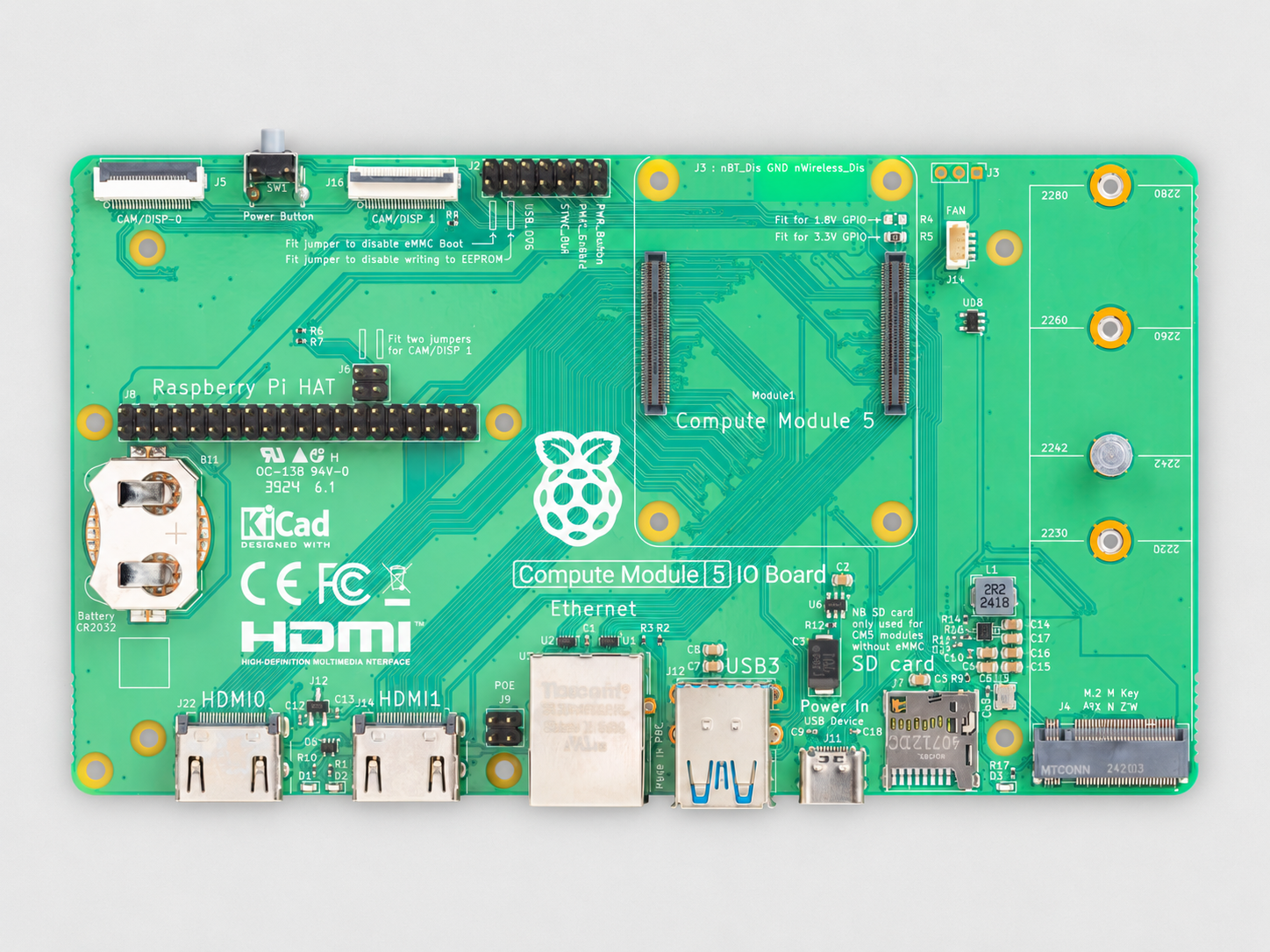
I want to run Linux and host things like Jellyfin, Audiobookshelf, Navidrome, maybe Plex (I currently host it off my Mac desktop but would move it to a dedicated server).
I know you can host Plex et al on something like a Raspberry Pi, but I want a bit more power. I want something that can push at least 2-3 4K streams.
I’m considering targeting 12th gen i5 with 16GB DDR4. Maybe 32GB if I can swing it. Is that overkill? I know you want 8th gen Intel for hardware transcoding of either x265/HEVC or AV1 (probably the former as the latter is newer).
There are other projects I’d like to run. I’d like to be able to host my own LLM/AI but I’m not trying to go performance overkill here. This would be my first server.
I am somewhat comfortable using the command line, and I would be remoting into the server via my Macs (I have a desktop and a MacBook). However, Linux can run Windows games via Proton and that’s something I’m interested in for some older titles that aren’t on Xbox (like Deus Ex, which came out in 2000 and should run on integrated graphics). I’m not inexperienced with Linux and have been using it off and on (mostly off unfortunately) for over 30 years. My go-to would be Ubuntu, but I’ve heard great things about KDE lately and I know the Internet is in love with Mint these days. Would the distro really matter all that much as long as I have the required services?

Major changes for the Halo series as Microsoft gives the next major game to Activision to make.

cross-posted from: lemmy.zip/post/71629767
This is unacceptable. And I’m sick of all the fucking workarounds to maintain basic privacy.
Recently it’s come to my attention that Caddy has an AI sponsor so I have been looking at moving away from Caddy.
I’m currently looking for another reverse proxy to use in place of Caddy. For TLS I am looking into using CertBot and it appears there’s a module (github.com/desec-io/certbot-dns-desec) I can use that works for desec.io to handle my certs.
I have two questions, the first is about CertBot. Since Caddy is handling my certs automatically, how often would I want to renew my certs? Desec.io has this command to obtain a cert:
certbot certonly \
     --authenticator dns-desec \
     --dns-desec-credentials /etc/letsencrypt/secrets/$DOMAIN.ini \
     -d "$DOMAIN" \
     -d "*.$DOMAIN"
Would I be required to run the same command periodically to renew my cert?
My second question is a bit more open ended. I am looking to hear any suggestions or experiences about different reverse proxies that are preferably free of AI. There is a list here with some suggested alternatives: codeberg.org/ethical-foss/open-slopware#web-serve…

The TV world has been a pot of controversy thanks to a two-hour-and-15-minute video from Gamers Nexus claiming LG TVs are nefariously spying on everything you do. They can record and store audio even when they seem to be off, track everything you watch, and could even be hacked remotely and turned into covert surveillance […]








cross-posted from: lemmy.dbzer0.com/post/75634631

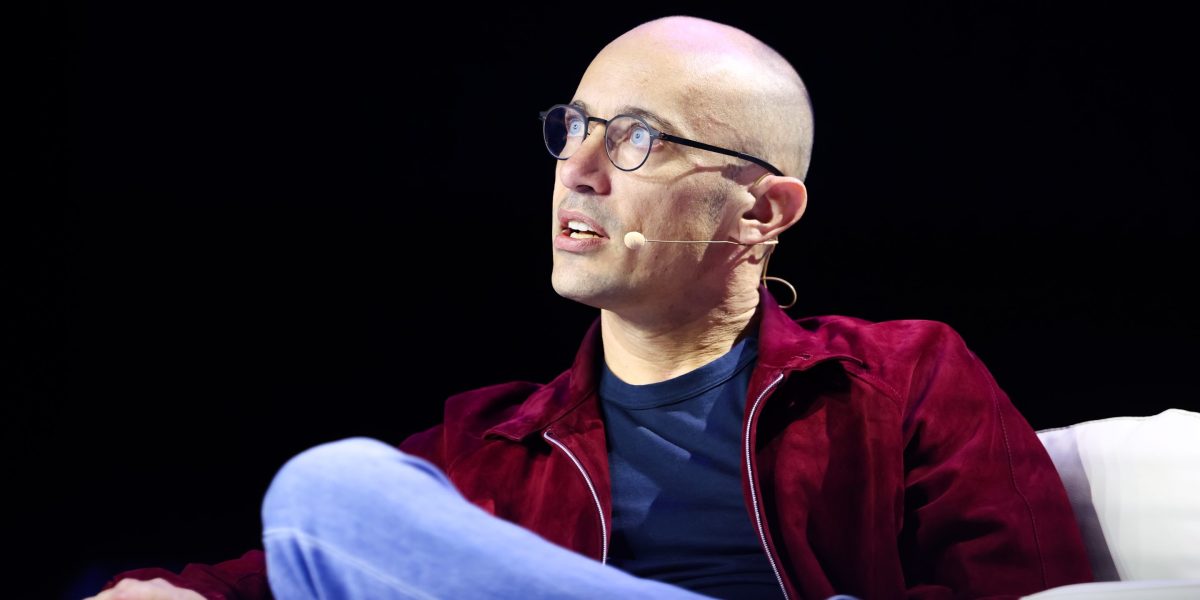

The device, which features a screen showing the Muse avatar, will also have real-time voice interactivity and is set to be released in December.
“If you’re not wearing glasses, this is going to be by far the fastest way to talk to your Muse and to show what’s going on around you,” the chief executive said.
Muse, development of which was first revealed by the FT in May, has helped change the momentum of Zuckerberg’s huge bet on AI, quickly becoming the most downloaded app on both the Apple and Android app stores in the US since its launch two weeks ago.


Excerpt:
The doctor who performed the Netherlands’ first case of euthanasia on a child under 12 did so with due care, the supervising committee concluded after investigating. The patient, a child of nearly 2 years who suffered from several severe medical conditions, died at the end of 2025.