0
0
DeSmog
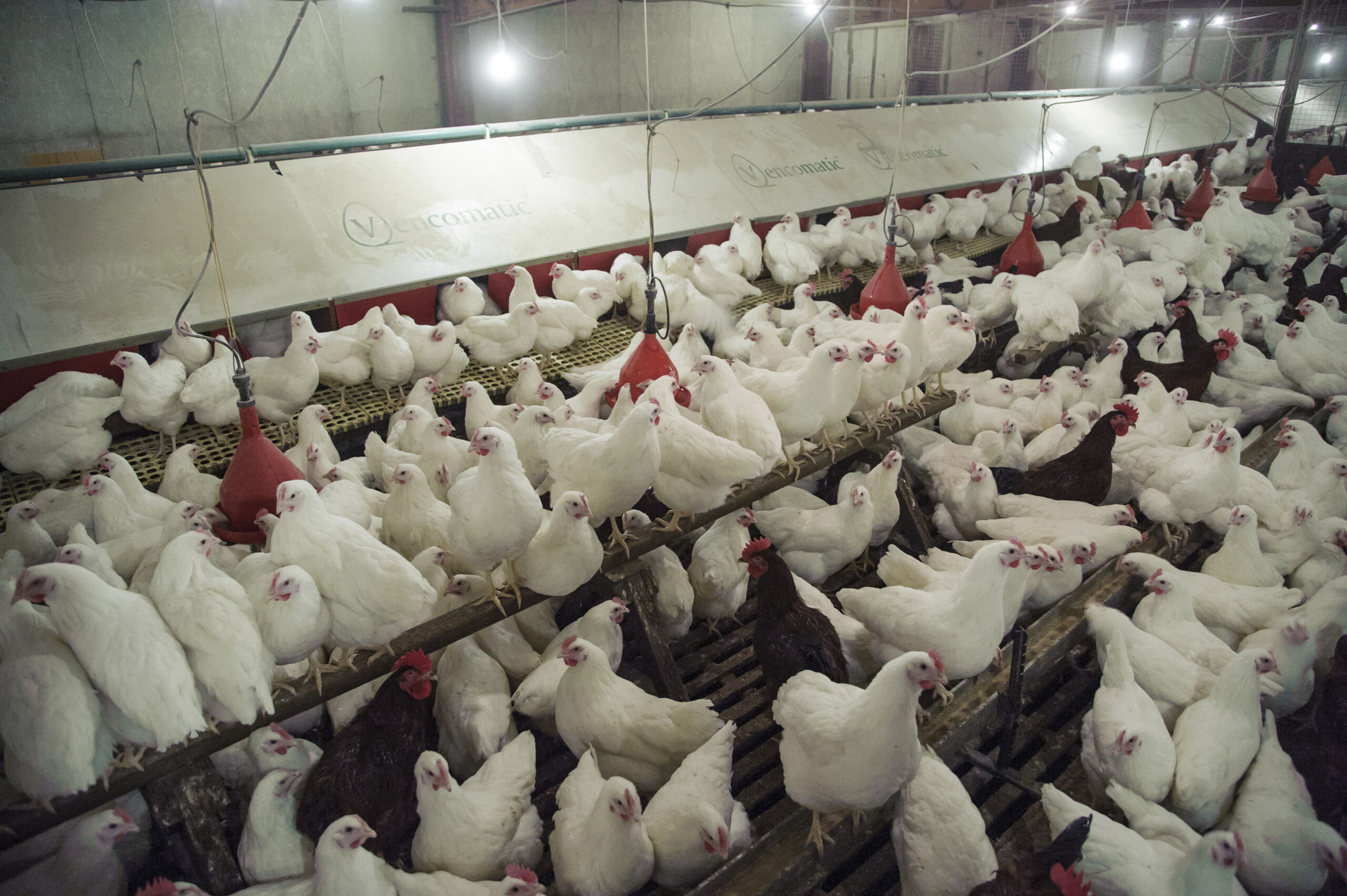
Exclusive: Pig and Poultry Air Pollution Costs UK Over £130 Million a Year
www.desmog.com

Basically just the CPU fan, case, and PSU (if you’re lucky). If someone can figure out how to get Doom running on just those 3 things, young people will be able to ascend.
Basically just the CPU fan, case, and PSU (if you’re lucky). If someone can figure out how to get Doom running on just those 3 things, young people will be able to ascend.


Because all the contestants love Tom except Emma
Because all the contestants love Tom except Emma


cross-posted from: lemmy.ca/post/71899885
cross-posted from: lemmy.ca/post/71899885


Überschrift richtig formuliert: “Mann jenseits der Lebenserwartung attackiert Cafébesucher mit lebensgefährlicher Tatwaffe.”
Ja, ich bin pissig. Kann echt nicht sein, wie hier um den alten heißen Brei geredet wird.
Überschrift richtig formuliert: “Mann jenseits der Lebenserwartung attackiert Cafébesucher mit lebensgefährlicher Tatwaffe.”
Ja, ich bin pissig. Kann echt nicht sein, wie hier um den alten heißen Brei geredet wird.


GitHub repository: https://github.com/mashiox/s3ql-time-machine/
A few years ago, before I fully understood the operational lock-in and caveats that come with S3QL, I deployed several encrypted, deduplicated filesystems directly on Amazon S3. The intent at the time made sense: use S3QL as a secure networked filesystem in the cloud to store sensitive disk backups, and data.
AWS is an exceptional platform. The reliability, API consistency, are second to none. However, AWS is extremely expensive for long-term storage and data egress. As data sizes grew into hundreds of gigabytes and terabytes, keeping static media files in S3 buckets across multiple regions became financially unreasonable.
My primary motivation was straightforward: change the hosting strategy to something more economic. I decided to transition my data off AWS and bring it into a local, self-hosted environment. That was where I ran into a my first blocker.
On my workstation running Arch Linux (btw), the native S3QL package is on version 6.2.2. When I first attempted to mount one of the legacy buckets, the tool failed immediately:
$ mount.s3ql s3://eu-central-1/eur-media /mnt/s3ql/eur-media/
ERROR: File system revision too old, please run `s3qladm upgrade` first.
S3QL breaks file data into compressed, deduplicated chunks and coordinates all filesystem structures through a central SQLite metadata database stored in S3 as an object named s3ql_metadata. Across major releases, S3QL frequently changes its internal database schema and metadata representation. Newer binaries strictly refuse to mount older filesystem revisions.
When I tried running the suggested upgrade command, I was blocked again:
$ s3qladm upgrade s3://eu-central-1/eur-media
To upgrade the filesystem, first download file system metadata using the previous
version of S3QL (eg. by running fsck.s3ql)
This created a classic chicken-and-egg problem. To upgrade the filesystem to work with modern S3QL, I needed the historical S3QL binaries to run fsck. Moreover, executing an irreversible schema migration directly against production S3 buckets is high-risk. A failed upgrade can permanently corrupt the metadata, turning encrypted data blocks into unrecoverable garbage.
I established clear constraints for this recovery operation:
Instead of fighting host dependencies or risking an in-place database upgrade on AWS, I designed the “S3QL Time Machine” approach: run the required historical versions of S3QL inside isolated Docker containers.
The container environment:
fuse3, libfuse3-dev, cython3, sqlite3, libsqlite3-dev, cryptsetup, and psmisc.To allow the container to provide a FUSE mount back to the host, the container is launched with:
–device /dev/fuse–cap-add SYS_ADMIN–security-opt apparmor:unconfined-v $AUTHINFO_FILE:/root/.s3ql/authinfo2:ro-v $(pwd)/pool:/pool:sharedThe shared volume propagation ensures that when mount.s3ql attaches the remote filesystem inside the container to /pool/<bucket>, the unencrypted files immediately appear on the host system at ./pool/<bucket>. From there, I run rsync to copy the data directly to local disk.
During the recovery process across the different buckets, several subtle technical issues arose that required diagnosis.
To inspect bucket metadata without mounting, I wrote a Python inspection tool using boto3. Modern S3QL formats metadata using a custom raw2 format split across x-amz-meta-NNN HTTP headers. boto3 automatically strips the x-amz-meta- prefix, exposing keys as 000, 001, format, etc. While cleartext inspection easily confirms format_version: 2, encryption: AES_v2, and `compression: LZMA, for encrypted buckets S3QL intentionally hides the actual revision number inside the encrypted data attribute to prevent metadata leakage. This confirmed that spinning up a legacy container was the only way to inspect the internal revision.
When mounting another bucket, mount.s3ql crashed during argument parsing:
configparser.InterpolationSyntaxError: '%' must be followed by '%' or '(', found: '%B70nUcwE'
S3QL uses Python’s configparser with BasicInterpolation enabled by default. Because the passphrase contained a literal percent sign (%), configparser tried to parse it as an interpolation variable. The solution under INI specifications is to escape the percent character by doubling it (%%) in ~/.s3ql/authinfo2.
When attempting mounts on buckets that were previously aborted or not cleanly unmounted in 2020, mount.s3ql halted:
ERROR: Backend reports that fs is still mounted elsewhere, aborting.
S3QL tracks an is_mounted boolean flag in the remote metadata to prevent concurrent writers from corrupting the filesystem. Because earlier sessions died without a clean unmount, is_mounted remained True in S3.
Attempting to mount failed. Running modern fsck.s3ql on the host was out of the question. The fix was to execute fsck.s3ql inside the Time Machine container using the –force-remote flag:
docker exec s3ql_mount_<bucket> fsck.s3ql --log none --force-remote --authfile /root/.s3ql/authinfo2 s3://<region>/<bucket>
This scanned the SQLite metadata tables, corrected inode size inconsistencies, cleared the stale lock, and uploaded clean metadata back to S3, allowing subsequent mounts to proceed.
Once mounted, running rsync from the host hit Permission denied errors on directories and files. FUSE mounts default to restricting access to the user that mounted the filesystem (root inside the container). Adding the –allow-other flag to mount.s3ql opened access to the host user, and adding –exclude ‘lost+found’ to the rsync command allowed extraction of the actual data without stumbling on root-only system directories.
Using this containerized isolation technique, I successfully recovered and extracted 4 buckets of encrypted data, totaling just over a 1TB footprint in S3.
The objective has been achieved. Investing the time to reverse-engineer the versioning constraints and wrapping the legacy runtime with Docker, I unlocked all of my archived data without paying ongoing AWS storage fees, without risking metadata corruption, and without destabilizing my host operating system.
However, AWS did manage to ding me one last time, charging me for the exfil bandwith!
An agentic coding harness was used in the creation of the s3ql time machine code. Architectual decision records, and deep research artifacts can be found in the repository’s docs/ directory.


Found on reddit, decided to post it here. Link to the original post.
Found on reddit, decided to post it here. Link to the original post.


Oct. 5, 2026
Oct. 5, 2026


Almost panicked thinking it was a busted water pipe (but confused because to my knowledge there is no pipe in those walls), but it turns out I hadn’t fully sealed a crushed water bottle and that was what was making the noise.
So almost not a dull start to today. But dull after all. 😅
Almost panicked thinking it was a busted water pipe (but confused because to my knowledge there is no pipe in those walls), but it turns out I hadn’t fully sealed a crushed water bottle and that was what was making the noise.
So almost not a dull start to today. But dull after all. 😅
Starting with Nauctis next year:
Starting with Nauctis next year:


cross-posted from: piefed.zip/c/…/love-rouge-one
cross-posted from: piefed.zip/c/…/love-rouge-one


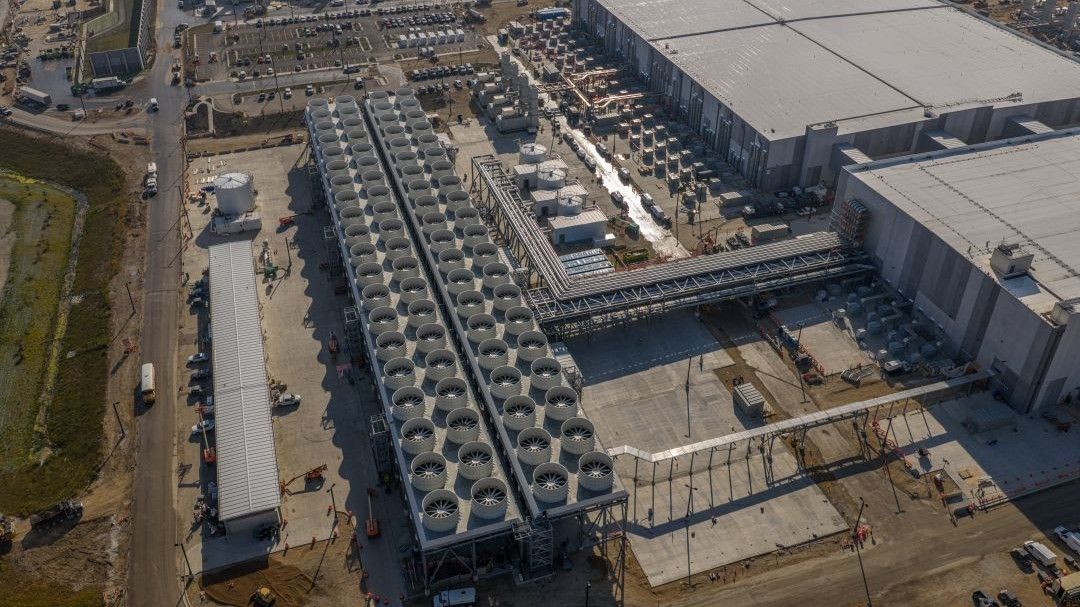
Full title: Microsoft is using wetlands and native gardens to ‘camouflage’ 20-plus data center sites by blending them into nature — critics blast the ‘biomimicry’ effort as ‘lipstick on a pig’ amid a 20-year gas power deal
Full title: Microsoft is using wetlands and native gardens to ‘camouflage’ 20-plus data center sites by blending them into nature — critics blast the ‘biomimicry’ effort as ‘lipstick on a pig’ amid a 20-year gas power deal

cross-posted from: lemmy.zip/post/72705356
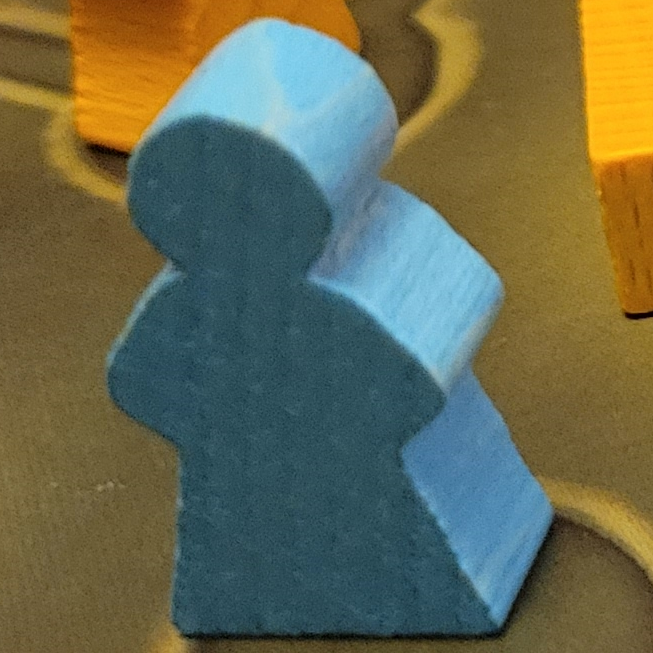
Saw a stack of these for sale at Half Price Books for $10, new in box, and decided to give it a try.
It’s a very very light weight game. You could teach it to most kids in a few minutes. But it’s still basically a war game. There are objectives, units with different values, and some tactical decision making. It’s perfect for introducing the basic concept to younger players or older players with little gaming experience.
Honestly at this price point it might be worth it just for the components, it seems like it would be pretty easy to design your own ruleset.

Saw a stack of these for sale at Half Price Books for $10, new in box, and decided to give it a try.
It’s a very very light weight game. You could teach it to most kids in a few minutes. But it’s still basically a war game. There are objectives, units with different values, and some tactical decision making. It’s perfect for introducing the basic concept to younger players or older players with little gaming experience.

Honestly at this price point it might be worth it just for the components, it seems like it would be pretty easy to design your own ruleset.
Saw a stack of these for sale at Half Price Books for $10, new in box, and decided to give it a try.
It’s a very very light weight game. You could teach it to most kids in a few minutes. But it’s still basically a war game. There are objectives, units with different values, and some tactical decision making. It’s perfect for introducing the basic concept to younger players or older players with little gaming experience.
Honestly at this price point it might be worth it just for the components, it seems like it would be pretty easy to design your own ruleset.
They changed the shurtcut for 👍 from (thumbsup) to :thumbsup:
They changed the shurtcut for 👍 from (thumbsup) to :thumbsup:
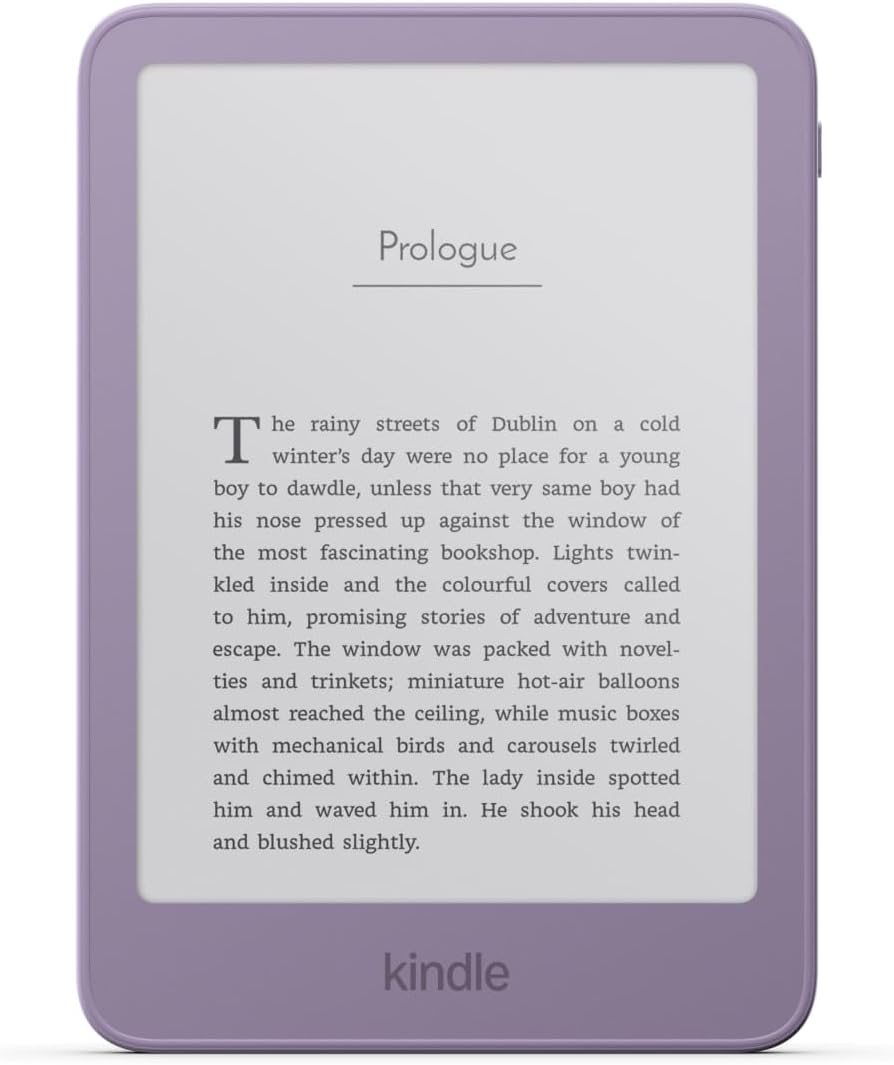
Amazon added a notice to the product pages for the new lineup of 2026 Kindles that states, “Wi-Fi and an Amazon account are required to set up your Kindle and download books”.
I thought maybe that was their way of saying that new Kindles cannot be used in an unregistered state like previous gen Kindles, but it turns out that’s not that case at all.
It’s still possible to use the new 2026 Kindles without registering them to an Amazon account, but they make you think you have to register them during the initial setup process. I forgot how to get past the registration screen since the last time I did this. At first I thought it wasn’t going to work, but I figured it out, so here’s how get past the initial setup process.
When setting up a new Kindle, there’s no obvious way to bypass the registration screen. The trick is to hold down the power button until the pop-up box appears where you can select “Restart“, and then your Kindle will boot to the homescreen instead of the registration screen.
However, you have to trigger the restart at the right time. You have to get to the screen that asks you to sign-in on the device, not the initial setup screen.
The first screen that appears asks if you want to sign-in on the device or set it up using your phone. Select the sign-in on device option, then enter your WiFi password. My Kindle downloaded a software update at this point, and then it restarted to the sign-in screen where it showed my name. That’s where you want to hold down the power button and restart.
I’m pretty sure I didn’t have to go through the process of setting up WiFi when I bypassed registration on my 12th gen Kindle Paperwhite earlier this year; I think it worked from the first screen where they ask if you want to sign-in on the device or use your phone, so something changed along the way.
Nevertheless, it’s still possible to use Kindles without registering them, despite Amazon making it seem like you have to sign-in with an Amazon account in order to use them.
You can still sideload ebooks and dictionaries and custom fonts, and use Kindles in an unregistered state if you want to. The main downside to doing so is there’s a nag screen that pops-up every time you go to the library that asks you to sign-in (I think that can be disabled if your Kindle is jailbroken), and you can’t use online features like Wikipedia lookup. But on the plus side, ad-supported models don’t show ads on the lockscreen—they show book covers instead. Another benefit with using unregistered Kindles is they no longer get software updates that break things, and you don’t have to worry about your sideloaded ebooks getting deleted if you use airplane mode for too long.


cross-posted from: lemmy.world/post/52726089
cross-posted from: lemmy.world/post/52726089




Adam Becker’s “More Everything Forever” begins by describing the ideas of Eliezer Yudkowsky, an AI guru who Sam Altman thinks deserves a Nobel Prize. Yudkowsky’s ambitions for humanity include “[p]erfect health, immortality,” and a future in which “[i]f you imagine something that’s worse than mansions with robotic servants for everyone, you are not being ambitious enough.” According to Yudkowsky and his peers, a “glorious transhumanist future” awaits us if we get AI right, although we face extinction if we get it wrong.
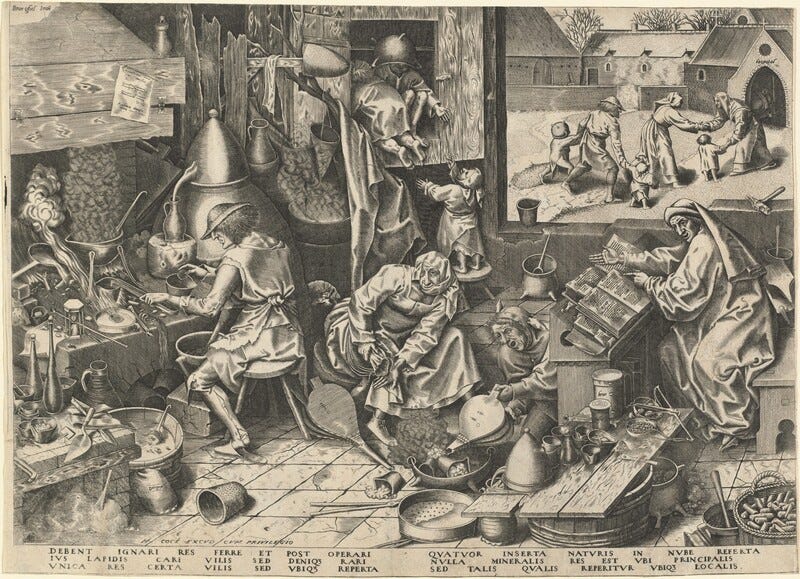
“AI” and “transhumanist” are new terms for rather older ambitions. As the seedy occultist Dr. Trelawney remarks in Anthony Powell’s 1962 novel, “The Kindly Ones,” “[t]o be forever rich, forever young, never to die … Such was in every age the dream of the alchemist.” Renaissance alchemists won the support of monarchs like Rudolf II, the Holy Roman Emperor who squandered his realm’s money on a futile quest to discover the Philosopher’s Stone. Now, as Becker explains, AGI, or artificial general intelligence, has become the means through which philosophers might transubstantiate our mundane reality into a realm in which the apparently impossible becomes possible: living forever, raising the dead, and remaking the universe in the shape of humanity.
These ideas would be a curiosity, if they weren’t reshaping the world, and policymakers’ understanding of national security. Our epoch is quite as strange as Rudolf II’s Prague. Like a John Crowley novel, it has its own deathless golems and wizards who hope to speak to divine beings through a medium. In Ezra Klein’s description, AI’s coders see themselves as casting spells of summoning, even if they are not sure what lurks on the other side of the portal.
Just as centuries ago, rulers listen to them. The Biden administration bet Americans’ national security on the proposition that AGI was right around the corner, while the Trump administration and its allies in the Gulf seem to believe that AI will help make a world where they will be in charge.
Becker’s excellent and lively book is not about AI as a working technology. It has little to say about the combinations of machine learning and “neural networks” (statistical processing engines that loosely resemble systems of neurons) that, for example, are used to simulate protein folding and complex weather systems. Instead, it is about the idea of AI and other closely related ideas. If it sometimes feels as though we live in a dark self-ramifying fairy tale, it is because the often mundane realities of AI have become interwoven with a set of fantastical notions that long predate the working technologies we have today.
…