0

Scientists Discover an Alarming Trend Climate Models Are Missing

preview

few short years ago, overnight lows were usually in the 60s. lows are now in the 70s and a few 80s and humid. central illinois.

www.wunderground.com/forecast/us/il/east-peoria

few short years ago, overnight lows were usually in the 60s. lows are now in the 70s and a few 80s and humid. central illinois.

www.wunderground.com/forecast/us/il/east-peoria

0

Long-range ducky

play · peertube.wtf
PeerTube.wtf Long-range ducky peertube.wtf
preview

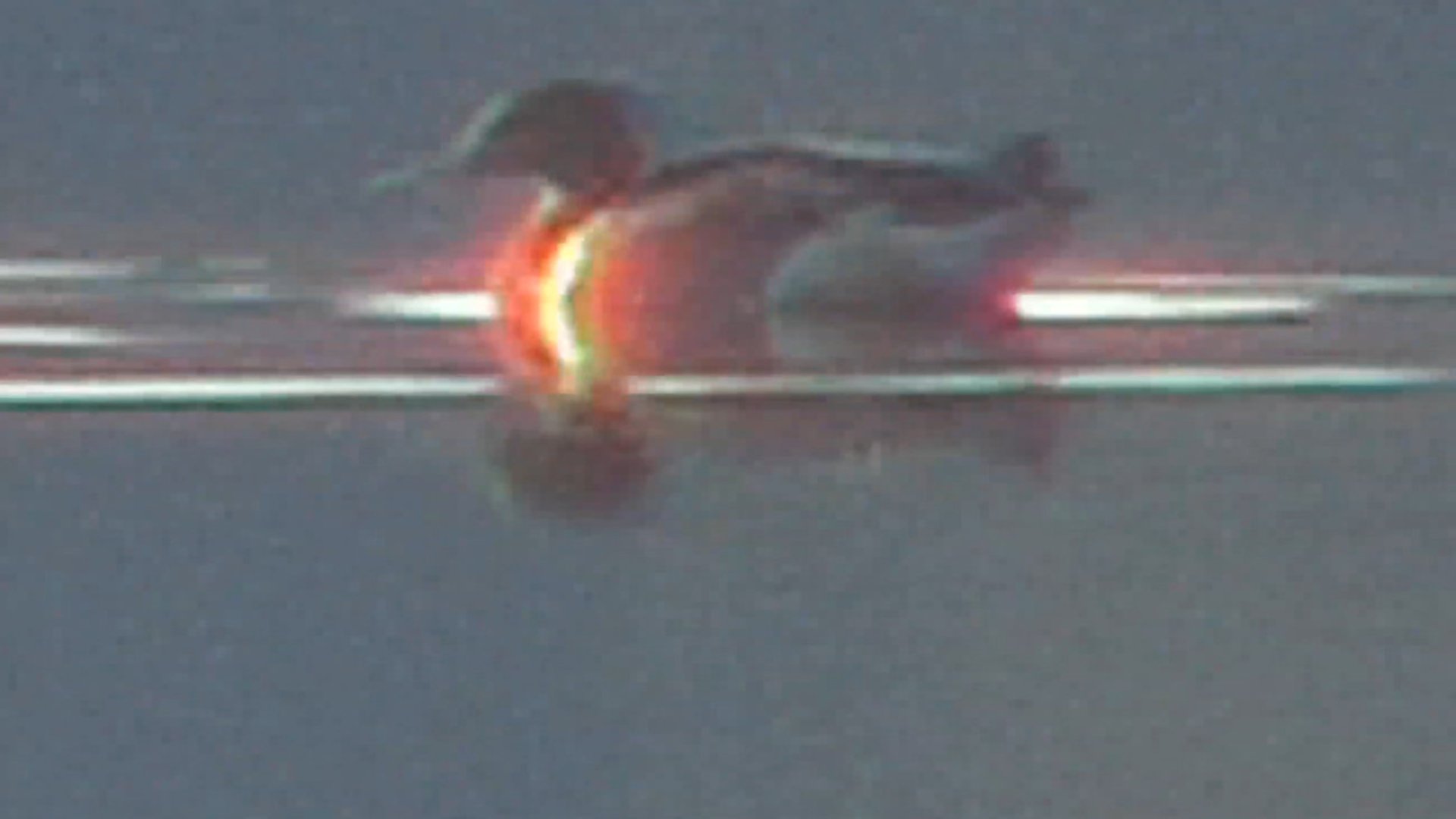
This little guy was all alone on the lake some 600 yards away. The water was still enough that our lake camera could track it fairly easily.

This little guy was all alone on the lake some 600 yards away. The water was still enough that our lake camera could track it fairly easily.

0

Of course 17-24 NEVER looked like the picture

preview

cross-posted from: lemmy.world/post/49228447

That being said, 9, 12, and 13 were the bomb.

Edit:

By popular demand secret option 34.

Edit 2:

Here’s your Choco Taco 35.

cross-posted from: lemmy.world/post/49228447

That being said, 9, 12, and 13 were the bomb.

Edit:

By popular demand secret option 34.

Edit 2:

Here’s your Choco Taco 35.

0

Bayer secured $3.4B in equity from ‌Apollo-managed funds in deal tied to long-acting reversible contraceptives, or LARC, business, ​aiming to bolster its capital ​structure while preserving control

0

French billionaire Xavier Niel to become Vodafone Group's largest shareholder, after UAE telecoms group e& agreed to sell its entire stake in the British telecoms group for almost $6B

0

Bipolar Check In 07 10 26

preview

Anything goes! I’m on a medication change again. The EPS is gone, but the trich has come back with a vengeance. I bought some NAC but I’ve read it will take months to (hopefully maybe) see improvement. I don’t know what’s worse at this point.

Anything goes! I’m on a medication change again. The EPS is gone, but the trich has come back with a vengeance. I bought some NAC but I’ve read it will take months to (hopefully maybe) see improvement. I don’t know what’s worse at this point.

0

Canvas starts in one week! | Canvas 2026

preview

cross-posted from: toast.ooo/post/15002894

Canvas 2026 is in one week!

Hello Fediverse! I’ve come bearing some great news, Canvas 2026 starts in one week!

What?

If you haven’t heard, Canvas is a collaborative pixel event that runs yearly, exclusively for the Fediverse. You will have 48 hours to make your mark on an art piece, one pixel at a time. This year the pixel cooldown will be 30 seconds flat, but you can stack up 6 pixels at a time so you don’t have to wait ages for pixels.

How do I login?

When you login to Canvas it’ll prompt you to identify yourself using fediverse-auth, which involves sending a DM to your account to verify who you are (or logging in with your client of choice, if your app supports it)

Try it out on the Canvas homepage using the emojis

Changelog (compared to last week)

Contribute

  • ✨ UI got a whole refresh (Ategon)
    • interface visibility toggle
    • settings/info keybinds
    • primary & secondary color selections
    • color pick keybind
    • mobile ui improvements (no longer crammed)
    • palette symbols, numbers being more readable
    • palette collapsing to avoid being covered by sidebar (can be disabled)
    • palette can now show pixels of certain color remaining in template (can be enabled)
    • palette can now hide colors not used in template (can be enabled)
    • buttons now follow sidebar (can be disabled)
    • accessibility settings: disable camera flash, keybinds, hide overlay card, compress buttons (icon only)
    • google maps-style overlay selection
    • long left click for whois instead of exclusively middle click
    • + many misc changes
  • ✨ share urls (grant)
  • ✨ heatmap works again (grant)
  • ✨ new snapshot types (Ategon)
  • added cotemplate link to sidebar (grant)
  • fixed pixel stack weirdness (grant)
  • fixed coords being incorrect upon zooming (grant)
  • template source is no longer visible on toggle (grant)
  • added initial FAQ for common problems (grant)
  • and various minor changes

Socials

0

Canvas starts in one week! | Canvas 2026

preview

Canvas 2026 is in one week!

Hello Fediverse! I’ve come bearing some great news, Canvas 2026 starts in one week!

What?

If you haven’t heard, Canvas is a collaborative pixel event that runs yearly, exclusively for the Fediverse. You will have 48 hours to make your mark on an art piece, one pixel at a time. This year the pixel cooldown will be 30 seconds flat, but you can stack up 6 pixels at a time so you don’t have to wait ages for pixels.

How do I login?

When you login to Canvas it’ll prompt you to identify yourself using fediverse-auth, which involves sending a DM to your account to verify who you are (or logging in with your client of choice, if your app supports it)

Try it out on the Canvas homepage using the emojis

Changelog (compared to last week)

Contribute

  • ✨ UI got a whole refresh (Ategon)
    • interface visibility toggle
    • settings/info keybinds
    • primary & secondary color selections
    • color pick keybind
    • mobile ui improvements (no longer crammed)
    • palette symbols, numbers being more readable
    • palette collapsing to avoid being covered by sidebar (can be disabled)
    • palette can now show pixels of certain color remaining in template (can be enabled)
    • palette can now hide colors not used in template (can be enabled)
    • buttons now follow sidebar (can be disabled)
    • accessibility settings: disable camera flash, keybinds, hide overlay card, compress buttons (icon only)
    • google maps-style overlay selection
    • long left click for whois instead of exclusively middle click
    • + many misc changes
  • ✨ share urls (grant)
  • ✨ heatmap works again (grant)
  • ✨ new snapshot types (Ategon)
  • added cotemplate link to sidebar (grant)
  • fixed pixel stack weirdness (grant)
  • fixed coords being incorrect upon zooming (grant)
  • template source is no longer visible on toggle (grant)
  • added initial FAQ for common problems (grant)
  • and various minor changes

Socials

0

UI Overhaul and Many new UI Features! (Tooltips, Mobile handling, Compact palette, easily toggleable overlays, and more!)

preview

Continuing with posts on new features I’ve been adding in I just had another set of changes merged to be used in the event! (and they’re active right now on the site! You can go in and check them out as well as the snapshot changes I talked about in my last post)

This set includes many new UI features as well as an overall UI overhaul. Previously the site was pretty much just using base HeroUI components that were slapped together quickly to get something functioning. Now everything is styled together and should match to each other well.

UI Visual Improvements!

The main part of the change is the change to make the ui look better. I went through and made all the components have a consistent style (with a white or black background depending on theme and an outline thats a bit different than the base color)

Better Color Picking!

You can now hit a physical button in the palette bar to color pick or you can hit c to enter color picking mode. Middle click will still work and pick the color you click but entering color picking mode using the button or c enters a brand new mode there you can preview the color youre about to pick and have special UI.

You cant see my cursor in the screenshot but in this I have it over the dark blue and you can see theres a little color preview that shows up saying the name of the color and the hex code.

If I then click it copies it as the current active color and has a little color picked text.

Symbols in the Palette Bar!

Theres a new setting that lets you show symbols in the palette bar that match up to the symbols in the symbols template style. This can help you know what matches up to what easier or if you just think it looks cool.

It will automatically be enabled when you swap the template to symbols mode (and the numbers will automatically be shown when you swap to numbers mode)

Color Tooltips!

When you hover over a color in the palette bar it will now give you the name of the color in a little tooltip to make discussion about the different colors easier since everyone can have consistent names for each of them.

Collapsible stats card!

You can now collapse the bottom left card that shows coordinates, pixels, and users online. Collapsing sets it to a mode where it only shows the pixels available to place if you want to save on some screen space.

Overlays Card!

Instead of needing to go into the settings to swap between overlays being on or not, theres a new overlays card that lets you toggle them on or off easily. To toggle them you can expand the card and then click on one of the overlays to enable it.

Hold to check pixel data

Instead of needing to shift click to open up whois data you can now instead just hold down on the pixel which will fill up a meter for a second and then once its full a question mark will appear. If you let go the whois panel will appear where you can check information on that pixel.

Moving Buttons when you open a Sidebar!

When you open a sidebar now (for example settings or info) the buttons will now move to the side with it so that you can still use them while the sidebar is open

I made it extremely smooth of a transition so enjoy playing around with that : )

Sticky Sidebar Headers

When you scroll in a sidebar the sidebar title and the close button now stay always at the top so that they are easily accessible.

Compact Palette!

You can now set the palette to be in a compact mode where colors go over two lines instead of 1. It automatically swaps to this by default when you open a sidebar and then back to normal when you close it but you can also set it so it doesnt swap to it or so that its always active.

Small Screen Handling

Instead of the mobile UI being extremely scuffed theres now handling to move the UI around so its usable! On smaller pc type screens and on mobile some buttons move into a “more” button according to how big the screen is so that it never collides with the ui on the left side

Palette bar manipulation based on the template!

Added the ability to show how many of each color you need remaining for the template you have set. e.g. with the below image the template needs 26 more black pixels and various other colors to be complete)

Allows you to set it so that the palette bar only shows colors in the palette that exist in the template and still need to be placed as well so make it easier to know which color to choose to fill it in.

Icon and Favicon

Added the official canvas icon to the top left and made it the favicon of the site instead of the site not having one! (more favicon updates coming soon to show things like pixel counts in it :) )

Various Other Changes!

Removed the black overlay that appeared when a sidebar was open so its easier to have a sidebar open and place on the canvas at the same time.

Added little text when you place a pixel

Added icons in various spots and to various buttons such as in the bottom left card

Prevented settings and whois from being open simultaneously because they are both right sidebars (opening one closes the other)

Various new settings added to do things like disable keybindings, etc.

Hope you enjoy the new features! More coming soon as I work through them and theres some large ones I’m looking forward to


Continuing with posts on new features I’ve been adding in I just had another set of changes merged to be used in the event! (and they’re active right now on the site! You can go in and check them out as well as the snapshot changes I talked about in my last post)

This set includes many new UI features as well as an overall UI overhaul. Previously the site was pretty much just using base HeroUI components that were slapped together quickly to get something functioning. Now everything is styled together and should match to each other well.

UI Visual Improvements!

The main part of the change is the change to make the ui look better. I went through and made all the components have a consistent style (with a white or black background depending on theme and an outline thats a bit different than the base color)

Better Color Picking!

You can now hit a physical button in the palette bar to color pick or you can hit c to enter color picking mode. Middle click will still work and pick the color you click but entering color picking mode using the button or c enters a brand new mode there you can preview the color youre about to pick and have special UI.

You cant see my cursor in the screenshot but in this I have it over the dark blue and you can see theres a little color preview that shows up saying the name of the color and the hex code.

If I then click it copies it as the current active color and has a little color picked text.

Symbols in the Palette Bar!

Theres a new setting that lets you show symbols in the palette bar that match up to the symbols in the symbols template style. This can help you know what matches up to what easier or if you just think it looks cool.

It will automatically be enabled when you swap the template to symbols mode (and the numbers will automatically be shown when you swap to numbers mode)

Color Tooltips!

When you hover over a color in the palette bar it will now give you the name of the color in a little tooltip to make discussion about the different colors easier since everyone can have consistent names for each of them.

Collapsible stats card!

You can now collapse the bottom left card that shows coordinates, pixels, and users online. Collapsing sets it to a mode where it only shows the pixels available to place if you want to save on some screen space.

Overlays Card!

Instead of needing to go into the settings to swap between overlays being on or not, theres a new overlays card that lets you toggle them on or off easily. To toggle them you can expand the card and then click on one of the overlays to enable it.

Hold to check pixel data

Instead of needing to shift click to open up whois data you can now instead just hold down on the pixel which will fill up a meter for a second and then once its full a question mark will appear. If you let go the whois panel will appear where you can check information on that pixel.

Moving Buttons when you open a Sidebar!

When you open a sidebar now (for example settings or info) the buttons will now move to the side with it so that you can still use them while the sidebar is open

I made it extremely smooth of a transition so enjoy playing around with that : )

Sticky Sidebar Headers

When you scroll in a sidebar the sidebar title and the close button now stay always at the top so that they are easily accessible.

Compact Palette!

You can now set the palette to be in a compact mode where colors go over two lines instead of 1. It automatically swaps to this by default when you open a sidebar and then back to normal when you close it but you can also set it so it doesnt swap to it or so that its always active.

Small Screen Handling

Instead of the mobile UI being extremely scuffed theres now handling to move the UI around so its usable! On smaller pc type screens and on mobile some buttons move into a “more” button according to how big the screen is so that it never collides with the ui on the left side

Palette bar manipulation based on the template!

Added the ability to show how many of each color you need remaining for the template you have set. e.g. with the below image the template needs 26 more black pixels and various other colors to be complete)

Allows you to set it so that the palette bar only shows colors in the palette that exist in the template and still need to be placed as well so make it easier to know which color to choose to fill it in.

Icon and Favicon

Added the official canvas icon to the top left and made it the favicon of the site instead of the site not having one! (more favicon updates coming soon to show things like pixel counts in it :) )

Various Other Changes!

Removed the black overlay that appeared when a sidebar was open so its easier to have a sidebar open and place on the canvas at the same time.

Added little text when you place a pixel

Added icons in various spots and to various buttons such as in the bottom left card

Prevented settings and whois from being open simultaneously because they are both right sidebars (opening one closes the other)

Various new settings added to do things like disable keybindings, etc.

Hope you enjoy the new features! More coming soon as I work through them and theres some large ones I’m looking forward to

0

Thoughts on Jean Talon Market?

preview

I went this afternoon hoping to find good Polish-style sausages. Instead I found overpriced produce and “boutique” meats at inflated prices.

I saw a Montreal hot dog stand that was 29$ for two hot dogs and some sides. I thought hot dogs were a poor person’s food.

Complete nonsense.

I went this afternoon hoping to find good Polish-style sausages. Instead I found overpriced produce and “boutique” meats at inflated prices.

I saw a Montreal hot dog stand that was 29$ for two hot dogs and some sides. I thought hot dogs were a poor person’s food.

Complete nonsense.

0

Looking for a community dedicated to ricing Linux

preview

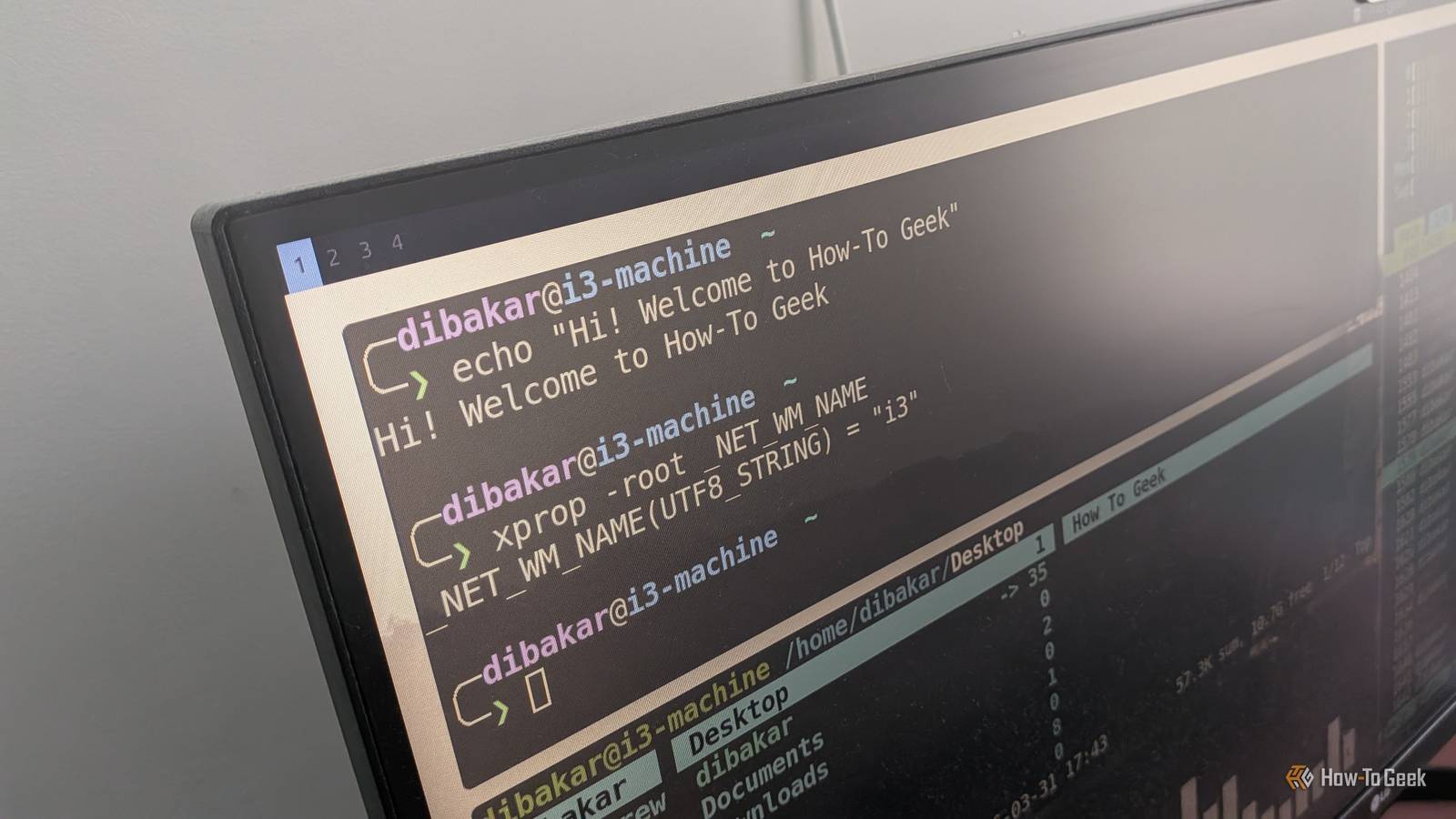
So at the moment I know that an official unixporn server on discord does exist, but first I don’t wanna use discord and second, they want me to verify myself via phone number before I’ll be able to chat, and that’s like a bit of BS. So what I’m actually looking for instead is preferably an xmpp room or an IRC chat Thanks to all of you in advance

So at the moment I know that an official unixporn server on discord does exist, but first I don’t wanna use discord and second, they want me to verify myself via phone number before I’ll be able to chat, and that’s like a bit of BS. So what I’m actually looking for instead is preferably an xmpp room or an IRC chat Thanks to all of you in advance

0

I had a new boardwalk built so my wife can use it too

New Boardwalk giraut.github.io
preview

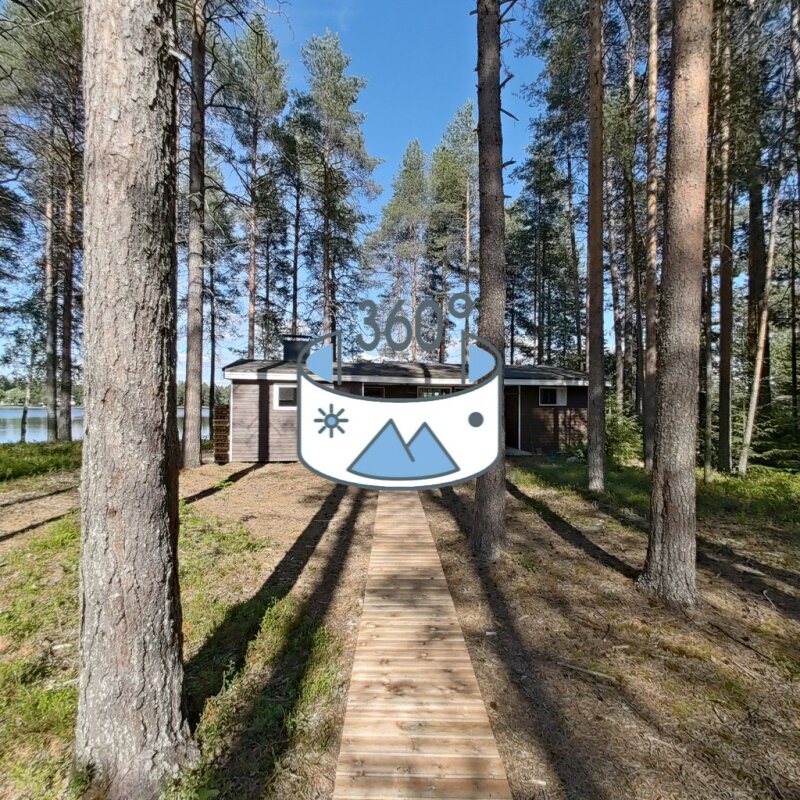
I had the boardwalk between the house and the summer cottage replaced, but with twist - literally: both ends of the boardwalk now gently rise up and meet the house’s backdoor and the cottage’s terrace level, so there are no steps anywhere. Also, it’s wider than regular, commercial boardwalks. You could say it’s a boardwalk with accessibility in mind.

My wife who has a disability can now easily go to the cottage and spend some time enjoying the lake and listening to music there without any help.

0

[Video] Why Socialists Must Understand Metabolic Rifts

MR Online Why Socialists Must Understand Metabolic Rifts - MR Online mronline.org
preview

cross-posted from: news.abolish.capital/post/63712

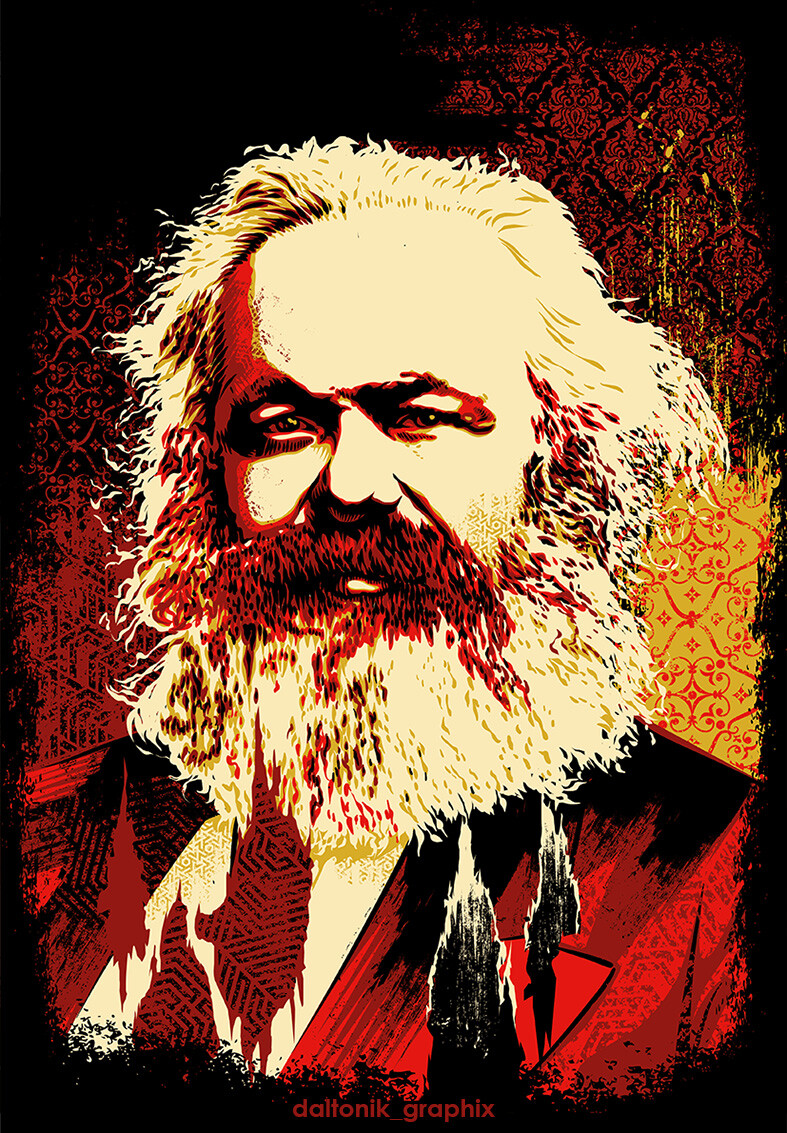
At the Marxism 2026 conference in Toronto last month, Ian Angus spoke at a release event for his new book, Metabolic Rifts: Capitalism’s Assault on the Earth System, out now from Monthly Review Press.


From MR Online via This RSS Feed.

cross-posted from: news.abolish.capital/post/63712

At the Marxism 2026 conference in Toronto last month, Ian Angus spoke at a release event for his new book, Metabolic Rifts: Capitalism’s Assault on the Earth System, out now from Monthly Review Press.


From MR Online via This RSS Feed.